
Google Ads looks different this year. AI now handles most of the setup work. But the goal stays the same.
So, how to run Google Ads? You need a plan. You need the right budget. You need ads that turn clicks into customers.
No wasted spend. Just a clear path from your first click to your first real customer. You’re closer to profitable ads than you think.
I have managed ad accounts for small businesses and mid-size brands. I share a few of those stories in the content. They show what works. They show what wastes money.
How to Run Google Ads
Start by opening an account. Pick one thing you want to achieve. Choose a campaign type that fits it. Add your keywords. Set a daily budget. Write three solid headlines. Hit launch.
Track your conversions from day one. This tells you what’s working. Costs vary a lot in 2026.
The average CPC across the US sits near $5.42. E-commerce ads run cheaper, around $1.16. Legal ads cost more, up to $6.75.
Most small businesses spend between $1,500 and $5,000 a month. Set your budget based on your goals, not your worries.
Work on your Quality Score. Get it to 8 or higher. That alone can cut your CPC by 30 to 50 percent.
Make your ads more relevant. Speed up your landing pages. Match your headlines to what people search for. These small changes add up fast.
Start with Search campaigns first. They build the data your account needs to succeed.
Once you hit 15 to 30 conversions, add Performance Max. That combo sets you up to grow through 2026 and beyond.
What Changed in Google Ads for 2026
Google pushed its whole platform toward AI this year. This matters if you want to learn how to run Google Ads the right way today.
Here is what changed:
- Call-only ads are gone. Google stopped letting advertisers create new call ads in February 2026. You now add phone numbers as call assets inside responsive search ads instead.
- AI Max layers onto Search campaigns. It is not a new campaign type. It sits on top of your existing search ads and reads context, not just keywords.
- Performance Max now includes Waze. Store-goal PMax campaigns can show up as a promoted pin inside Waze for U.S. advertisers. No extra setup needed. (Google Support)
- Policy checks run in real time. Responsive search ads get reviewed in seconds instead of hours. (Google)
- Legacy Dynamic Search Ads auto-upgrade to AI Max starting in September 2026. (Google)
These changes push every advertiser toward feeding the system cleaner data instead of tweaking settings by hand. That is the shift behind how to run Google Ads well this year.
Step 1: Nail down one focus Before You Open the Account
Do not skip this step. Every wasted ad dollar starts with a fuzzy goal.
Pick one goal:
- Sales on a website
- Leads through a form or a call
- Store visits
- App installs
- Brand reach
Google Ads asks for this goal the moment you build a new campaign. Your goal decides your bidding option. It decides your campaign type. It decides which metric matters most.
One client told me he wanted “more traffic.” That is not a goal. We changed the target to “cost per qualified lead under $40.”
The account improved fast. Clear numbers guide the algorithm. Vague goals confuse it.
Step 2: Pick the Right Campaign Type
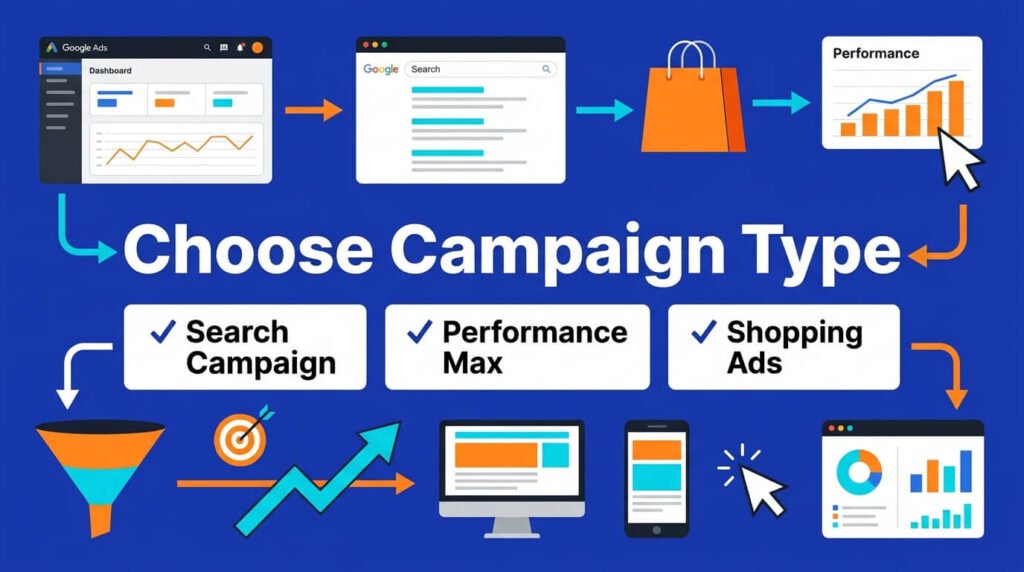
Google offers several formats. Each one does a different job.
| Campaign Type | Best For | Where Ads Show |
| Search | High-intent buyers typing exact queries | Google search results |
| Performance Max | Full-funnel reach across every surface | Search, Display, YouTube, Gmail, Maps, Waze |
| Shopping | Online stores with a product feed | Google Shopping, search results |
| Demand Gen | Visual storytelling and awareness | YouTube, Discover, Gmail |
| Display | Broad reach, low cost, retargeting | Partner websites and apps |
Search campaigns bring the highest intent. A person types a need. They click. Performance Max works well once you have solid conversion data feeding it.
Skip PMax on a brand-new account with zero history. Feed it data first through Search. Then expand.
Step 3: Create the Account (For First-Time Advertisers)
If you have never touched Google Ads before, start here.
- Go to ads.google.com and sign in with a Google account
- Choose “Switch to Expert Mode” so you skip the guided setup and pick your own campaign type
- Add your billing details and confirm your business address
- Link Google Analytics so you can track behavior after the click
- Link Google Merchant Center if you plan to run Shopping ads
- Verify your business through Advertiser Verification, which Google now requires for most accounts before ads go live
Set this up before you touch a single keyword. A verified, linked account avoids delays once your campaigns launch.
Step 4: Build Your Account Structure
Knowing how to run Google Ads well starts with structure. A clean structure saves money for years. A messy one bleeds budget quietly.
Follow this order:
- Account: one per business
- Campaign: one per goal or product line
- Ad group: one per tight theme, not one giant bucket
- Keywords or audience signals: grouped by close meaning
- Ads: three to five per ad group, testing different angles
Group keywords that share the same buyer intent. Do not mix “cheap running shoes” with “custom orthotic shoes” in one ad group.
The searcher wants different things. Your ad copy should match the words they typed.
Step 5: Research Keywords the Right Way
Keyword research still matters, even with AI Max reading context. Google’s own bidding tools need a strong starting signal.
Steps to find keywords that convert:
- Open Google Keyword Planner inside your Ads account
- Type your core product or service
- Sort by search volume and competition
- Pull in long-tail phrases with three or more words
- Check the intent behind each phrase before you add it
Long-tail keywords cost less. They convert better. A phrase like “emergency plumber near me open now” pulls in a buyer ready to act.
A phrase like “plumbing” pulls in a student writing a paper. Match your bids to buyer intent, not just search volume.
Step 6: Set a Budget That Matches Reality
Budget confusion stops more campaigns than bad ad copy does. Here is what spending looks like across business sizes.
Average monthly Google Ads spend by business size:
| Business Size | Monthly Spend |
| Small business | $1,500 to $5,000 |
| Mid-size company | $5,000 to $15,000 |
| Enterprise | $15,000 to $100,000+ |
Source: eMarketer’s Digital Ad Spending Report
Your daily budget is your monthly number divided by 30.4. Start small. Raise spend once you see stable conversions, not before.
I once launched a local service account at $15 a day. The owner wanted faster results. He pushed to $60 a day in week two.
Conversions did not scale with the budget. The account needed more search term data first, not more cash.
We dropped back to $25 a day and let Quality Score climb. Cost per lead fell by a third within a month.
Step 7: Choose a Bidding Strategy
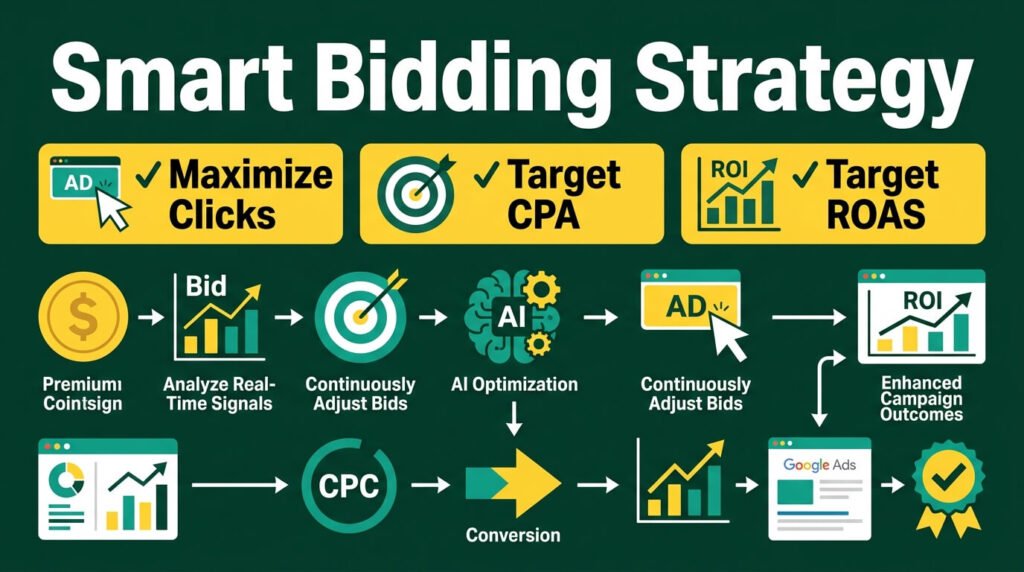
Bidding decides how much you pay and who sees your ad. Most 2026 accounts run on automated bidding now.
Common bidding options:
- Maximize Conversions: spends your full budget to get the most conversions
- Target CPA: aims for a set cost per acquisition
- Target ROAS: aims for a set return on ad spend, good for e-commerce
- Maximize Clicks: good only for brand-new accounts still gathering data
- Manual CPC: rare now, but still useful for tight control on small budgets
86% of advertisers now use Smart Bidding. AI-driven bids are the standard, not the exception. (BizIQ)
Start new accounts on Maximize Clicks for two weeks. Switch to Target CPA once you log 15 to 30 conversions. The algorithm needs that data before it can bid well on its own.
Step 8: Write Ads That Match Search Intent
Ad copy still drives your click-through rate. AI drafts suggestions. A person still needs to check every line.
Rules that hold up in 2026:
- Put the main keyword in the headline
- Add a number, a price, or a specific detail
- Include one clear call to action
- Write three headline variations per ad group
- Test one benefit-driven headline against one urgency-driven headline
Responsive search ads generate 14% more conversions than older fixed-text ads.
(Searchlab) Feed the system five headlines and four descriptions at minimum. Fewer inputs mean weaker testing.
Step 9: Add Ad Extensions and Assets
Extensions boost your click-through rate and your Quality Score. Skipping them leaves easy wins on the table.
Add these to every campaign:
- Sitelinks: extra links under your ad that point to key pages
- Callouts: short trust phrases like “Free Shipping” or “24/7 Support”
- Structured snippets: lists like service types or product categories
- Call assets: your phone number, now required for anything that used to be a call-only ad
- Lead form assets: a form that opens right inside the ad on mobile
More assets give Google more combinations to test. That means better ad rank at a lower cost per click.
Step 10: Track Conversions Before You Spend a Dollar
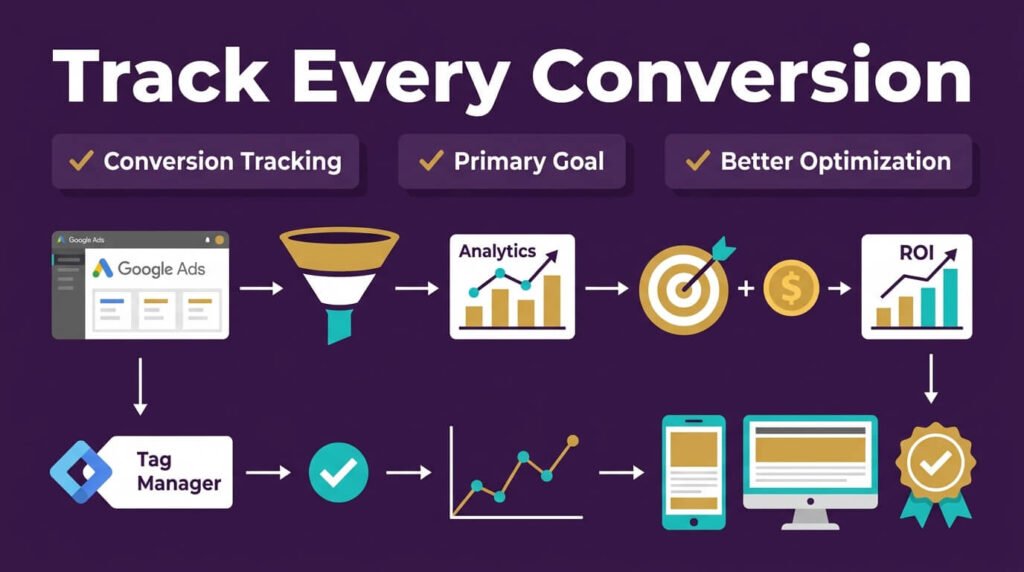
This step gets skipped constantly. Skipping it wrecks accounts.
Set up conversion tracking through Google Tag Manager or the Ads tag. Confirm every goal fires correctly using Tag Assistant before you launch anything.
Pick one primary conversion action. Multiple account-default primary goals make it harder for the system to optimize bidding. (PPC Hero) Choose your one must-have action. Set everything else to secondary.
A B2B client tracked “form submits” and “newsletter signups” as equal primary goals.
The algorithm split its attention. It bid oddly for both. We set form submits as the single primary goal.
We moved newsletter signups to secondary. Cost per lead dropped by 22% in three weeks.
Step 11: Build Your Negative Keyword List
Negative keywords stop your ads from showing on searches that will never convert. This step deserves its own routine, not a side note.
How to build the list:
- Pull the Search Terms report weekly
- Flag any term that brought a click but zero conversions
- Add exact-match negatives for terms with no buyer intent
- Add broader negatives for whole categories that do not fit, like “free,” “jobs,” or “DIY” if you sell a paid service
- Review the list monthly and remove any negative that blocks a term you now want
Accounts that add 20 or more negatives a month see a measurable drop in wasted spend.
Step 12: Set Up Remarketing
New clicks cost more every year. Remarketing lets you reach people who already know your brand, at a lower cost.
Ways to use it:
- RLSA (Remarketing Lists for Search Ads): bid higher on past visitors when they search again
- Standard remarketing : show display ads to site visitors as they browse other sites
- Customer Match: upload your email list and target those exact people across Google surfaces
Start remarketing once your site gets steady traffic. A visitor who already looked at your product converts at a far higher rate than a stranger.
Current Cost Benchmarks: What You Should Expect to Pay
Costs shifted this year. Knowing current numbers stops you from panicking over normal auction pricing.
2026 average CPC by industry, compiled from a review of over 13,000 U.S. search campaigns across 23 industries:
| Industry | Average CPC |
| Legal | $6.75 |
| Real Estate | $2.37 |
| Home Services | $5.10 |
| Technology | $3.80 |
| E-commerce | $1.16 |
| Arts & Entertainment | $1.60 |
Source: WordStream
The average cost per click across Google and Microsoft Ads sits at $5.42. That is roughly double the $2.32 average from ten years ago. Cost per lead dropped in 2026, the first drop in five years. (WordStream)
A few more numbers worth knowing:
- Average search conversion rate sits near 4.4% (Uproas)
- Average cost per lead across the dataset is $70.11 (PPC Chief)
- Shopping ads cost far less per click than standard search: $0.66 versus $5.26 (Rudys)
- A Quality Score jump from 5 to 10 can cut CPC roughly in half
Do not chase the lowest CPC. A pricier click that converts beats a cheap click that never buys.
Fixing the Most Common Google Ads Problems
Here are the exact issues people search for, with direct fixes.
Problem: My CPC is too high.
Check your Quality Score first. Tighten ad relevance to match your keywords. Speed up your landing page and fix the mobile layout. A Quality Score of 8 or higher often drops CPC by 30% to 50% in competitive fields.
Problem: My ads get clicks but zero sales.
Your landing page likely breaks the promise in your ad. If the ad says “free quote,” the page needs a visible quote form above the fold, not buried three scrolls down.
Problem: My budget runs out by noon.
Lower your bid caps. Narrow your targeting. A budget that drains in hours often means your keywords are too broad. Add negative keywords every week.
Problem: Performance Max feels like a black box.
Use the channel-level reporting Google added this year. It shows which surface Search, YouTube, or Display drives your results.
Feed PMax first-party data like customer lists and offline conversions to sharpen its targeting.
Problem: My optimization score nags me constantly.
Ignore suggestions that do not fit your account. A high score is not the goal. Profitable conversions are the goal.
What Industry Experts Say About Running Ads in 2026
Paid search leaders agree on one theme this year. Control shifted from settings to strategy.
Sarah Stemen, President of the Paid Search Association, put it directly:
“You’re not selling the perfect campaign setup, settings, or secret tricks. You’re selling thinking. You’re selling discernment.” — Sarah Stemen
Sophie Fell, Head of Paid Media at Liberty Marketing Group, pointed to creative as the lever advertisers still control:
“As PPC in general becomes increasingly automated, creative assets have become one of the most powerful levers that advertisers still have.” PPC Hero
Michelle, Co-Founder of Paid Media Pros, stressed that the fundamentals still matter most.
She wrote that the strategies that worked in 2023 do not work the same way today, and that conversion tracking stays a must for any shot at success. (LocaliQ)
The pattern across all three voices is clear. Automation runs the mechanics. People still guide strategy. People still feed clean data. People still build creative that stands out.
Weekly Checklist for Running Google Ads
Once you know how to run Google Ads at the setup stage, this checklist keeps your account healthy long after launch:
- Check the search terms report and add negatives
- Review CPC and CPA against your industry benchmark
- Pause any keyword or ad with zero conversions after enough clicks
- Test one new headline or description
- Confirm conversion tracking still fires correctly
- Review budget pacing against your monthly goal
- Check Quality Score changes on your top spenders
Do this every week. It beats a rushed monthly overhaul. Small, steady fixes add up.
A Simple 30-Day Launch Plan
- Week 1: Set your goal. Build your structure. Add conversion tracking. Launch on Maximize Clicks.
- Week 2: Watch search terms daily. Add negatives. Adjust ad copy.
- Week 3: Switch to Target CPA once your conversion count allows it. Raise budget slightly.
- Week 4: Compare performance to your industry benchmark. Cut weak keywords. Scale winners.
This pace keeps risk low. It gives the algorithm enough signal to work with.
Final Answer
Every campaign starts as a blank page. Yours does not have to stay ordinary.
Open your account today. Build one solid campaign. Watch it grow week by week.
Momentum comes from action, not waiting. Every dollar you spend teaches the system something new. Every ad you test sharpens your edge.
Businesses that win with Google Ads share one habit. They show up consistently and refine often.
You already have what it takes. The tools are ready. The path is open.
Take the first step now. Your best campaign is still ahead of you.
FAQ
Do I need a website, or can I run Google Ads with just a landing page?
A single landing page works fine. Google does not require a full website. It does check that the page matches your ad and loads fast on mobile.
Can competitors click my ads to drain my budget?
Yes, this happens. It’s called click fraud. Google’s system filters out most invalid clicks automatically and credits your account for confirmed fraud. You can also report suspicious click patterns for a manual review.
Is there a minimum budget required to open a Google Ads account?
No official minimum exists. You can start with $5 or $10 a day. A very small budget limits how much data the algorithm collects, so results take longer.
How many keywords should go in one ad group?
Keep it between 5 and 15 closely related terms. More than that, and your ad copy stops matching the exact intent behind each search.
Can I run Google Ads in more than one country or language from a single account?
Yes. One account can run separate campaigns for different countries and languages. Each campaign needs its own location and language settings, and its own translated ad copy.
What happens if my spend goes over my daily budget on a high-traffic day?
Google allows up to double your daily budget on busy days. It caps your total spend at your monthly average. So you never pay more than 30.4 times your daily budget in a month.
Do I need a Google Ads certification to manage my own account?
No. Certification helps with credibility if you manage ads for clients, but it’s not required to run your own account.
How does Google Ads work for a seasonal business that only advertises part of the year?
You can pause campaigns during off-months and reactivate them later. Performance history stays attached to the campaign, so you don’t start from zero when you turn it back on.
Can I pause a campaign without losing its Quality Score and history?
Yes. Pausing keeps your Quality Score, ad history, and past data intact. A long pause of several months can cause some data to reset once you relaunch.

Aliza Khatun is a Digital Marketing Professional and the founder of DigiGenHub. She has helped various businesses grow their online presence through real-world experience in marketing, branding, traffic growth, and business strategy.
Through DigiGenHub, she shows how to build and grow a business from the ground up using Website Setup, SEO, Branding, Paid Promotion, and smart digital tools.
She also highlights how AI can be used to its full potential to make content creation, automation, marketing, and business growth faster and smarter.
She believes that the right knowledge, modern technology, and the right tools can help any individual or business build a stronger online presence.