
TL;DR
Here’s what you need to know.
Learning how to become a web designer isn’t complicated. You just need the right order.
- Start with one path. Design, code, or both. Pick a lane and commit.
- Build three skills deep. Figma, HTML, and CSS. Everything else can wait.
- Make your pages fast. Speed keeps visitors on the page and keeps clients happy.
- Make your pages work for everyone. Accessibility isn’t optional anymore.
- Let AI handle the repetitive parts. Your eye and your judgment are what clients actually pay for.
- Build real projects, not copied templates. Original work is what gets noticed.
- Share your work where people look. Dribbble, LinkedIn, and design forums are often where the first opportunity comes from.
- Trust the path. Many designers reach a high six-figure income with time and the right focus. Demand keeps rising year after year.
You already have what it takes to start. Open Figma. Build your first page. Let today be the beginning.
How to Become a Web Designer
Thousands of people search for one answer every year. How to become a web designer without wasting months on outdated advice.
Web design pays well. It offers freedom. You can work from home, freelance, or join a company. The field shifted fast this year.
AI tools now handle layout work that used to take hours. Employers want different skills than they did a few years ago.
What Does a Web Designer Do in 2026?
A web designer builds the look and feel of a website. Colors. Layout. Fonts. Buttons. Navigation. The job also covers how a site works on phones, tablets, and desktops.
The Bureau of Labor Statistics groups this work under web and digital interface designers. This role focuses on the look, function, usability, and cross-device compatibility of a website.
A web developer focuses more on code and backend systems. Many small business owners hire one person to do both jobs. Larger companies split the roles.
If you want to know how to become a web designer, start here. Pick your lane first.
Do you want visual design, front-end code, or a mix of both? Your answer shapes every step that follows.
Step 1: Pick Your Web Design Path
Three paths exist inside web design. Each one leads to different jobs and different pay.
Visual and UI design. You build layouts. You choose colors. You pick fonts. Tools like Figma matter most here.
Front-end design. You add code skills to your visual work. You build sites that function, not just look good.
Full-stack web design. You handle design and backend logic. This path pays the most. It also takes the longest to learn.
Most beginners start with visual design. They add code skills over time. This order works best for anyone learning how to become a web designer without a computer science background.
Step 2: Build Core Skills First
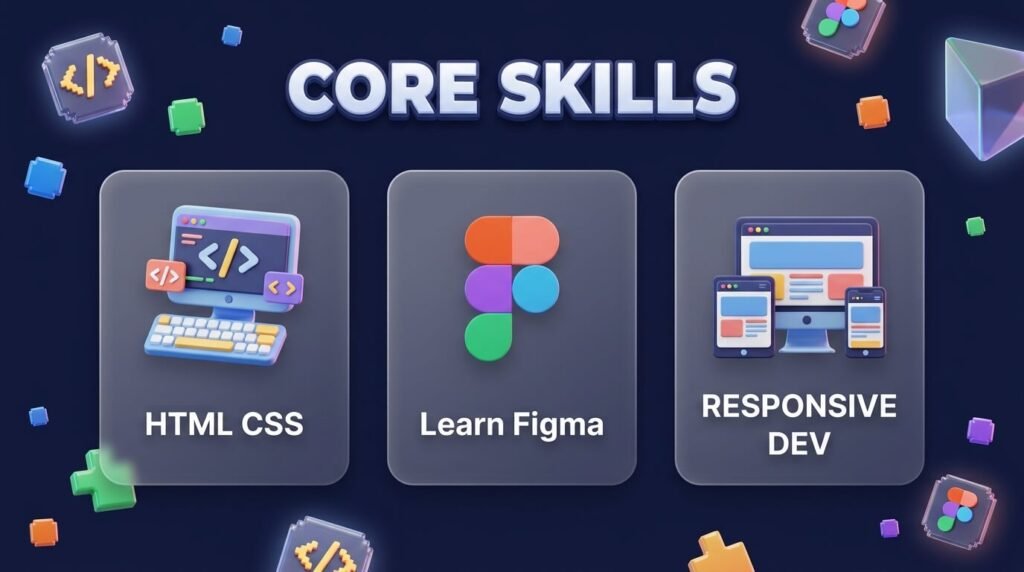
Skip the fluff courses. Focus on skills that employers and clients pay for right now.
| Skill | Why It Matters in 2026 | Time to Build Basic Skill |
| HTML & CSS | Every site runs on this code | 4 to 6 weeks |
| Figma | Standard tool for layout and prototypes | 3 to 5 weeks |
| Responsive design | Mobile traffic keeps growing | 2 to 4 weeks |
| UX basics | Clients want sites that convert, not just look nice | 4 to 6 weeks |
| Web accessibility | Legal pressure is pushing WCAG compliance into standard hiring criteria | 2 to 3 weeks |
| JavaScript basics | Adds interactivity to static pages | 6 to 8 weeks |
| AI design tools | Speeds up your workflow and cuts production time | 1 to 2 weeks |
You don’t need every skill at once. Start with HTML, CSS, and Figma. Add the rest as you build projects.
Speed matters more than most beginners think. Industry data from Elementor’s 2026 report shows most users expect a page to load in under two seconds.
This pushes designers toward cleaner code and lighter layouts. Build this habit early. It saves you from breaking client sites later.
Accessibility now sits next to speed as a core skill, not an extra. A WebAIM study cited by Elementor found that most of the top one million homepages fail basic WCAG checks.
Clients notice when a site works for every visitor, including people using screen readers or keyboard navigation.
Learn basic contrast ratios, alt text rules, and keyboard-only navigation testing. This one skill sets you apart from designers who skip it.
Step 3: Use AI Tools the Right Way
AI changed web design fast this year. It did not replace designers. It replaced repetitive tasks.
Most professional web designers now believe AI tools will support their workflow instead of taking over their role, according to Elementor’s AI design research. That number tells you where the field stands right now.
Here’s what AI does well in 2026:
- Generates first-draft layouts in seconds
- Suggests color palettes and typography pairs
- Creates responsive breakpoints automatically
- Writes basic meta titles and descriptions
- Builds quick wireframes for client presentations
- Scans pages for accessibility gaps before launch
Here’s what AI still struggles with:
- Judging brand fit for a specific business
- Fixing weak user flows
- Making final creative decisions
- Handling custom, high-stakes client work
Use AI to speed up drafts. Use your own eye to fix what AI misses. AI drafts fast, but it also copies patterns without asking why they work. A trained eye still catches what a generated layout gets wrong.
I tested Figma’s AI layout suggestions on three mock projects last month. Two came out clean.
One needed a full rebuild because the AI ignored basic contrast rules. This confirmed something simple. AI saves time on the first draft. It does not replace a trained eye.
Step 4: Choose Your Learning Method
You don’t need a four-year degree to start. The Bureau of Labor Statistics notes that education for this field ranges from a high school diploma to a bachelor’s degree.
This depends on the employer. Some companies want a degree. Many care more about your portfolio.
Compare your options below.
| Path | Cost | Time | Best For |
| Self-taught (free resources) | Low | 4 to 8 months | Self-starters with strong discipline |
| Online bootcamp | $2,000 to $10,000 | 3 to 6 months | People who want structure fast |
| Community college certificate | $1,500 to $5,000 | 6 to 12 months | People who want a formal credential |
| Bachelor’s degree | $20,000+ | 4 years | People targeting large corporate roles |
Most beginners learning how to become a web designer choose the bootcamp or self-taught path. Both work. Your portfolio decides the outcome, not your certificate.
No-code and AI-assisted builders now let beginners skip years of manual coding while they build design instincts.
Tools like Framer and Webflow handle the technical setup. So you can focus on layout choices and client work sooner.
Step 5: Pick a Design Niche
Generic “web designer” is a crowded search term. A niche gives you an edge and a clearer answer when clients ask what you do.
Common niches in 2026:
- E-commerce design. You build product pages and checkout flows that convert. Shopify skills help here.
- SaaS and landing pages. You design pages that turn visitors into signups. This niche pays well and moves fast.
- No-code specialist. You build full sites in Webflow or Framer without writing custom code.
- Personal brand sites. You design for coaches, creators, and consultants who need a simple, polished presence.
Pick one niche after you finish your first few projects. Clients trust a specialist over a generalist once they know their industry.
Step 6: Build a Portfolio That Gets Hired
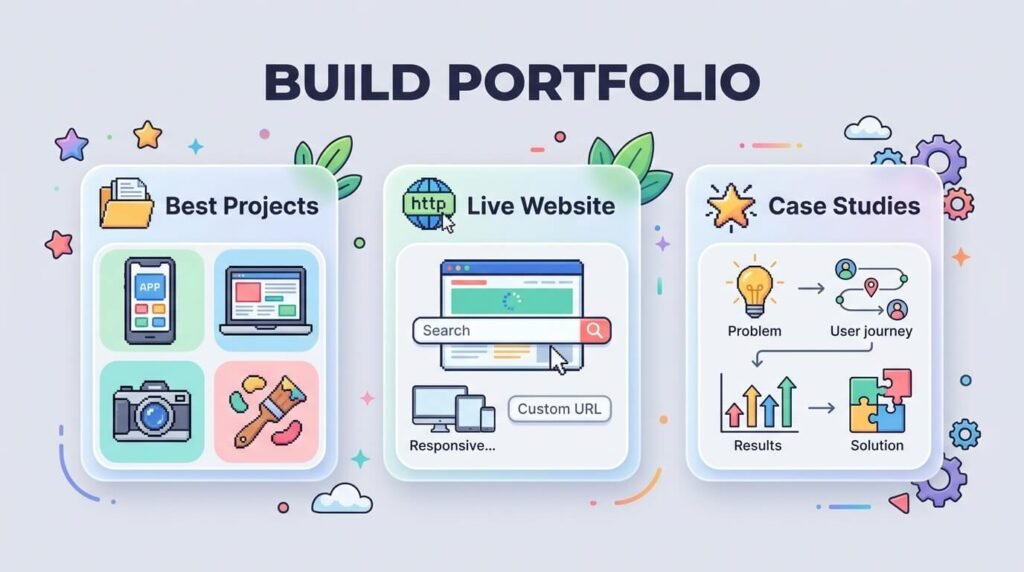
Clients and employers skip resumes. They check your portfolio first. Build three to five strong projects before you apply for any job.
Follow this order:
- Redesign an existing small business site. Pick one with obvious problems.
- Build a portfolio site for yourself.
- Design a mock e-commerce page. Show payment flow thinking.
- Create a mobile app landing page. Show responsive skills.
- Take on one client project, even for free or low pay.
Skip generic templates for your portfolio pieces. Show your own layout choices. Employers spot copied templates fast.
Post your work where hiring managers and clients already look. Set up a Dribbble profile and a Behance profile.
Keep your LinkedIn updated with your best three projects pinned at the top. Most freelance work in 2026 gets found through these platforms, not job boards.
When I built my first three portfolio pieces, I made every layout from scratch instead of pulling from a theme.
It took longer. But it landed me two client calls within a month. Both came from people who found my portfolio through a design forum.
Step 7: Apply and Interview With Confidence
Once your portfolio is ready, start applying. Most design interviews include a portfolio walkthrough and sometimes a short design task.
For the portfolio walkthrough, prepare a short story for each project. State the problem. State your decision. State the result. Keep each story under two minutes.
For a design task, ask what the client or company wants to see before you start. A rushed task with no clear brief wastes your time and theirs. Set a time limit for yourself, usually two to four hours, and stick to it.
For freelance client calls, ask about budget and timeline early. This protects your time and filters out clients who are not ready to hire.
Step 8: Understand the Real Salary Numbers
Salary numbers online vary. Different sites pull data from different sources. Here is a clear breakdown from trusted sources.
| Source | Salary Figure (2026) | Notes |
| BLS: Web & Digital Interface Designers | $98,090 median | Most reliable government data |
| Glassdoor: Web Designer | $85,486 average | Includes bonuses and extra pay |
| Coursera salary guide | $85,000 median | Pulled from Glassdoor totals |
According to the Bureau of Labor Statistics, the lowest ten percent of web and digital interface designers earned less than $47,840 in May 2024.
The highest ten percent earned more than $192,180. Your location, niche, and experience level swing your pay a lot.
Freelance work adds another layer. Glassdoor data shows the top paying industries for web designers.
This includes telecommunications, pharmaceutical and biotechnology, information technology, retail, and human resources staffing. If you want higher pay fast, target clients in these fields first.
Step 9: Check the Job Outlook
This matters more than most guides admit. Is web design still worth it in 2026?
Overall employment for web developers and digital designers is projected to grow seven percent from 2024 to 2034, according to the Bureau of Labor Statistics.
That is much faster than the average for all occupations. About 14,500 openings are projected each year over the decade.
Demand keeps growing because e-commerce keeps expanding. Mobile web use keeps rising too. This pushes companies to build sites that work across many screen sizes.
This growth rate beats most office jobs. If you are still weighing how to become a web designer against other career paths, this data backs the choice.
Step 10: Decide Between Freelance and Full-Time Work
Both paths work. Pick based on your risk comfort and income needs.
Freelance web design:
- Flexible hours
- You set your own rates
- Income varies month to month
- You handle your own client search
Full-time web design job:
- Stable paycheck
- Benefits like health coverage
- Less control over projects
- Faster skill growth through team feedback
Many designers start full-time, then move to freelance once they build a client list. This order lowers your financial risk while you build web design skills.
I worked a junior in-house role for eight months before going freelance. That time taught me client communication skills no course covered.
When I switched to freelance work, I already knew how to handle scope changes and tight deadlines.
Step 11: Avoid These Common Mistakes
These mistakes show up again and again with new designers.
- Skipping mobile testing. Over half of web traffic comes from phones. Test every project on a phone screen before you call it done.
- Copying templates without changes. Clients and employers spot this fast.
- Ignoring load speed. A slow site loses visitors within seconds.
- Ignoring accessibility. A site that fails basic WCAG checks can cost a client legal trouble and cost you the job.
- Learning too many tools at once. Pick two or three tools. Build depth before you add more.
- Skipping client communication practice. Design skill alone does not win projects. Clear communication closes deals.
Step 12: Keep Your Skills Current
Web design shifts fast. Tools that mattered in 2023 barely show up in 2026 job posts. Follow these habits to stay current.
- Check new Figma feature releases monthly
- Test one new AI design tool every quarter
- Study three competitor sites in your niche each month
- Rebuild one old portfolio project every six months
- Join one active design forum for feedback
- Run one accessibility audit on your own site every quarter
Add one AI tool to your process this month. Don’t wait. The gap between designers who use AI well and designers who ignore it keeps growing.
Quick Answer Table: How to Become a Web Designer
| Question | Short Answer |
| Do I need a degree? | No, a portfolio matters more |
| How long does it take? | 4 to 8 months for basic job-ready skills |
| What tools do I need first? | Figma, HTML, CSS |
| Is the job market growing? | Yes, 7% growth through 2034 |
| Should I learn AI tools? | Yes, they cut production time |
| Should I learn accessibility? | Yes, it is now a standard hiring skill |
| Freelance or full-time first? | Either works, full-time builds skills faster |
Final Steps to Start Today
Stop researching. Start building. Here is your order for this week.
- Pick Figma. Set up a free account.
- Watch two short HTML and CSS tutorials.
- Sketch one landing page idea on paper.
- Build that page in Figma.
- Post it in a design forum for feedback.
This five-step loop moves you forward faster than another month of reading guides. How to become a web designer stops being a question once you start shipping projects.
Conclusion
Web design in 2026 rewards people who build fast, adapt to new tools, and keep client needs first. The data backs this path. Job growth stays strong. Pay stays solid. Tools keep getting easier to use. Your next step is simple. Open Figma and start your first project today.
FAQ
What is the difference between a web designer and a graphic designer?
A web designer builds for screens and interaction. A graphic designer builds for print and static visuals. Some skills overlap, but web design adds layout logic for clicks, scrolls, and screen sizes.
Can I switch careers into web design at 30, 40, or later?
Yes. Age does not matter here. Clients and employers care about your portfolio and your ability to solve design problems, not your starting age.
How much should I charge for my first freelance project?
Charge less than your target rate at first. Use the project to build your portfolio and get a testimonial. Raise your rate once you have three or four paid projects behind you.
Do I need to learn math or a programming language like Python?
No. Web design does not require math beyond basic layout proportions. Python is a backend language and sits outside typical web design work.
What tools or software cost money when starting out?
Figma has a free tier that covers most beginner needs. Paid plans matter later for team features. You can build your first few projects without spending anything.
Can web design jobs be fully remote?
Yes. Most web design work, freelance and full-time, happens remotely. In-office roles still exist, mostly at agencies and larger companies.
How many hours a day should I practice to build skills fast?
One to two focused hours a day beats a few long weekend sessions. Steady daily practice builds muscle memory faster than occasional cramming.
Do I need a business license to freelance as a web designer?
Requirements vary by country and state. Many freelancers start as a sole proprietor with no extra paperwork, then register a formal business once income grows.
Do web design certifications actually help?
Certifications rarely outweigh a strong portfolio. A certification can help you learn structured skills, but clients and hiring managers judge your work, not your certificates.
How do I know if my skills are strong enough to start applying?
If you can complete a full project from wireframe to final design without help, you are ready. Waiting for perfect skills before applying only slows you down.

Aliza Khatun is a Digital Marketing Professional and the founder of DigiGenHub. She has helped various businesses grow their online presence through real-world experience in marketing, branding, traffic growth, and business strategy.
Through DigiGenHub, she shows how to build and grow a business from the ground up using Website Setup, SEO, Branding, Paid Promotion, and smart digital tools.
She also highlights how AI can be used to its full potential to make content creation, automation, marketing, and business growth faster and smarter.
She believes that the right knowledge, modern technology, and the right tools can help any individual or business build a stronger online presence.