How to use LinkedIn for business marketing comes down to one core idea.
Give value consistently before you ask for anything in return.
LinkedIn is the only channel where buyers are already in a business mindset when they scroll their feed.
That fact alone makes it the most valuable marketing tool available for any company selling to other businesses.
Most business owners at every stage are confused about how to use LinkedIn for business marketing. I suggest you do four things well.
Optimize your profile as a conversion page. Post 3 to 5 times per week using carousels, short videos, and case studies.
Engage on your prospects’ posts every single day. Run targeted ads with Lead Gen Forms when your organic content is already working.
Personal profiles generate 8 times more engagement than company pages. The full system runs on organic content, value-first outreach, and paid amplification working together.
LinkedIn by the Numbers
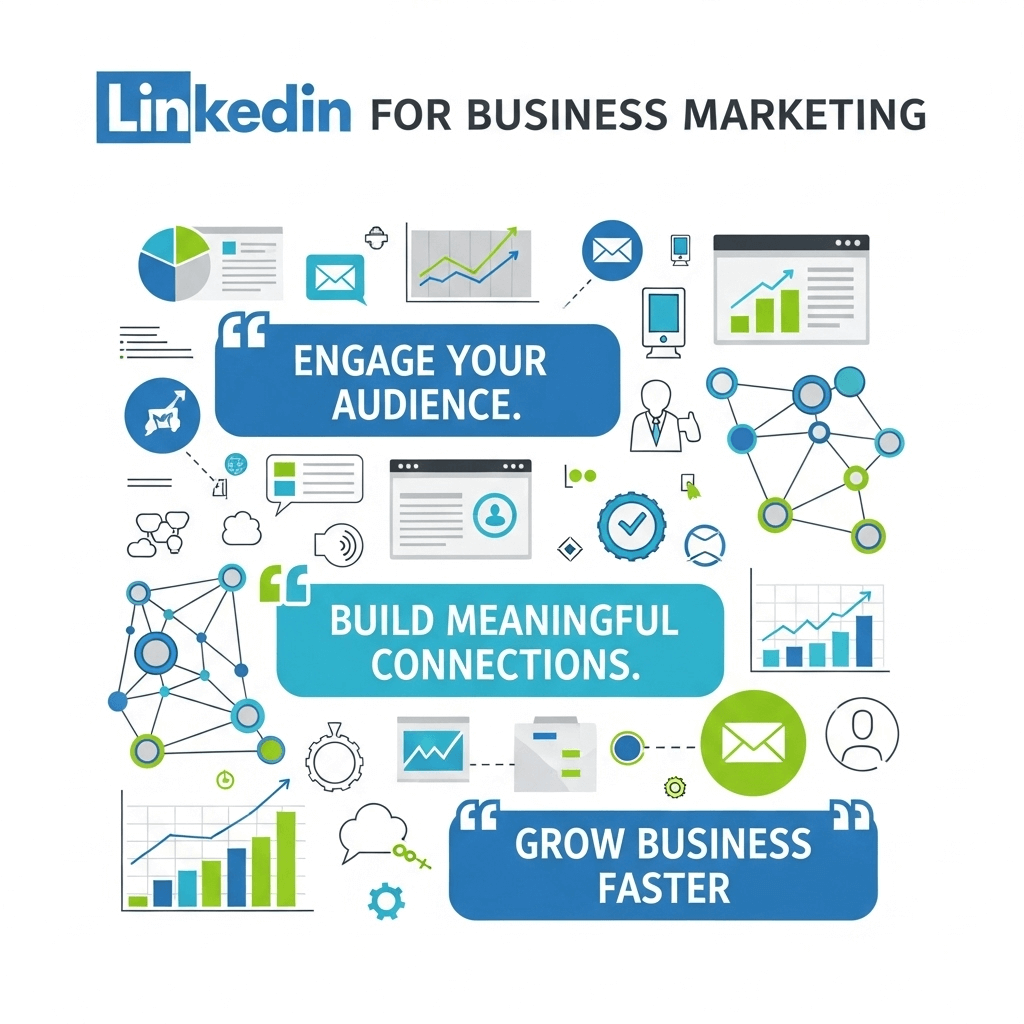
The numbers tell the story better than any pitch. LinkedIn is no longer just a job-hunting site. It is the top revenue-generating platform for B2B businesses worldwide right now.
Over 80% of B2B buyers research you on LinkedIn before they ever respond to your message.
That means your LinkedIn presence is working for you or against you before you even know a prospect exists. Let’s see the table below for the data:
Major Stats at a Glance (2026)
| Metric | Data |
| Total LinkedIn members worldwide | 1.3 billion |
| B2B social leads that come from LinkedIn | 80% of all B2B social leads |
| LinkedIn members who drive business decisions | 4 out of 5 |
| Lead Gen Form conversion rate | 13% average, 3 times higher than landing pages |
| LinkedIn vs Facebook and Twitter for lead gen | 277% more effective |
| B2B ad budget share going to LinkedIn | 41% of all B2B ad dollars |
| InMail response rate vs cold email | 18 to 25% vs 1 to 5% |
| Personal profile vs company page engagement | 8 times higher on personal profiles |
Sources: Thunderbit 2026 B2B Report · Metricool 2026 Study · Digital Applied 2026 Data
How to Use LinkedIn for Business Marketing
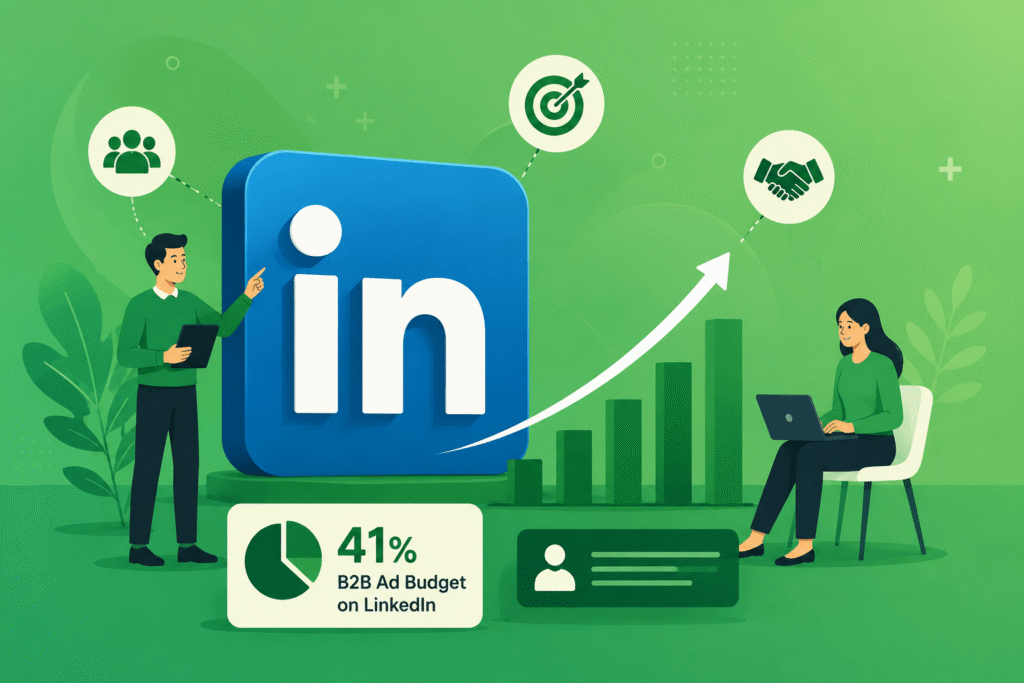
Learning how to use LinkedIn for business marketing starts with one clear truth.
This is the only platform where your buyer is already thinking about work when they open the app.
According to Thunderbit’s 2026 B2B marketing report, 41% of all B2B ad budgets now flow directly to LinkedIn.
Marketers put money where results happen. That number tells you exactly where results are happening right now. Let’s learn the process of using learning for business marketing in detail:So, keep reading to learn how to use LinkedIn for business marketing.
Your Profile Is Your Sales Page
Most people still treat their LinkedIn profile like an online resume. That is the first and most costly mistake.
Your profile is the first thing any prospect checks. They check it before replying to your message. They check it before clicking your post. They check it before visiting your website.
It has one job. Turn a curious visitor into a warm lead.
My friend Jerin rewrote her headline from “Marketing Consultant” to a clear formula showing who she helps and what outcome they get.
Profile views tripled in the first two weeks. Two inbound messages came from people who found her through LinkedIn search alone. The profile did the selling before she said a single word. So, follow these rules:
Write a Headline That Works
Drop the job title. Use a clear formula instead.
Who you help + What result they get
Example: “I help SaaS founders fill their pipeline using organic LinkedIn content without paid ads.”
That headline answers a visitor’s first question in three seconds. Generic titles like “CEO” or “Digital Marketer” tell prospects nothing useful.
Write Your About Section for the Reader
Do not write about yourself. Write to the reader.
Open with their biggest frustration. Show how you solve it. Close with one clear call to action. Keep it under 300 words. Nobody reads a wall of text on a social platform.
Use Your Featured Section as Proof
Pin your three strongest assets here. A case study, a lead magnet, and your best post.
Visitors who scroll this far are already interested. Give them something worth clicking.
Rewrite Your Experience Section
Replace every duty list with an outcome statement.
Instead of: “Managed social media accounts”
Write: “Grew LinkedIn page from 800 to 12,000 followers in 9 months using a weekly content system.”
Numbers build credibility faster than descriptions. Be specific wherever you can.
Fix this today
Profiles with a professional photo get 21 times more views than those without one. If yours is blurry, outdated, or missing entirely, update it before you do anything else.
Content That Gets Results
LinkedIn’s algorithm changed significantly in 2025. It keeps evolving through 2026.
Tactics that worked two years ago now actively damage your reach. Engagement pods, “agree?” bait posts, and hashtag stuffing all hurt your distribution today.
LinkedIn’s feed now prioritizes genuine expertise and knowledge-based content from subject matter experts in your network. Connectsafely
This is good news for businesses that know their field. The algorithm now works in your favor when you share real expertise consistently.
Best Content Formats in 2026
| Format | Best For | Engagement Level | Lead Gen Potential |
| Carousel or Document Post | Teaching a framework or process | Very High | High |
| Short-Form Video under 90 seconds | Building trust and telling stories | High with Algorithm Boost | High |
| Text Post with Opinion or Story | Thought leadership and personal takes | Medium to High | Medium |
| LinkedIn Newsletter | Building a long-term subscriber base | Medium | Very High |
| Poll | Audience research and quick engagement | Medium | Low |
| External Link Post | Sharing articles or news | Low, penalized | Low |
The One Rule Most People Break
Never put external links in your post caption. LinkedIn penalizes it every single time.
Put the link in the first comment instead. Your reach stays healthy. Your audience still finds the resource.
What to Post About
Post content that solves a specific problem your audience is already searching for.
Anyone figuring out how to use LinkedIn for business marketing needs to know these five content types. They drive consistent results across industries:
1. Frameworks and step-by-step processes. Break a complex topic into numbered steps. People save and share these posts far more than any other type.
2. Case studies with real numbers. “We tried X and it produced Y.” Proof beats claims every time.
3. Contrarian takes. Disagree with common industry advice. Back it with data. Comment debate expands your reach fast.
4. Behind-the-scenes stories. What you tried, what failed, what you changed. Honest writing outperforms polished corporate content on this platform every week.
5. Data posts. Share a fresh stat from a 2026 source and add your own interpretation. Original analysis performs far better than shared screenshots.
I posted a carousel breaking down a campaign that failed completely. I included the exact numbers. It got four times the engagement of any success story I had shared that month. People connect with honesty. When you show the loss alongside the win, trust follows fast.
How Often Should You Post
Post 3 to 5 times per week. One strong post every other day beats five weak ones daily.
Businesses posting 1 to 2 times per week see 2 times more engagement and 7 times faster follower growth compared to less active pages. Martal Group
Never post more than once a day. Two posts in one day steal reach from each other.
The Right Way to Engage and Connect
Cold outreach is mostly finished for serious buyers in 2026. Automated DMs get ignored. Generic connection requests get deleted.
The fix is simple. Show up before you ever ask for anything.
Why Commenting Is Your Best Growth Tool
Commenting on the right posts is the highest-return activity on LinkedIn right now.
Here is exactly why it works:
Your name and face appear in front of the post author’s entire network. A thoughtful comment positions you as a credible voice before you ever send a connection request. It opens a natural conversation without a pitch attached.
Target 10 to 15 quality comments per day. Focus on posts from your ideal clients, industry peers, and voices your audience follows.
Do not write “Great post!” Add real substance. Share a data point. Connect it to your own experience. Ask a follow-up question.
According to Balistro’s 2026 strategy report, consistent strategic commenting generates 200 to 500 profile views per week and 3 to 5 inbound messages from potential clients. Balistro Consultancy
For three weeks, I stopped posting entirely. I only commented on 10 posts per day. Profile views went up 40%. Two consulting calls came from people who said they had seen my comments repeatedly and wanted to connect. Visibility builds trust faster than content alone.
How to Send Connection Requests That Get Accepted
Always include a personal note. Reference something specific. A post they wrote. A topic they cover. A shared industry challenge.
Generic requests get ignored. Specific ones get accepted.
Direct Messages That Get Replies
If you reach out to someone new, do not pitch. Give something first.
Share a relevant article. Send a useful data point. Reference something they posted recently.
Give value before you ask for time. That one shift changes your reply rate completely.
Four-step outreach process:
- Research first. Read their last five posts. Find one thing to reference. This shows you are a person, not a bot.
- Open with value. Share a resource tied to their work. Ask for nothing.
- Follow up once only. No reply in 5 to 7 days? Send one short follow-up. After that, move forward.
- Ask for a conversation, not a sale. Request a 20-minute call to exchange ideas. The bar is lower. The response rate is higher.
LinkedIn Ads: Spend Smart, Not Big
LinkedIn ads cost more than most platforms. Cost-per-click regularly hits $8 to $15 in competitive B2B markets.
But for targeting by exact job title, company size, seniority level, and industry, no other channel comes close.
The return justifies the cost when ads are used correctly.
The rule that saves the most money: never start with ads until your organic content is already working. Ads amplify what resonates. They cannot fix a broken message.
Which Ad Types Work Best in 2026
| Ad Type | What It Does | Best Use Case | Cost Level |
| Lead Gen Form Ads | Captures contact info inside LinkedIn | Top and mid-funnel lead capture | Medium to High |
| Thought Leadership Ads | Boosts a personal post to paid audiences | Brand awareness and warm lead gen | Medium |
| Document Ads | Promotes a downloadable carousel or PDF | Lead magnets and gated content | Medium |
| Sponsored Content | Promotes a regular post | Amplifying high-performing organic posts | Medium |
| Message Ads via InMail | Direct message to a targeted audience | Event invites and specific offers | High |
One rule that saves your budget every time
Use manual bidding. LinkedIn’s automatic bidding spends fast and quietly expands your audience beyond your target. Manual bidding keeps you in full control and cuts wasted spend.
Practical tip
Pull your top three organic posts from the past 60 days. Run Thought Leadership Ads on those exact posts. Target your ideal job titles and industries. You already know those posts connect with people. Now put paid fuel behind them.
Tool Comparison: What Helps You Move Faster
You do not need many tools. You need a focused few that save time and sharpen your results.
| Tool | What It Helps With | Best For | Free Option |
| LinkedIn Sales Navigator | Advanced prospect search and lead tracking | Sales teams doing targeted B2B outreach | 30-day trial only |
| LinkedIn Campaign Manager | All LinkedIn paid advertising | Anyone running ads on the platform | Free to set up |
| LinkedIn Analytics built-in | Post performance, profile views, follower data | All users tracking content results | Built-in and free |
| Scheduling tools like Buffer or Hootsuite | Batch-create and schedule posts in advance | Solopreneurs and small teams | Limited free tiers |
| Canva | Design carousels, graphics, and document posts | Non-designers creating visual content | Strong free tier |
| LinkedIn Newsletter built-in | Build a subscriber base directly on LinkedIn | Thought leaders building long-term audiences | Completely free |
Start with what is free and built-in. Fix your strategy before adding paid tools. Most LinkedIn underperformance comes from strategy gaps, not tool gaps.
I used a paid automation tool for LinkedIn outreach for three months. Acceptance rates were fine, but reply rates were terrible.
People could tell the messages were templated. I switched to manual outreach. Ten personalized messages per day.
Reply rates climbed from 4% to 22% in the first month. On this platform, personalization beats volume every time.
Mistakes Killing Your LinkedIn Reach
Most businesses make the same errors. Every fix below is straightforward once you see the pattern.
| Mistake | Why It Hurts | The Fix |
| Posting only from the company page | Company pages get 8 times less engagement than personal profiles | Activate team members’ personal profiles as content channels |
| External links in post captions | LinkedIn penalizes posts that push people off the platform | Move all links to the first comment |
| Only posting promotional content | Audiences stop paying attention to disguised ads | Use the 80/20 rule: 80% value, 20% promotion |
| No call to action | Readers do not know what to do next | End every post with one clear next step |
| Ignoring comments on your posts | LinkedIn rewards fast comment activity in the first hour | Reply to every comment within 60 minutes of posting |
| Posting every day without a plan | Volume without focus dilutes your authority | Post 3 to 4 times per week with planned topics |
| Pitching in the first DM | Prospects disconnect and sometimes block | Build two to three touchpoints before any ask |
Your 30-Day LinkedIn Marketing Action Checklist
Work through this in sequence. Each week builds on the last.
Week 1: Profile and Foundation
- Rewrite your headline using the value formula: Who you help and what result they get.
- Update your About section. Open with the reader’s frustration. Close with a clear call to action.
- Replace duty lists in Experience with outcome statements and real numbers.
- Update your profile photo. Clear, professional, well-lit, and current.
- Pin 3 assets in Featured: a case study, a lead magnet, and your best post.
- Define your 3 content pillars. The core topics you will cover every week.
Week 2: Content Launch
- Create your first document carousel post on a framework your audience uses.
- Record a 60-second video answering one common question in your industry.
- Write a text post sharing one business lesson with specific outcomes.
- Start a LinkedIn Newsletter. Publish your first edition this week.
- Post 3 times. Put all external links in the first comment, never the caption.
Week 3: Engagement and Outreach
- Comment on 10 posts per day from target prospects and industry peers.
- Send 5 personalized connection requests per day with specific notes.
- Reply to every comment on your posts within 60 minutes of publishing.
- Send 3 value-first direct messages. Share a resource. Ask for nothing.
Week 4: Measure and Amplify
- Check LinkedIn Analytics. Find your top-performing post this month.
- Repurpose that post into a different format. Carousel to video. Video to text.
- Set up a small Thought Leadership Ad at $10 per day on your best post.
- Review profile views. Who is visiting and where do they work?
- Reach out to 3 people who viewed your profile this week.
- Adjust your content plan based on what worked and what did not.
After 30 days
You will have real data on what your specific audience responds to. Use that to double down on what works. LinkedIn rewards consistency above everything. The compounding effect kicks in around day 60 to 90.
Summary
Summing up, your profile does the first selling. A weak headline loses warm leads before a conversation even starts.
A strong profile converts visitors into inbound messages on autopilot. Most businesses fix their profile last. That is why they struggle. Fix it first.
Content builds your authority week by week. Carousels, short videos, and honest behind-the-scenes stories consistently outperform polished corporate announcements.
The algorithm now rewards deep niche expertise shared with a human voice. Not posting tricks. Not engagement shortcuts.
Daily engagement builds your pipeline. Commenting 10 to 15 times per day on posts from your target buyers puts your name in front of them repeatedly. That warm visibility turns strangers into willing conversations without a single cold pitch.
Paid ads amplify what is already working organically. They do not rescue broken messaging. Start organic. Validate your message first. Then put ad budget behind what already converts.
Small and mid-size businesses hold the biggest growth advantage on LinkedIn right now. Niche voices with consistent value are outgrowing large brand pages on every metric that counts.
FAQs
What is the LinkedIn Social Selling Index and does it affect business results?
The LinkedIn Social Selling Index (SSI) is a free score from 0 to 100. It measures your activity across four areas: building your brand, finding the right people, engaging with content, and building relationships. It updates every day and reflects your last 90 days of behavior.
You can check yours for free at linkedin.com/sales/ssi.
Higher SSI scores lead to 45% more business opportunities and 51% better quota achievement. A strong SSI in 2026 sits at 65 or above for active B2B users, with scores above 75 placing you in thought leader territory. Reply –Neal Schaffer
Do not chase 100. Most professionals see their best return in the 65 to 75 range. The effort required to move from 80 to 90 far exceeds the return. Find your weakest pillar first. Fix that one. Business results improve before your total score does. Linklulu
Does posting frequency affect how LinkedIn distributes my content to new audiences?
Yes, but not the way most people think.
More posts do not mean more reach. LinkedIn measures engagement rate per post, not total volume.
A post with low engagement signals that your content does not match your audience. A string of low-engagement posts shrinks your future distribution.
LinkedIn has shifted from follower-based to engagement-based to relevance-based distribution. The same post can reach vastly different audience sizes depending on how fast people engage in the first 60 to 90 minutes after you publish.
Post less. Make each post stronger. Spend the time you save by replying to every comment within the first hour. That early engagement signals quality and pushes the post further into new feeds.
Can a service business with no existing brand grow on LinkedIn from scratch?
Yes. Service businesses often grow faster than product companies on LinkedIn.
Buyers of services want to trust the person delivering the work before they pay. LinkedIn lets you build that trust publicly through consistent content and conversation long before any sales conversation happens.
The fastest path for a zero-audience service business: pick one specific problem your ideal client faces.
Write about that problem and only that problem for 90 days straight. Comment daily on posts from people who have that problem. Connection requests and inbound messages follow naturally.
You do not need a recognized brand name. You need a clear point of view and the consistency to repeat it.
How does LinkedIn marketing for business work differently on a personal profile versus a company page?
This is one of the most searched questions around how to use LinkedIn for business marketing. The answer surprises most newcomers.
Personal profiles generate 8 times more engagement than company pages, and this gap is widening, not narrowing.
Company pages work best as a credibility checkpoint. Prospects visit them to confirm your business is legitimate. Personal profiles handle the relationship building, audience growth, and lead generation.
Use your company page for brand consistency, job postings, and paid campaigns. Use your personal profile and your team’s profiles for content, conversation, and direct outreach. The personal profile drives interest. The company page confirms credibility.
Is LinkedIn Live worth using for business marketing?
LinkedIn Live streams get 7 times more reactions and 24 times more comments than standard video posts on average.
Live sessions put you in front of your audience in real time. They also automatically trigger push notifications to your followers. Regular posts do not do that.
LinkedIn is expanding Creator Mode with advanced video capabilities and improved live stream components, making live content more accessible and discoverable in 2026. DoneMaker
The best formats for business results are live Q and A sessions, short product walkthroughs, and brief conversations with one guest from your industry.
Keep them under 30 minutes. Announce 48 to 72 hours in advance. Repurpose the recording into short clips immediately after. One live session can produce three to five additional pieces of content with no extra work.
What LinkedIn metrics should a business track to measure marketing success?
Follower count and post likes tell you almost nothing about business results. These are the metrics that connect LinkedIn activity to actual revenue:
| Metric | Why It is Important |
| Profile views per week | Shows whether your content is driving genuine curiosity |
| Search appearances | Reveals how often LinkedIn surfaces you in keyword searches |
| Connection request acceptance rate | Measures how compelling your outreach and profile are |
| Inbound messages from prospects | Direct signal that content is reaching the right audience |
| Lead Gen Form submissions | Tracks paid campaign performance against cost per lead |
| Website clicks from LinkedIn | Connects platform activity to your owned channel traffic |
Check these weekly, not daily. Daily numbers mislead. Weekly trends reveal what is working. Set a clear baseline in month one. Compare against it every 30 days from that point forward.
How will LinkedIn marketing for business change in the next 12 months?
Three shifts are already happening. They will accelerate through late 2026 and into 2027.
AI-powered search inside LinkedIn is changing how profiles and content get found.
Keywords in your headline, about section, and post text are now indexed more like a search engine than a social feed. Businesses that optimize their profiles for specific search phrases will appear in more AI-generated results inside LinkedIn and across external AI tools like ChatGPT, Google AI Overviews, and Claude.
Video will dominate organic distribution.
US B2B video ad spend is up nearly 18% this year. LinkedIn is positioning itself as a premium B2B video marketplace through its BrandLink program. Short-form video under 90 seconds will become the default format for organic reach within the next 12 months. emarketer
Niche communities will replace broadcast marketing.
The businesses winning on LinkedIn in 2027 will not have the most followers. They will have the most engaged, specific communities built around one topic their audience cares about deeply. LinkedIn Groups, newsletters, and live sessions are the tools for this. Most businesses are not using them yet.
Taking how to use LinkedIn for business marketing seriously right now puts you ahead of the majority who will scramble to catch up in 2027.

Aliza Khatun is a Digital Marketing Professional and the founder of DigiGenHub. She has helped various businesses grow their online presence through real-world experience in marketing, branding, traffic growth, and business strategy.
Through DigiGenHub, she shows how to build and grow a business from the ground up using Website Setup, SEO, Branding, Paid Promotion, and smart digital tools.
She also highlights how AI can be used to its full potential to make content creation, automation, marketing, and business growth faster and smarter.
She believes that the right knowledge, modern technology, and the right tools can help any individual or business build a stronger online presence.