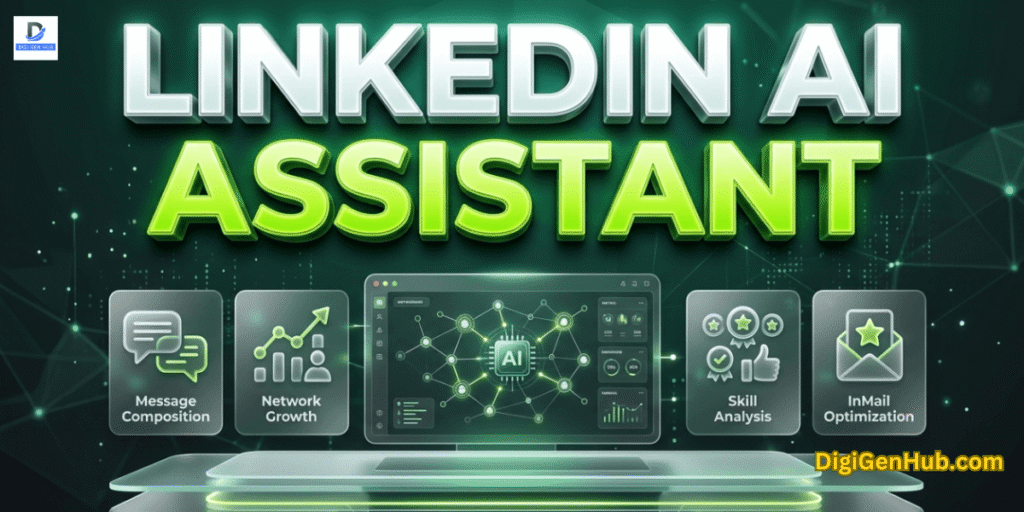
Building a massive presence on LinkedIn often feels like a full-time job. I used to spend hours every day. I was fed up with the regular drafting posts and hunting for the right people to connect with.
My client’s work started to pile up. I needed a way to scale my output without losing my voice.
So, I have added a LinkedIn AI assistant to my daily flow. This has changed everything.
Now, I handle double the workload for my clients in half the time. I get total accuracy.
I never miss a follow-up. This tool does the heavy lifting while I make the final strategic calls.
LinkedIn AI Assistant to Keep Your Voice Strong
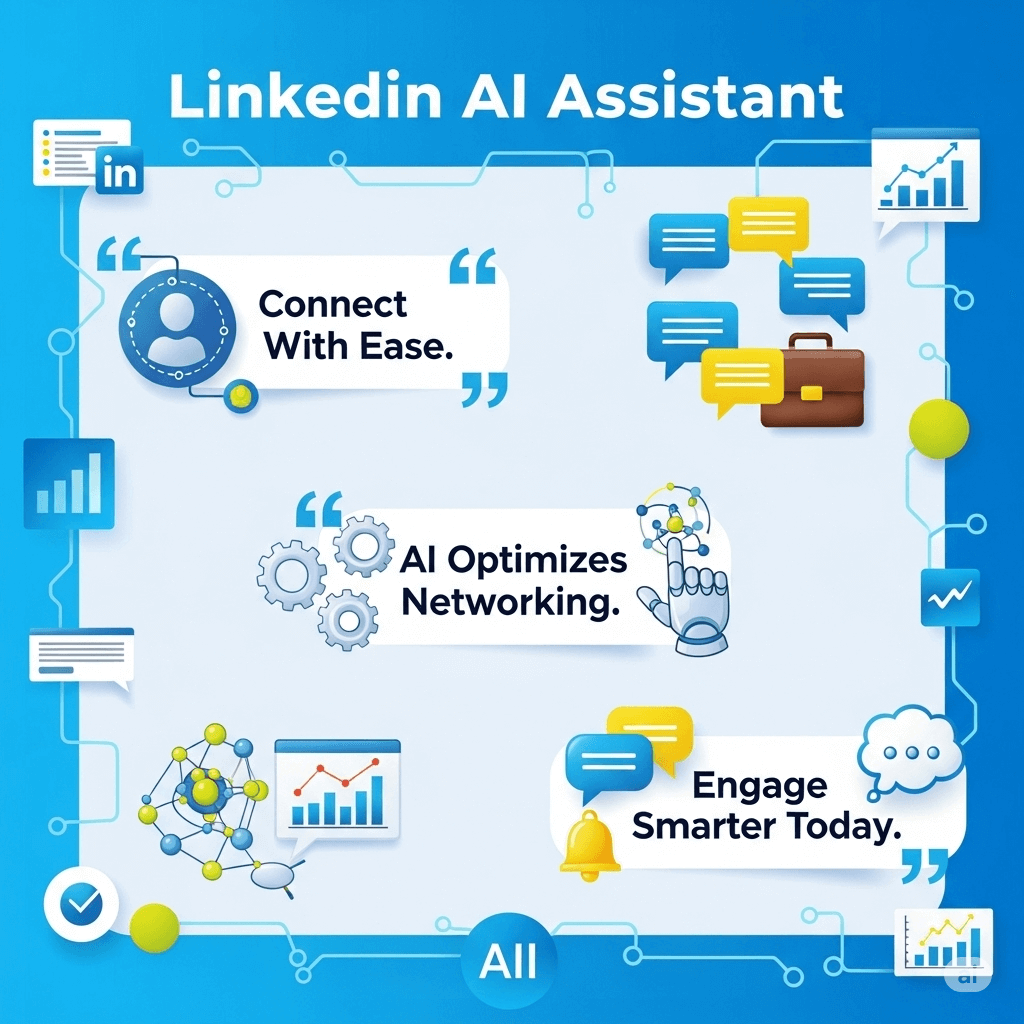
Professional growth is no longer just about who you know. It is about how fast you can turn a connection into a conversation.
Most professionals fail because they use automation to spam. Successful leaders use a LinkedIn AI assistant.
This handles the busywork of drafting and sourcing. So, you can focus strictly on high-level strategy.
LinkedIn AI Assistant for Intelligent Delegation
You must treat your digital assistant as a high-speed engine for data. But never as the driver of your brand. Precision beats volume every single time.
Sourcing Beyond Keywords
Natural language search now replaces rigid filters. So, no need to search for a marketing manager.
You can describe a goal, such as finding someone to lead a remote rebranding project. The system identifies the specific qualifications, not just the job title.
Content Transformation
A LinkedIn AI assistant can now ingest raw notes or YouTube links. The system spins them into professional, hashtag-friendly posts.
This moves you from a blank page to a finished draft in under thirty seconds.
Experience & Project Memory
In the hiring world, advanced agents now learn from your past decisions. By analyzing which candidates you favored previously, the system improves its search accuracy for your next project by up to 80%.
High-Velocity Networking Steps with LinkedIn AI
You can streamline your daily workflow today. Focus on these three areas to reduce your manual load while maintaining your professional integrity.
The Natural Language Prompt
Describe your hiring needs or content ideas to your assistant. It seems as if you were talking to a colleague. Let the machine handle the technical search parameters.
Adopt the 80/20 Workflow
Let the assistant handle 80% of the pre-offer drudgery sourcing and initial drafting. You dedicate the final 20% to the human-to-human interview or final edit.
Synchronize Historical Context
The more data you provide about your past successes, the better your assistant predicts your future needs.
According to reports on LinkedIn Recruiter and Hiring Assistant, this synergy is the fastest way to find overlooked talent.
The Performance Audit with Use Cases
You can see the direct impact of these tools on your daily output.
1. Sourcing and Hiring Efficiency
Recruiters are seeing a massive shift in productivity. Research shows users review 81% fewer profiles to find a qualified match using AI.
2. Content and Engagement
Consistency is the hardest part of personal branding. Modern tools now offer automated drafting and smart scheduling.
This matches your posts with your audience’s peak activity hours. This ensures your thought-leadership pieces hit the feed exactly when your prospects are active.
3. Outreach Personalization
Spam is the fastest way to get banned. Your assistant must draft personalized InMail messages.
This mentions specific skills and experiences from a prospect’s profile. This high-touch approach results in 66% higher acceptance rates compared to traditional cold outreach.
Common Professional Roadblocks
Even the best tools have hidden risks. You must avoid these common traps to keep your profile safe and your reputation intact.
The Accuracy Trap
Never post AI content without a manual review. AI can hallucinate facts. Your reputation depends on factual correctness.
Platform Penalties
Avoid any “shadow-automation” tools that simulate mouse clicks. LinkedIn detects these and will restrict your account. Stick to native or officially integrated tools.
Data Security
Ensure your chosen assistant is compliant with US data laws. Protecting candidate and client data is a legal requirement, not an option.
Conclusion
Scaling your presence no longer requires sacrificing your personal life. You finally have the space to focus on real human connections.
You should feel incredibly confident about your future. You have the tools to win.
But remember the cost of neglect. Ignoring these shifts will leave you behind. Competitors are already moving faster than you.
Sticking to old, manual habits is a slow path to failure. You risk becoming invisible in a noisy market.
Do not let your brand fade into the background. Reclaim your time now before the window closes. Success is waiting, but it won’t wait forever.
FAQ
Does using an AI assistant risk my account being restricted?
Only if you use “automated engagement” tools that like and comment without your oversight. Use AI for drafting and research, but keep the final action human.
How do I access these features?
Most native AI tools are available within LinkedIn Premium for individuals or the Recruiter Dashboard for hiring teams.
Can AI find candidates that traditional filters miss?
Yes. By using semantic search, AI identifies professionals with the right skills even if those specific keywords aren’t in their current job title.

Aliza Khatun is a Digital Marketing Professional and the founder of DigiGenHub. She has helped various businesses grow their online presence through real-world experience in marketing, branding, traffic growth, and business strategy.
Through DigiGenHub, she shows how to build and grow a business from the ground up using Website Setup, SEO, Branding, Paid Promotion, and smart digital tools.
She also highlights how AI can be used to its full potential to make content creation, automation, marketing, and business growth faster and smarter.
She believes that the right knowledge, modern technology, and the right tools can help any individual or business build a stronger online presence.