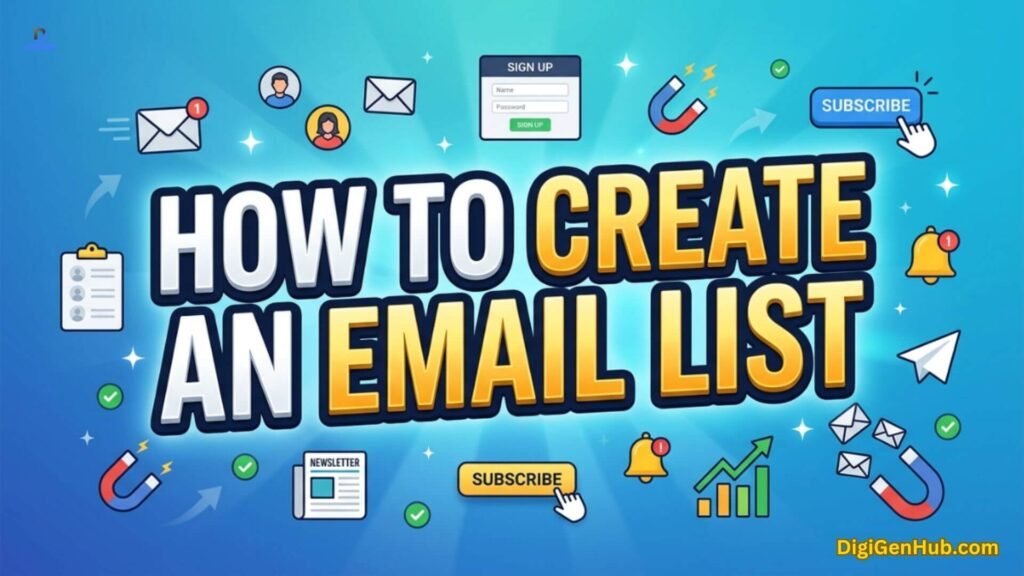
People ask one question more than any other in 2026: how to create an email list that actually grows.
Google has changed. AI search has changed. But one channel still wins every time.
Email marketing returns $36 to $42 for every dollar spent. This beats paid search, social ads, and display ads by a wide margin, according to Robly’s 2026 report.
I help my clients fix their digital marketing problems every week. Last year, a client who runs a small pet food store messaged me in a panic.
Her Instagram account got restricted for three days and she lost every sale during that window.
She had no way to reach her buyers outside that app. We sat down on a call and built her first email list from scratch using a simple lead magnet and a clean signup form.
Within two months, she had 600 subscribers and her first email blast outsold her best Instagram post. That single fix changed how she runs her store today.
Why Email Lists Still Necessary in 2026
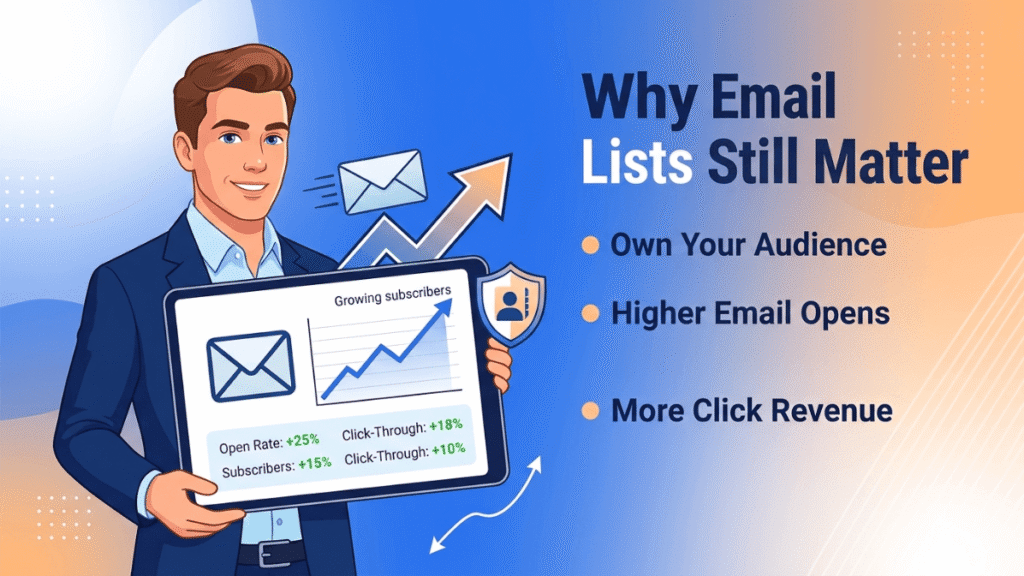
Search habits changed. AI answers replace many quick searches. But inboxes stayed personal.
More than 4.6 billion people use email worldwide, and that figure should climb past 4.89 billion by 2027, per Statista data cited by Robly.
Three reasons email still beats every other channel:
- You own the list. No app can lock you out of it.
- Open rates stay steady across industries, often near 32%.
- Segmented sends pull far more revenue than one-size emails. They generate 30% more opens and 50% more clicks, per HubSpot data cited by Robly.
People searching “how to create an email list” usually want one thing: a method that does not rely on luck or paid ads. The steps below give that exact path.
Step 1: Pick the Right Email Platform First
Before you write a single word, choose where your subscribers will live. This decision shapes every step that follows. Most owners skip this and pay for it later with messy exports and broken automation.
When you compare platforms, check four things:
- Deliverability rate (how many emails reach the inbox, not spam)
- Price as your list grows past 1,000 contacts
- Automation features for welcome sequences
- Compliance tools for unsubscribe and consent tracking
Types of List-Building Tool
| Tool Type | Best For | Typical Monthly Cost | Automation Depth | Learning Curve |
| Basic newsletter tool | New creators, simple lists | $0 to $20 | Light | Easy |
| Full marketing suite | Online stores, growing brands | $20 to $80 | Deep | Medium |
| Landing page + form builder | Lead magnet capture | $15 to $50 | Medium | Easy |
| CRM-integrated platform | B2B and service businesses | $40 to $150 | Deep | Medium to hard |
| Free open-source option | Budget-tight beginners | $0 (self-hosted cost only) | Light to medium | Hard |
Pick one tool type, not five. Switching tools mid-growth wastes weeks.
Step 2: Create a Lead Magnet People Actually Want
A lead magnet is the trade. You give something useful, they give their email. This is the part most people get wrong. They offer a generic ebook nobody wants.
Strong lead magnets in 2026 share three traits:
- They solve one tiny problem fast.
- They take less than five minutes to consume.
- They connect directly to what you sell next.
Examples that convert well right now:
- A short checklist (not a 40-page guide)
- A discount code for first-time buyers
- A free mini tool or calculator
- A swipe file or template pack
Step 3: Build a Clean Signup Form and Landing Page
Once your lead magnet is ready, place it where people already look. A signup form buried at the bottom of a page gets ignored. A clear, short form near the top converts.
Rules that work for almost every niche:
- Ask for email only. Skip phone number and birthday at this stage.
- Keep the headline focused on the result, not the brand.
- Add one clear button with action words like “Send Me the Checklist.”
- Test the form on mobile first. Most opens happen there. Mobile already accounts for over half of all email opens, per Marketing LTB’s 2026 data.
A marketer I work remotely with runs a small fitness coaching brand. His old form asked for six fields. After we cut it down to one field, his signup rate jumped from 4% to 19% in three weeks. The fix took ten minutes.
Step 4: Drive Traffic to Your List the Right Way
This is where most guides stop short. Building the form means nothing without steady traffic. Here are the channels that work without ad spend:
- Blog content matched to search intent. Write around real questions, not keyword stuffing.
- Short-form video with a link in bio. Send viewers to one landing page, not your homepage.
- Guest posts on niche sites. One link from a relevant site beats ten random links.
- Existing customer base. Add a signup line to every receipt and confirmation email.
Paid traffic works too, but only after your landing page already converts above 15%. Sending paid clicks to a weak page burns budget fast.
Step 5: Send a Welcome Sequence, Not Just a Newsletter
The first three emails after signup decide whether a subscriber stays active or goes silent. A welcome sequence does the heavy lifting.
A simple three-email sequence:
| Timing | Goal | |
| Welcome + deliver the lead magnet | Immediately | Build trust fast |
| Your story or proof of results | Day 2 | Build connection |
| Soft offer or next step | Day 4 | Move toward a sale |
Step 6: Stay Compliant With 2026 Sending Rules
Google and Yahoo tightened sender rules, and this directly affects anyone learning how to create an email list this year.
Senders without proper SPF, DKIM, and DMARC records now see inbox placement drop to 44%, against 89% for fully authenticated domains, per DigitalApplied’s 2026 report.
Checklist to stay compliant and land in the inbox:
- Use double opt-in for every new signup.
- Add SPF, DKIM, and DMARC records to your sending domain.
- Include a visible unsubscribe link in every email.
- Never buy or scrape email lists. Bought lists kill deliverability fast.
A senior brother runs a small consulting firm and once bought a list of 2,000 contacts from a third party.
His domain got flagged within a week and his real subscriber emails started landing in spam too.
We rebuilt his sender reputation from zero over two months using only opt-in signups. That mistake cost him far more time than building the list correctly from day one.
Step 7: Clean and Segment Your List Often
A growing list is not the same as a healthy list. Inactive subscribers drag down your open rate and hurt deliverability for everyone else on the list.
Do this every quarter:
- Remove subscribers who have not opened in 90 days.
- Tag subscribers by interest or purchase history.
- Send a re-engagement email before removing anyone.
- Watch your bounce rate. Anything above 2% needs cleanup.
Segmented lists generate up to 760% more revenue than one large, unsorted list, per DigitalApplied’s 2026 report.
Conclusion
Learning how to create an email list now comes down to seven repeatable steps. Pick the right platform. Build a lead magnet people want. Set up a clean form. Drive steady traffic. Automate your welcome sequence. Follow sender compliance rules. And clean your list often.
None of this needs a big budget. It needs the right order and steady effort. Every client I have walked through this process saw real growth within weeks, not months. Start with one step today, and the rest follows naturally.
FAQ
How fast can I create an email list from zero?
A focused lead magnet and one clean landing page can pull your first 100 subscribers within two weeks, even without paid traffic.
Do I need a website to create an email list?
No. A single landing page works fine. Many creators start with just one page and one offer.
What is a good opt-in rate?
Anywhere from 20% to 40% on a focused landing page counts as strong. Below 10% means your offer or headline needs work.
Should I focus on list size or list quality?
Quality wins every time. A smaller, active list outsells a large, cold list almost always.
Will browser cookie restrictions push more brands toward email lists?
Yes. As tracking cookies fade out, brands lean harder on first-party data. An email list is the most direct first-party asset a business owns.
Can I bring my list with me if I switch platforms later?
Yes. Most platforms allow a full export as a CSV file. Keep your list exportable from day one, and avoid tools that lock your data in.
How long can a subscriber stay inactive before I should treat them as lost?
Most marketers mark six months of silence as the cutoff. Past that point, a dedicated win-back send works better than regular newsletters.
Will AI shopping agents subscribe to lists on a person’s behalf?
This is starting to happen. Some AI assistants now fill out forms during automated shopping tasks. Brands should keep forms simple so agents can complete them without errors.
Does posting consistency matter more than list size for long-term trust?
Yes. A brand that sends on a steady schedule builds more trust than one that sends often, then disappears for months.
Can a podcast or community group help grow an email list faster?
Yes. Listeners and group members already trust the host. A simple mention with a direct signup link often converts better than a paid ad.
What happens to an email list if a business changes its niche?
Old subscribers may lose interest fast. A short re-introduction email explaining the shift keeps more people from unsubscribing.
Are seasonal spikes in signups worth planning around?
Yes. Many niches see signup surges around specific months tied to buying seasons. Planning a lead magnet around that window pulls in extra subscribers naturally.
Can subscribers from one country create legal risk for global lists?
Yes. Different countries enforce different rules on data storage and consent. A list with members from many regions needs to follow the strictest rule among them.
Will email lists merge with loyalty programs going forward?
Many brands now connect email signup directly to a loyalty points system. This turns the list into both a marketing tool and a retention tool at once.

Aliza Khatun is a Digital Marketing Professional and the founder of DigiGenHub. She has helped various businesses grow their online presence through real-world experience in marketing, branding, traffic growth, and business strategy.
Through DigiGenHub, she shows how to build and grow a business from the ground up using Website Setup, SEO, Branding, Paid Promotion, and smart digital tools.
She also highlights how AI can be used to its full potential to make content creation, automation, marketing, and business growth faster and smarter.
She believes that the right knowledge, modern technology, and the right tools can help any individual or business build a stronger online presence.