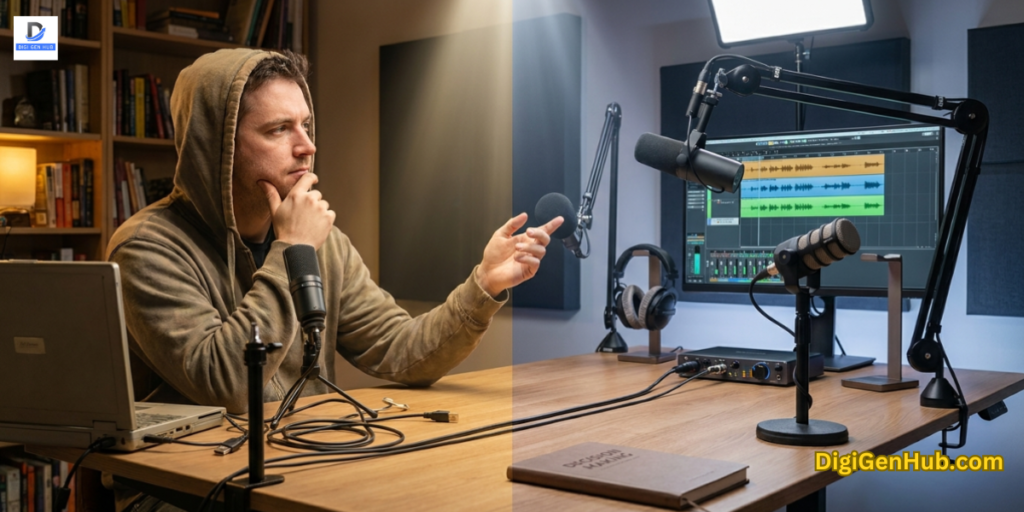
Your laptop crashes mid-Zoom call. Tabs freeze. The battery dies before lunch. You lose a client. You miss a deadline. You restart and hope it does not happen again.
This is not bad luck. It is a hardware problem. And it has a fix.
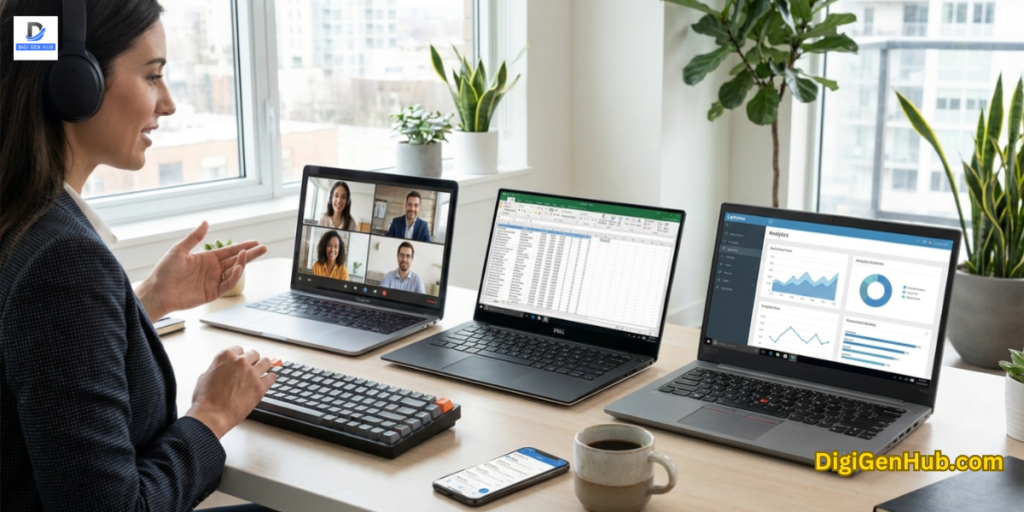
The best laptops for online business do four things well. They handle multiple apps open at once without slowing down.
They last a full workday on one charge. They look and sound professional on client calls. And they connect to whatever you plug in without needing a bag full of adapters.
Best Laptops for Online Business: Find Your Match
Running an online business means spending hours on your laptop every day.
Whether you’re managing a store, creating content, or meeting with clients, the right laptop can make your work much easier.
That’s why it’s important to choose a laptop that fits the way you work. Let’s explore the best laptops for online business so that you can easily pick:
Best Laptops for Online Business
| Laptop | RAM | Numpad | Ethernet |
| Lenovo V-Series V15 | 24GB | Yes | Yes |
| Lenovo IdeaPad AI 2026 | 16GB | No | No |
| Lenovo V15 Ryzen 7 | 16GB | Yes | Yes |
| ASUS VivoBook Go 15 | 8GB | No | No |
| HP Copilot AI Edition | 16GB | No | No |
1 . Lenovo V-Series V15
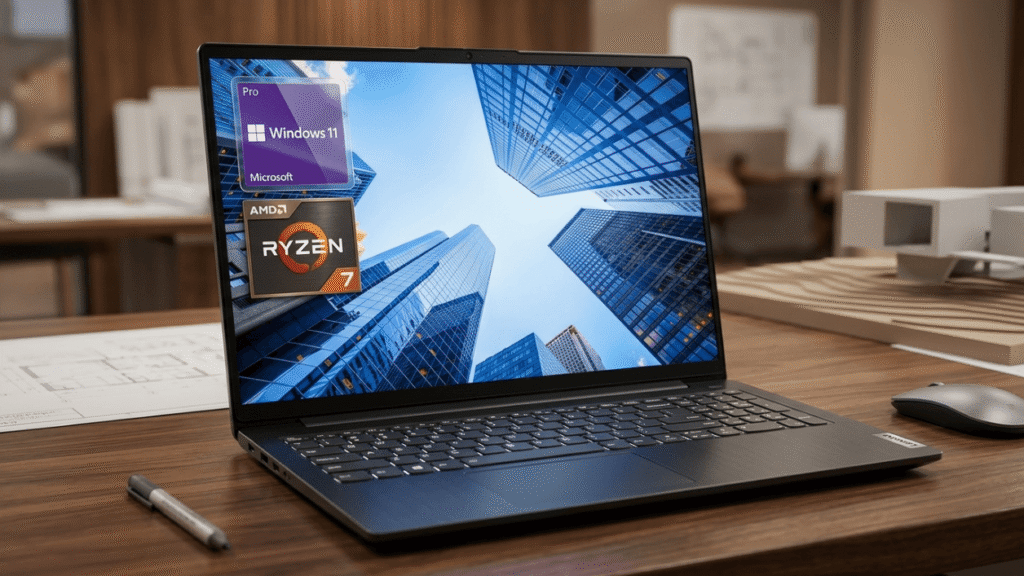
Processor: AMD Ryzen 7 7730U | RAM: 24GB | Storage: 1TB SSD | Display: 15.6-inch FHD | Ports: HDMI, RJ45 Ethernet, Webcam, USB | Numpad: Yes |
Business owners who work from a fixed desk and need a reliable port-rich machine. The Ryzen 7 7730U handles heavy multitasking without slowing down.
Open your inbox, Zoom, a project dashboard, and a spreadsheet at the same time.
This chip manages it. The port setup is one of the strongest at this price. You get HDMI, RJ45 Ethernet, multiple USB ports, and a webcam with a privacy shutter.
The full numpad is a clear advantage for anyone handling invoices, accounting software, or data entry. Over 100 buyers pick this up every month. The 4.4-star rating holds across reviews. That kind of consistent volume is a signal worth paying attention to.
2. Lenovo IdeaPad 2026 Edition with Copilot AI
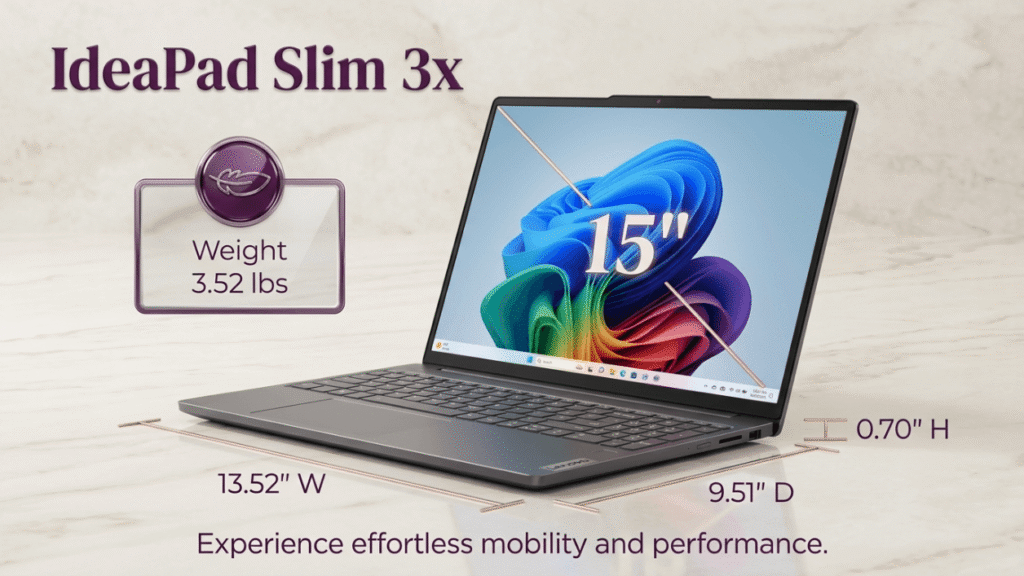
Processor: Intel 13th Gen Core i5, 10-Core | RAM: 16GB | Storage: 1TB SSD | Display: 15.6-inch FHD Touchscreen | Features: Copilot AI, WiFi 6, Windows 11 Pro |
Content creators, consultants, and client-facing business owners who want AI tools built in.
Microsoft Copilot AI is installed on this machine. Writing help, meeting summaries, and task shortcuts work from day one without installing anything extra.
The 1TB SSD is the largest storage option in this price range. WiFi 6 keeps your connection stable whether you work from home or a shared network. The touchscreen adds speed for navigation and client presentations.
3. Lenovo V-Series V15 (AMD Ryzen 7 7730U)
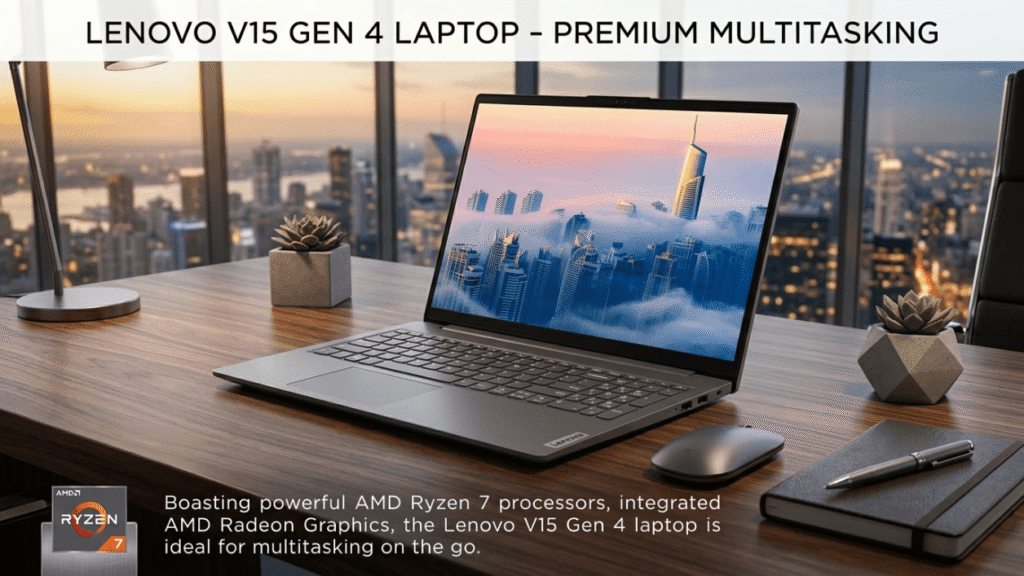
Processor: AMD Ryzen 7 7730U | RAM: 16GB | Storage: 512GB SSD | Display: 15.6-inch Full HD |
Best for: Content creators and power users who run creative software alongside business tools.
The Ryzen 7 7730U handles video editing, bulk image processing, and data analysis without throttling. If your business involves content creation alongside client management, this is the chip that covers both without asking you to pick one.
You can upgrade to 32GB RAM. Buyers who do this report noticeably smoother performance with heavy creative software open.
Five configurations let you choose the exact RAM and storage setup you need now and scale up later.
The numpad, HDMI, RJ45 Ethernet, and webcam all come standard. This machine is ready to plug into a monitor and connect to a wired network. It also ships with a recycled materials certification.
4. ASUS VivoBook Go 15 (AMD Ryzen 5 7520U)
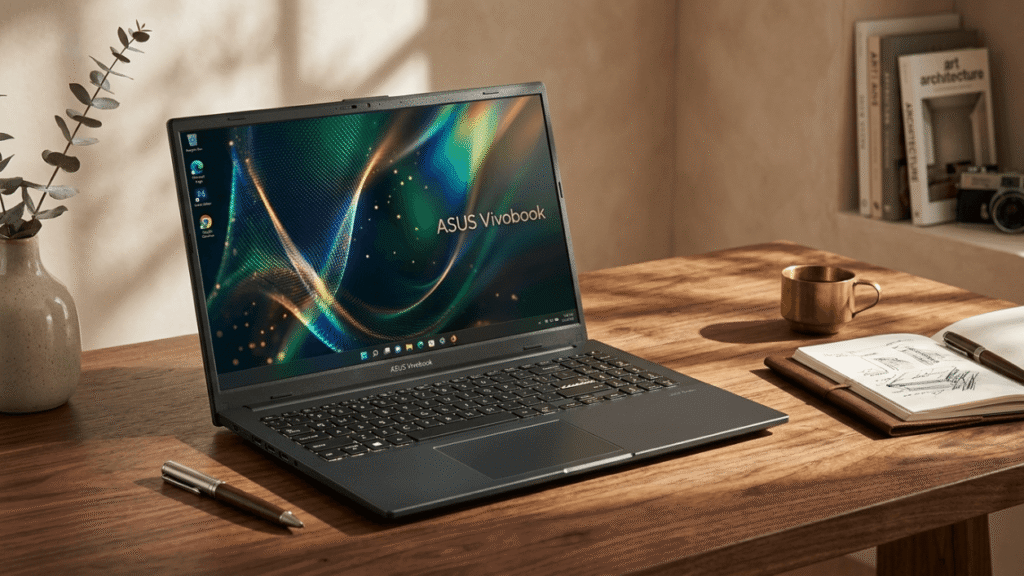
Processor: AMD Ryzen 5 7520U | RAM: 8GB | Storage: 512GB SSD | Display: 15.6-inch Full HD | Features: MIL-STD-810H durability, fast charging, webcam shield
Best for: Online business owners who work from cafes, coworking spaces, or client sites.
Over 500 buyers choose this machine every month. At its price point, that volume speaks clearly.
The Ryzen 5 with built-in Radeon graphics handles email, documents, video calls, and light editing without lag.
Fast charging gets you back to work when time is short. The MIL-STD-810H rating means it passed military-grade testing for drops, dust, temperature shifts, and pressure. A laptop that travels with you needs this.
The webcam privacy shutter is a small but useful detail for anyone handling sensitive client calls or business data on the go.
One thing to know: the base model ships with 8GB RAM. For cloud-first workflows and lighter use, it works fine.
If you run multiple apps at once, check the higher RAM options on Amazon before you order.
You move between locations, need a tough, portable machine, and mostly work with cloud-based tools.
5. HP 15.6-Inch with Copilot AI and Microsoft Office 2024
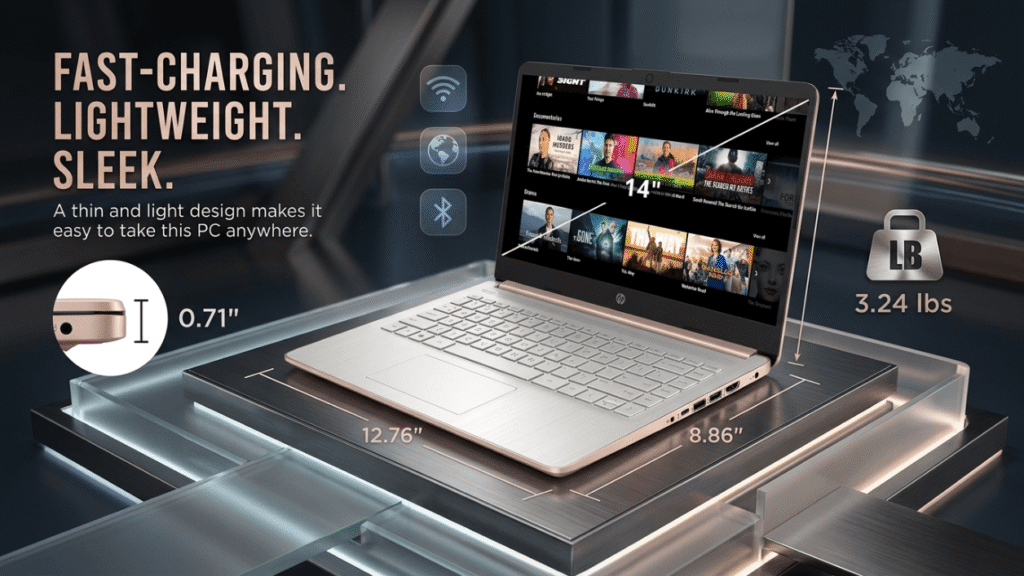
Processor: Intel Core i3-1215U (6-Core) | RAM: 16GB | Storage: 1TB SSD | Display: 15.6-inch HD Touchscreen | Features: Copilot AI, Office 2024 lifetime license, Windows 11 Pro |
Best for: First-time buyers or anyone moving from an older machine on a tight budget.
This HP ships with two things most laptops skip: a lifetime Microsoft Office 2024 license and Copilot AI built into Windows 11. That removes two recurring costs from day one.
The 1TB SSD stores project files, client assets, and software locally without running out of space.
The 16GB RAM handles multitasking well for the i3 category. Windows 11 Pro gives you better security features and remote desktop access compared to the Home edition on most budget machines.
Quick Checklist Before You Buy
- RAM: 16GB minimum
- Storage: 256GB to 512GB SSD is enough if you use cloud tools
- Processor: AMD Ryzen 5 or Intel Core i5 as the baseline
- Battery: 8 hours or more
- Display: Full HD 1920×1080 minimum. Anything lower strains your eyes in long sessions
- Weight: Under 4.5 lbs if you move between locations
- Webcam: 1080p for client-facing calls
- Ports: USB-A, USB-C, HDMI at minimum
Check Amazon for the latest pricing before you buy.
Best Laptops for Online Business by Business Type
Freelance writer or virtual assistant → HP Copilot AI. Office is included. AI is ready. Budget stays low.
Ecommerce store owner → Lenovo V15 Gen 4. Strong chip, full ports, top rating.
Content creator → Lenovo V15 Ryzen 7. AMD handles editing. Upgrade path is open.
Remote worker or digital nomad → ASUS VivoBook Go 15. Tough, light, fast charging.
Consultant or agency owner → Lenovo IdeaPad AI. Copilot, touchscreen, 1TB storage.
What Most Laptop Buyers Regret Ignoring
Buyers focus on the wrong things. Then they live with the consequences for three years.
They buy 8GB RAM to save money.
Open Chrome with ten tabs. Join a Zoom call. Switch to a spreadsheet. The machine freezes. Eight gigabytes is not enough in 2026. Sixteen is the starting point.
They pick storage over speed.
A 1TB drive sounds impressive. But if you work in Google Workspace, Shopify, or Notion, your files are in the cloud. You do not need that space. Spend the saved budget on a faster chip instead.
They skip the webcam spec.
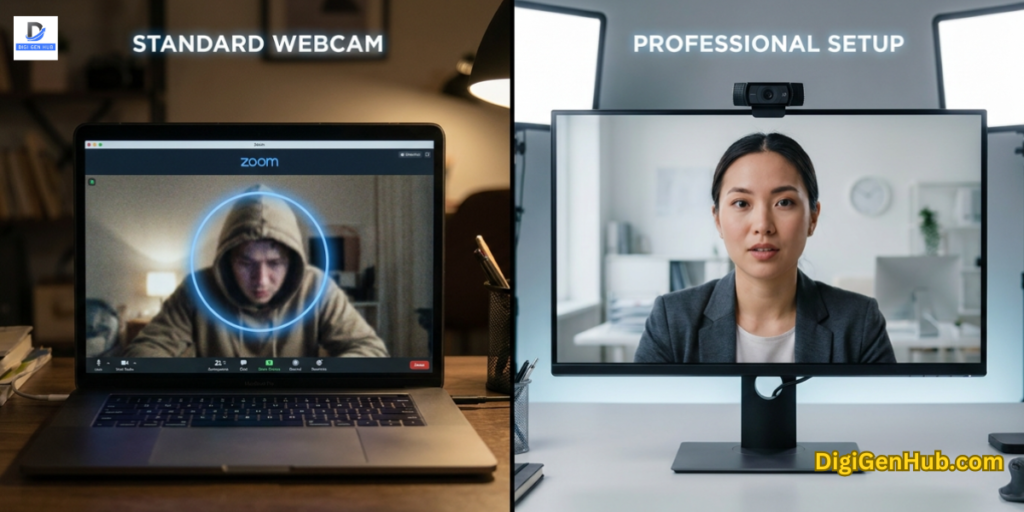
A 720p webcam looks grainy on Zoom. Clients notice. A built-in 1080p camera costs nothing extra on most machines in this range. Check before you buy.
They ignore battery life.
Five hours sounds fine in a store. During a full workday with calls, tabs, and background apps, it is not. Eight hours is the minimum. Twelve is better. Also keep a surge protector power strip at your desk. One power spike can kill a machine overnight.
They overlook the ports.
USB-A, USB-C, and HDMI cover most business setups. Missing even one means buying an adapter. Check your charger too. A worn cable that stops charging mid-session is a preventable problem. See what to look for in a laptop charger guide before yours fails.
They never clean the vents.
Dust builds up inside. Heat traps. Performance drops over months. A compressed air duster takes two minutes and keeps your machine running at full speed for years. Fix these things before you spend a dollar.
3 Problems Best Laptops Solve
Tabs crash and everything slows down.
This is a RAM problem. Eight gigabytes is not enough for Chrome with 15 tabs, Zoom, and Slack open at once. Four of the five laptops here ship with 16GB standard.
Overheating kills your performance mid-session.
Working on a sofa or bed blocks the bottom vents. Use a hard flat surface. A laptop cooling pad drops surface temperatures by 10 to 15 degrees and keeps the machine running at full speed longer.
The Lenovo V15 Gen 4 and Ryzen 7 models push heat out through rear vents, away from the keyboard.
Bad audio on client calls damages your credibility.
A weak built-in microphone picks up room echo and makes you sound distant on Zoom.
The HP edition includes AI noise cancellation. For the others, a USB microphone plugs into any USB-A port on all five machines and fixes the problem immediately.
Set Up Your Full Workspace
A good laptop works harder with the right setup around it. A desk for computers gives you the right surface and space to work without clutter.
These small decisions add up over a full workday. Long sessions are easier with a proper ergonomic office chair that supports your back.
Wrist pain from long typing days drops significantly with a wrist rest for your keyboard.
Heat buildup inside your machine over time comes from dust. A compressed air duster keeps vents clear and components running cooler.
And if you work late or in a dim room, a proper office desk lamp reduces eye strain during long sessions.
Long hours demand support. A lumbar back support pillow protects your spine during back-to-back sessions.
Final Word
The Lenovo V15 Gen 4 leads for desk-based reliability and port selection. The ASUS VivoBook Go 15 leads for portability and durability.
The Lenovo IdeaPad AI leads for built-in Copilot and touchscreen. The Lenovo V15 Ryzen 7 leads for content-heavy and power-heavy workflows.
The HP Copilot AI edition leads for budget buyers who want Office included from day one.
All five ship with Prime delivery and strong buyer ratings. Check current prices on Amazon. Pick the one that fits how you work. Your business runs on this machine every day. Choose it with that in mind.
FAQ
Do I need a dedicated GPU?
No. Integrated AMD Radeon or Intel graphics handles spreadsheets, video calls, and light image editing fine. You only need a dedicated GPU for heavy 4K video work or 3D design as a daily task.
How much RAM do I need in 2026?
16GB is the right amount. Eight gigabytes slows down when Chrome, Zoom, and a project tool run together. Thirty-two gigabytes is only necessary for heavy video editing or data processing.
What is Copilot AI and do I need it?
Copilot is Microsoft’s built-in assistant in Windows 11. It helps with writing, meeting summaries, and task shortcuts without opening a browser. If you use AI tools regularly, having it built in saves time. If you mostly write documents and manage email, a standard processor is more than enough.
What is New or refurbished?
Buy new for your main business machine. A refurbished battery that lasts four hours is a problem from day one. All five laptops here ship brand new with manufacturer warranties and Amazon return protection.
Should I check for Amazon deals?
Yes. Prices drop during Prime Day, back-to-school season, and flash sales without much warning. Check the product page directly and use a price history extension to catch the best window.

Aliza Khatun is a Digital Marketing Professional and the founder of DigiGenHub. She has helped various businesses grow their online presence through real-world experience in marketing, branding, traffic growth, and business strategy.
Through DigiGenHub, she shows how to build and grow a business from the ground up using Website Setup, SEO, Branding, Paid Promotion, and smart digital tools.
She also highlights how AI can be used to its full potential to make content creation, automation, marketing, and business growth faster and smarter.
She believes that the right knowledge, modern technology, and the right tools can help any individual or business build a stronger online presence.