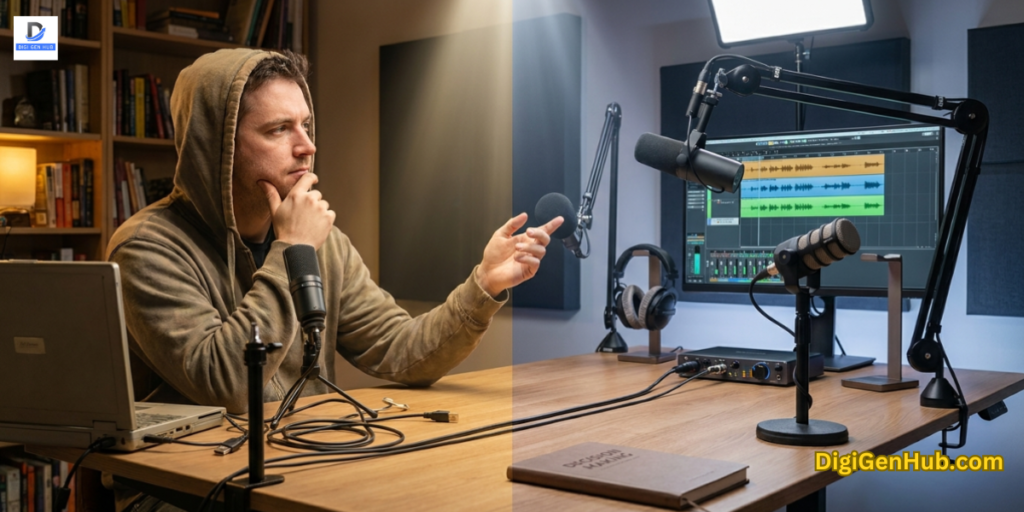
Creators now seek simple yet robust microphones for podcasting that match environments. They want a clean voice, less noise and a steady tone without having to learn complex audio rules.
Some need dynamic mics to control noise. Some people want a USB because it starts up quickly. Others choose hybrid ports for future growth. Small tools, such as pop guards and boom arms, also help refine tone.
My younger cousin has a cooking show and struggles with loud kitchen noise. I handed him the Samson Q2U and his next recording sounded steady within minutes.
My aunt shares short financial clips and struggles with harsh “S” sounds. The Shure MV7 addressed that issue because it kept his voice tight, even in a small room.
A friend who sells digital templates online feels that his tone is dull. The Rode NT-USB Mini provided him with a brighter sound without requiring any changes to his setup. These small wins helped them feel more confident behind the mic.
Microphones for Podcasting
Good audio keeps people engaged and increases trust. A microphone plays an important role here, even more so than editing or software.
The right model can reduce room noise, enhance voice quality and make long sessions more comfortable.
These microphones deliver stable performance for home creators, video podcasters, remote speakers and beginners.
1. Shure MV7 — Best Overall Microphone
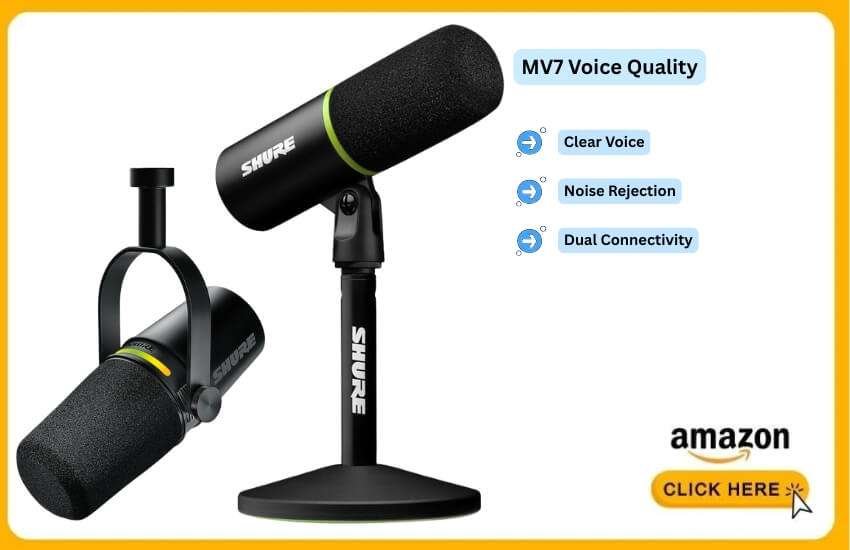
The MV7 fits almost every situation. It works in untreated rooms, supports both USB and XLR connections and maintains a steady voice tone even when you shift positions.
Why It’s Different
1 . Clear and full voice
2 . Strong noise rejection
5 . Stable tone across different rooms
MV7 vs SM7B
| Point | MV7 | SM7B |
| Connection | USB/XLR | XLR |
| Setup | Easy | Needs interface |
| Noise handling | Strong | Excellent |
| Cost | Lower | Higher |
Pros
a) Works well in noisy and quiet rooms
b) Simple setup with USB
c) Upgrade-ready with XLR
d) Strong voice focus
e) Reliable for daily use
Cons
a) Price is higher than basic USB mics
b) Needs a close speaking distance
2. Rode NT-USB Mini — Best Beginner-Friendly Microphone
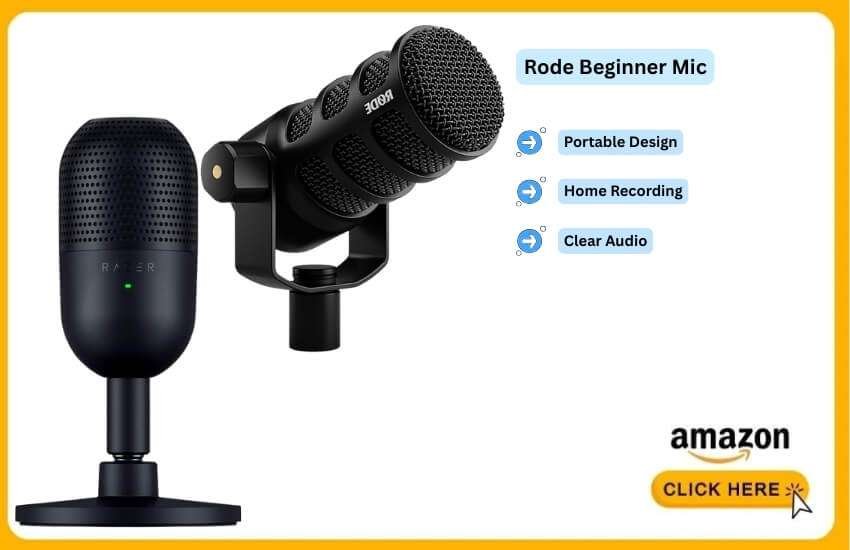
This compact mic works well for new podcasters who want a clean voice without extra gear. It handles movement well and fits small desks.
Why It Stands Out
1 . Small and portable
2 . Clear sound with minimal setup
3 . Good for home recording
4 . Stable tone
NT-USB Mini vs Blue Yeti
| Point | NT-USB Mini | Blue Yeti |
| Ease | Very easy | Moderate |
| Size | Compact | Large |
| Patterns | Cardioid only | Multiple |
Pros
a) Fast setup
b) Smooth voice presence
c) Compact design
d) Good value
Cons
a) No XLR option
b) Only one pickup pattern
3. Samson Q2U — Best Budget Microphone
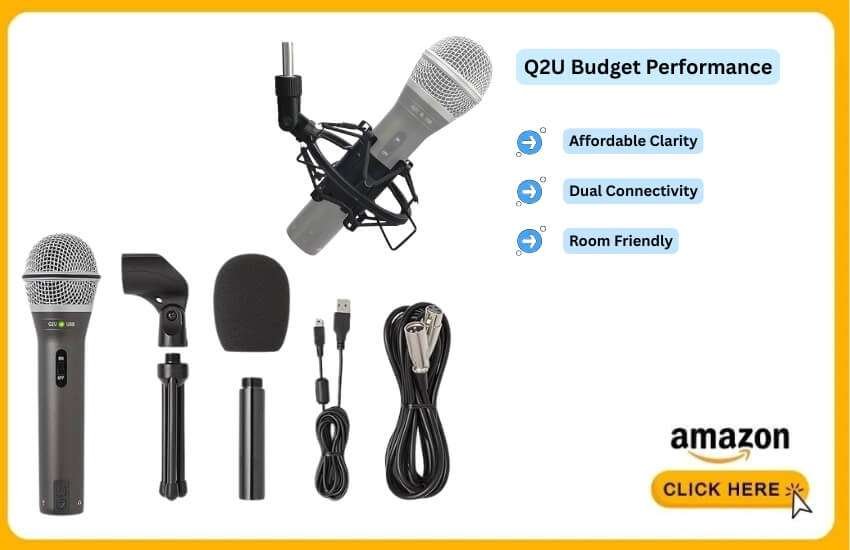
This mic gives surprising quality for a low price. It handles noise well and features both USB and XLR connections.
Its Notable Strengths
1 . Great clarity for the cost
2 . Good in untreated rooms
3 . USB and XLR included
4 . Easy to carry
Q2U vs ATR2100x
Pros
a) Low cost
b) Strong noise control
c) Flexible ports
d) Works in many rooms
Cons
a) Build feels basic
b) The included stand is weak
4. Audio-Technica AT2005USB — Best Hybrid Microphone
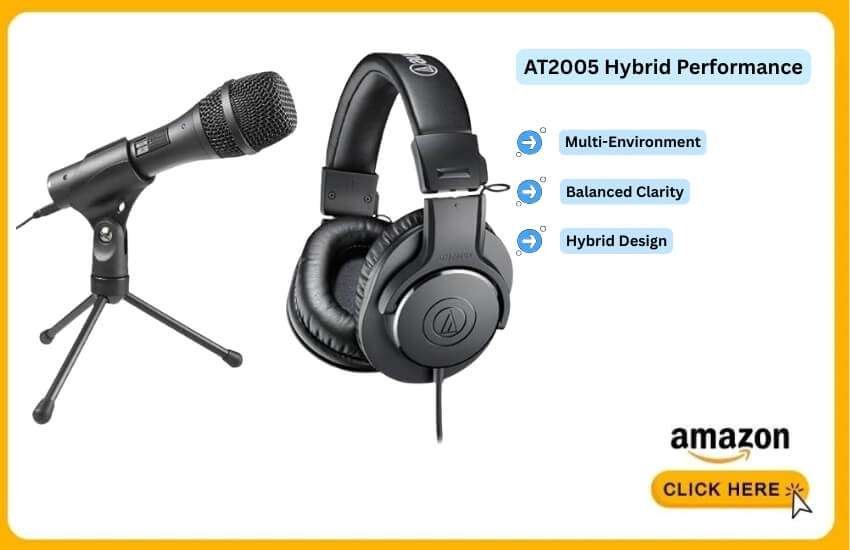
This mic offers a balanced tone and smooth handling. It fits both beginners and intermediates.
What Gives It an Edge
1 . Balanced voice clarity
2 . Hybrid design for upgrades
3 . Works in many environments
4 . Good for both speech and live use
Hybrid Category Snapshot
| Model | Strength | Best For |
| AT2005USB | Balanced tone | Growing creators |
| MV7 | Premium hybrid | All-in-one users |
| Q2U | Budget hybrid | Starters |
Pros
a) Clear sound
b) USB/XLR flexibility
c) Good durability
d) Stable noise handling
Cons
a) Needs a closer mic position
b) Not ideal for very loud rooms
5. Audio-Technica AT2020USB+ — Best Condenser for Quiet Rooms
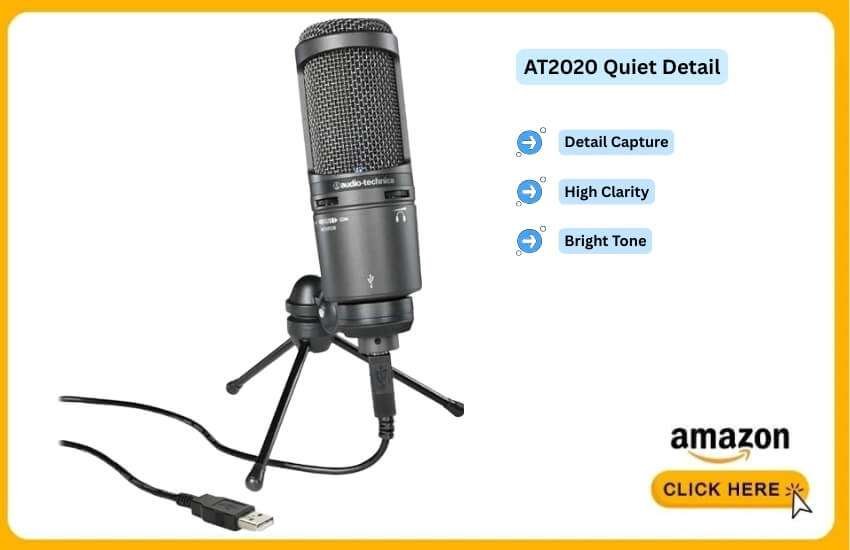
This mic captures soft detail and a bright tone. It works best only in quiet, treated rooms.
What Makes It Special
1 . High clarity
2 . Clean top-end tone
3 . Smooth vocal presence
4 . Strong detail capture
AT2020USB+ vs NT-USB Mini
| Point | AT2020USB+ | NT-USB Mini |
| Sensitivity | High | Medium |
| Detail | High | Medium |
| Room needs | Quiet | Moderate |
Pros
a) Crisp, detailed sound
b) Easy setup
c) Great for soft voices
Cons
a) Not suitable for noisy rooms
b) Picks up background sounds easily
6. Shure MV88+ — Best Compact Microphone for Mobile Recording
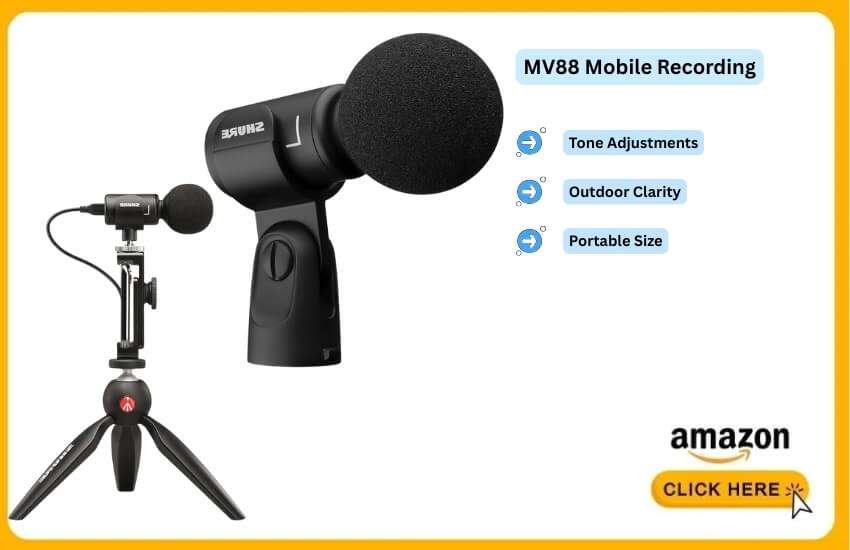
This small microphone works well for creators who record away from home or travel often.
Its Most Striking Qualities
1 . Clear outdoor voice quality
2 . Portable and lightweight
3. Adjustable tone settings
4 . Good for mobile interviews
Compact Comparison
| Model | Best For | Strength |
| MV88+ | Travel | Outdoor clarity |
| NT-USB Mini | Desk | Stability |
| Q2U | Mixed | Flexibility |
Pros
a) Easy to carry
b) Good for field recording
c) Clear speech
Cons
a) Works best only with mobile devices
b) Some wind noise outdoors
How to Match the Right Microphone to Your Recording Style
Different podcast styles need different microphones. Here is the clear match:
A . For Noisy Rooms
Choose dynamic cardioid microphones. These reject noise from the sides.
Best Picks
1 . Shure MV7
2 . Samson Q2U
3 . ATR2100x
B . For Beginners
Choose simple USB microphones.
Best Picks
1 . Rode NT-USB Mini
2 . Blue Yeti
3 . MV7 (USB mode)
B . For Two Hosts
Use two microphones, never one.
Best Picks
1 . Two hybrid mics
2 . Two USB mics (simple setups)
C . For Video Podcasts
Use dynamic mics slightly off-screen.
Best Picks
1 . MV7
2 . AT2005USB
D . For Remote Interviews
Choose USB or hybrid microphones.
Best Picks
1 . Samson Q2U
2 . MV7
3 . NT-USB Mini
Useful Accessories That Improve Your Sound
Accessories help more than many mic upgrades.
Pop Filters and Windscreens
Pop filter → reduces strong breath hits
Foam windscreen → reduces soft noise
Boom Arms and Desk Stands
Boom arm → keeps mic close and steady
Desk stand → simple option
Audio Interfaces (For XLR)
Needed only if using XLR microphones.
Shock Mounts
Stops table vibrations from reaching the mic.
Room Softening
Curtains, rugs, soft chairs and bookshelves reduce echo fast.
General Guidelines to Pick the Right Microphone with Confidence
Follow this path for the best results:
Picking a microphone becomes easier when you focus on four points:
1 . Mic type
2 . Connection
3 . Pickup pattern
4 . Room environment
These four decide the final audio quality more than anything else.
Dynamic or Condenser — Which Fits Your Space?
Dynamic microphones block background noise and suit everyday rooms. Condenser microphones record more detail but require quiet spaces.
Quick View
Noisy rooms → Dynamic
Quiet rooms → Condenser
Dynamic Mic vs Condenser Mic
| Point | Dynamic Mic | Condenser Mic |
| Noise control | Strong | Weak |
| Voice tone | Warm & tight | Bright & open |
| Best space | Normal rooms | Treated rooms |
| Risk | Low | High in loud rooms |
My personal view
Dynamic mics provide a stable sound, even when street noise or fan noise is present. Condensers work only when the room is well-controlled.
USB or XLR — Which One Makes Sense for You?
USB suits simple setups. XLR suits long-term plans and multi-host shows.
Quick View
Solo creators → USB
Future upgrades → Hybrid or XLR
USB vs Hybrid or XLR
| Point | USB | XLR |
| Setup | Fast | Slow |
| Need extra gear | No | Yes |
| Best for | Beginners | Growing creators |
| Flexibility | Limited | Wide |
From what I’ve noticed and what people close to me say, if someone is starting from scratch, USB helps them avoid mistakes. Hybrid mics give better value for future upgrades.
Pickup Patterns and Why They Are Necessary
Patterns decide how the microphone listens.
Pattern Guide
1 . Solo → Cardioid
2 . Two people facing each other → Bidirectional
3 . Group around one mic → Omni
Pattern Snapshot
| Recording Style | Pattern |
| Solo voice | Cardioid |
| Two hosts | Bidirectional |
| Group talk | Omni |
Many close to me share this thought: a cardioid fits almost all podcast rooms. It keeps the voice clean and focused.
Room Effects You Should Notice
The shape of your room and its surfaces impact the final sound.
Room Check
1 . Hard echo → Choose Dynamic
2 . Soft echo → Either can work
3 . Treated room → Condenser possible
Room Snapshot
| Room Type | Best Choice |
| Bare walls | Dynamic |
| Small office | Either |
| Shared space | Dynamic |
| Quiet treated room | Condenser |
Still, if I clap and hear an echo, I immediately pick a dynamic mic.
This process avoids the most common mistakes.
Every microphone listed here performs well, but one model is particularly well-suited for most creators across various setups.
The MV7 suits both beginners and experienced podcasters, video hosts and remote creators. It gives clear tone, strong noise
Audio Gear Works Best as a System, Not a Single Piece
Your microphone handles the voice. But the full setup shapes how you sound and look.
Many video podcasters record in the same space where they shoot content. Controlling the light around your mic matters just as much as the mic itself.
A steady RGB tube light for photography placed just off-screen changes how your background reads on camera. It keeps harsh tones away from your face.
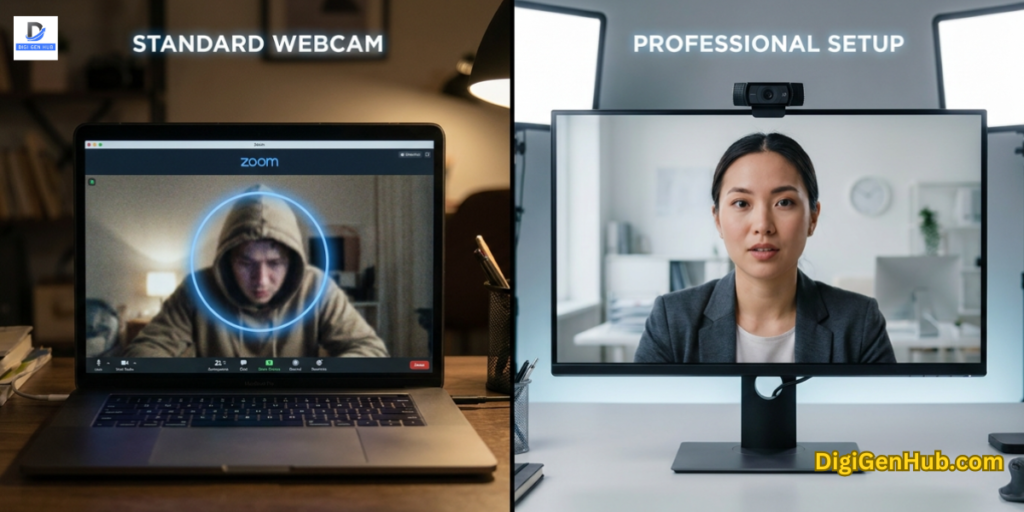
Your camera feed matters too. Built-in laptop cameras drop trust fast even when the audio is clean.
A dedicated 4K webcam for laptop keeps your face sharp during Zoom interviews and remote recordings. Your audience focuses on your words, not your pixels.
Both tools sit quietly behind the mic. But listeners who also watch will notice them instantly.
Conclusion
The right microphone solves most of these problems faster than software or editing. A minor upgrade can often transform the entire listening experience.
FAQ
Do microphones for podcasting work well with voice-enhancement apps?
Yes. Most modern mics work smoothly with voice tools such as noise reduction, EQ presets and clarity enhancers. These apps help polish the final tone, but the mic still shapes the base sound.
What mic settings help reduce mouth clicks during long sessions?
Keep the mic slightly off-center, lower the gain a little and stay hydrated. These steps reduce clicks without filters or heavy editing.
Can I easily switch between one mic for podcast recording and livestreaming?
Yes. Most USB and hybrid microphones allow you to switch between platforms without needing to change hardware. You only adjust gain and distance based on the platform you use.
Do podcast microphones support simultaneous recording of two devices?
Only hybrid mics with both USB and XLR ports can work with two devices. Standard USB mics connect to one device at a time.
How close should I place a mic if I talk softly?
Soft speakers get the best tone at four to six inches. This adds warmth without overloading the signal.
Do podcast microphones need cleaning or maintenance?
Yes. Wipe the grill lightly every few weeks and clean the foam windscreen if it collects dust. This helps maintain a clear tone and reduces odor over time.
Can outdoor podcasters use the same microphones used indoors?
Yes, but outdoor creators get better results with compact models that handle wind well. Adding a thick windscreen also protects the voice outdoors.
Do microphones for podcasting support multi-language shows?
Yes. Dynamic mics handle strong consonants common in many languages, while condenser mics capture soft vowel-heavy speech well. The choice depends on voice style, not language.
Does microphone weight matter for long recordings?
Yes. Heavy mics need stronger boom arms. Light mics stay stable and reduce handling noise if you move often while talking.
Can podcast mics record instruments and voice in the same session?
Yes. Hybrid or condenser mics handle mixed sessions well, but dynamic mics tend to work better in rooms with echo or background noise.

Aliza Khatun is a Digital Marketing Professional and the founder of DigiGenHub. She has helped various businesses grow their online presence through real-world experience in marketing, branding, traffic growth, and business strategy.
Through DigiGenHub, she shows how to build and grow a business from the ground up using Website Setup, SEO, Branding, Paid Promotion, and smart digital tools.
She also highlights how AI can be used to its full potential to make content creation, automation, marketing, and business growth faster and smarter.
She believes that the right knowledge, modern technology, and the right tools can help any individual or business build a stronger online presence.