


Cybercriminals do not care if you run a software company, an agency, or a retail store.
So, you must know exactly how to protect digital assets against the newest threats.
They actively hunt for your customer credit cards. They steal your proprietary code and digital products.
They hijack your social media accounts and domain names. If you lose these digital properties, you lose your entire company.
You must build a secure wall around your digital property right now. Protecting your digital assets requires strict daily habits.
You must enforce strong passwords across your team. You must maintain offline data backups.
You must train your staff to recognize artificial intelligence phishing scams. You must legally register your creative work.
Passwords are no longer enough. Read how to protect digital assets in an online business with hardware tokens, strict access limits, and legal copyrights.
Protect Digital Assets with Top Security Solutions
If you operate online, you have a target on your back. Now, the average cost of a data breach for a business sits above $10 million.
You might think hackers only want credit cards. They actually want everything you own online.
They want your crypto wallets, your email lists, your social media profiles, and your website domain.
If you lose these items, your business dies. You must build a secure wall around all your digital property right now.
Security Solutions
| Security Tool Category | Solution | Main Benefits | Cost Factor |
| Password Management | 1Password | Forces strong passwords for remote teams | Low Monthly Fee |
| Two-Step Login | Yubico Tokens | Stops remote login hacks physically | Medium One-Time |
| Payment Gateway | Stripe | Handles strict credit card compliance | Per Transaction |
| Cloud Backup | Backblaze | Stores off-site data automatically | Low Monthly Fee |
What exactly are Digital Assets in an Online Business?

Digital assets in an online business include your website domain name, customer payment data, proprietary software code, digital products, and social media accounts.
You must identify every digital item your business owns before you can secure it. Cybercriminals always target these digital properties:
1 . Customer Information
Your buyers trust you with their home addresses, emails, and credit card numbers. You must protect this data at all costs. Hackers steal and sell this information on the dark web.
2 . Creative and Intellectual Property
Your software codebases, course videos, and written content hold immense financial value. Rivals or digital thieves can steal these files to copy your business model and sell cheap fakes.
3 . Digital Real Estate
Your website hosting login, domain name, and social media admin rights act as your storefront. Without these, your customers cannot find you online.
4 . Financial Accounts
Your Stripe, PayPal, and business bank logins control your cash flow. A compromised financial account stops your business operations immediately and destroys customer trust.
My Experience with Digital Inventories
I connect with thousands of online business owners. We share our wins and our terrible losses.
Many founders only think about their physical office equipment or warehouse stock.
They completely forget about their digital files. Last year, a close colleague lost his main software agency domain name to a hacker.
He lost $50,000 in client contracts in just three days. He had no backup plan. After seeing that disaster, I immediately created a strict digital inventory for my projects.
I list every single software tool we use. I list every login. I list every creative file folder.
You cannot defend what you do not track. This simple spreadsheet saved my business twice during staff changes.
How to Build Your Inventory Today
1 . Open a blank spreadsheet program.
2 . List every software application your team uses daily.
3 . Record the names of the people who hold the admin rights for each platform.
4 . Update this list on the first day of every single month.
How Do You Block Daily Cyber Threats from Ruining Your Company?
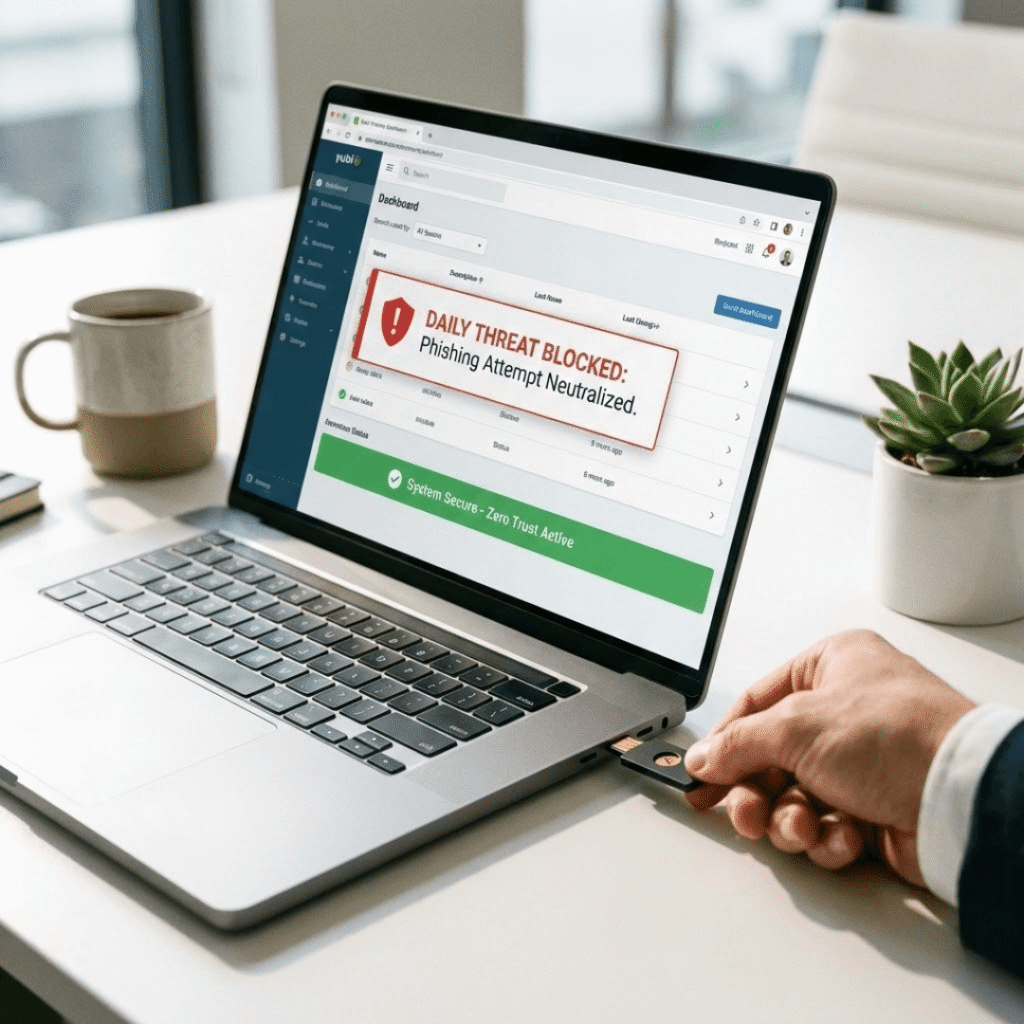
You block daily cyber threats by enforcing a few necessary steps. These are:
1 . A zero-trust policy
2 . Requiring physical security tokens for all logins
3 . Using enterprise password managers and
4 . Relying on compliant payment gateways. You should never trust a simple text password to guard your company.
Also, apply these steps to stop hackers:
Require Multi-Factor Authentication
A password alone offers zero safety. Hackers buy lists of stolen passwords for pennies. You must force every team member to use a second login step to prove their identity.
Use Physical Security Tokens
Physical security tokens provide the highest level of login protection. Hackers cannot steal a physical object through the internet.
Your staff must plug these small devices into their laptops to log in.
Install Password Managers
Tools like 1Password create and store long, complex passwords. Your team will never need to memorize or reuse a weak password again.
The software fills in the password automatically.
Process Payments Securely
Never store raw credit card numbers on your own website servers. Let secure gateways like Stripe handle the financial data.
They spend millions on security. So you do not have to worry about strict payment rules.
My Experience with Hardware Tokens
My team and I test dozens of business tools every year. In the past, we relied on text messages for our login codes.
We thought we were safe. Then, I learned about SIM-swapping attacks. Hackers easily hijacked text messages to break into a fellow marketer’s accounts.
I immediately bought physical security tokens for my entire team. We plug these small devices into our laptops to verify our identities.
The peace of mind feels incredible. We also strictly use 1Password for all our shared logins.
It stops my remote contractors from using “password123” for our marketing tools. I see exactly who logs into what software.
Action Steps to Take Right Now
A . Buy physical security tokens for your core managers.
B . Sign up for a business password manager account.
C . Turn off text message authentication across all your business platforms.
D . Force your team to create 20-character passwords for the password manager master login.
Is Your Remote Team a Major Security Risk Right Now?

Yes, remote teams pose the biggest security risk because human error causes 95% of all data breaches.
You must restrict file access, train staff to spot artificial intelligence phishing emails, and secure all remote laptops immediately.
You can apply these Ways to secure your team to protect digital assets:
Limit Employee Access
A social media manager does not need access to your financial software. You must practice the rule of least privilege. Give workers only the access they absolutely need for their specific jobs.
Train Against AI Phishing
Hackers use artificial intelligence to write perfect, fake emails. These emails look exactly like urgent messages from you or your vendors. You must teach your team to spot these tricks.
Secure Remote Devices
Your contractors use laptops in public coffee shops. Public internet connections are dangerous. You must force them to encrypt their hard drives and use virtual private networks to hide their traffic.
Audit Third-Party Apps
Employees often connect random scheduling apps to their work email. These small apps often have terrible security. You must review and block unapproved software on your company network.
My Experience with Fake Emails
Managing a remote team brings huge challenges. I work with freelance designers, developers, and writers across different time zones.
We communicate constantly. A few months ago, one of my remote developers received an email.
It looked exactly like a payment invoice from my personal account. It was an AI-powered phishing scam.
The tone sounded exactly like me. Luckily, my developer noticed a tiny spelling error in the sender address and warned me.
Since that day, I run monthly security training sessions. I show my team real examples of fake emails.
I also limit their access. My writers only access the writing folders. They cannot see the website backend code at all.
How to Fix Team Vulnerabilities
1 . Review all user permissions on your main business software accounts today.
2 . Remove admin rights from anyone who does not strictly need them to work.
3 . Schedule a 15-minute security meeting with your team every single month.
4 . Establish a verbal verification rule. If an employee receives an email asking for money or passwords, they must call you on the phone to confirm the request.
Recover Financially and Legally after a Cyber Attack

You recover from a cyber attack by keeping off-site encrypted data backups.
So, hold a dedicated cyber liability insurance policy, and register legal copyrights for your digital products.
You must prepare for the worst scenario before it ever happens. Follow these recovery Strategies:
Maintain Strict Data Backups
You must follow the strict 3-2-1 rule. Keep three total copies of your data. Store them on two different types of media. Keep one copy completely offline and off-site.
Buy Cyber Liability Insurance
Standard business insurance does not pay for data breaches or ransomware attacks. You need a specific cyber policy. This policy covers legal fees and customer notification costs if hackers steal your data.
Register Your Copyrights
If a thief steals your digital courses or software code, you need legal proof of ownership. Register your designs with the Copyright Office. This gives you the power to sue in federal court.
Plan Your Digital Estate
If you get sick or pass away, someone must run the business. You must name a digital executor. You must give them legal access to your passwords and bank accounts.
My Experience with Disaster Planning
Many online founders think a cyber attack will permanently bankrupt them. I used to fear this scenario too.
Then I talked to legal experts in my private network. They taught me the true value of off-site backups.
I now keep a fully encrypted hard drive in a physical fireproof safe. It holds all my website code, articles, and design files.
I also purchased a cyber liability insurance policy for my company. It costs a few hundred dollars a year, but it protects me from million-dollar lawsuits.
I also file DMCA takedown notices immediately if I see another website stealing my content. You have to fight back aggressively to protect your brand.
Action Steps for Recovery Planning
A . Buy an external hard drive and copy your most important files onto it this week.
B . Store that hard drive in a secure location away from your home office.
C . Contact an insurance broker to get a firm quote for cyber liability coverage.
D . Add a visible copyright notice to all your original digital products to deter casual thieves.
Conclusion
Running an online business requires constant vigilance. Cyber criminals want your data. They want your money.
You have the power to stop them. You must protect your digital property with the same energy you use to build your products.
Secure your passwords. Buy physical security tokens. Train your remote team to spot fake emails.
I highly recommend starting with a strict digital inventory today. Write down everything you own online.
Then, lock it all behind a premium password manager like 1Password. Take action right now. Secure your company and protect your hard-earned US customers.
FAQ
Why are social media and email profiles valuable?
Your company Facebook page, Twitter account, LinkedIn profile, and main Gmail inboxes hold massive value.
Your email inbox acts as the main access point for your entire company. If someone takes your email, they can reset every other password you own.
Do online memberships hold real value?
Yes, your paid software subscriptions, premium community access, and exclusive forum accounts hold real financial value. You pay money for
Why must you lock your website domain immediately?
Hackers love to steal premium website names. You must log in to your domain registrar and turn on the domain lock feature.
This action stops thieves from transferring your website name to another server without your permission.
How do you control admin rights for your team?
Do not give full admin access to your junior social media managers. Use the specific business manager tools on platforms like Facebook and LinkedIn.
Give your staff the absolute lowest level of access they need to post their daily content.
How do you train staff to spot fake emails?
Hackers use artificial intelligence to write perfect fake emails. They try to trick your staff into clicking bad links.
You must train your team to verify the sender address every single time. They must call you on the phone to confirm any urgent money requests.
Why should you register your copyrights legally?
You must formally register your original digital courses and eBooks with the Copyright Office.
This official paper gives you the legal power to sue thieves in federal court. You can demand high financial damages when you hold a registered copyright.
How do trademarks protect your business name?
Protect your business name and logo with a formal trademark. A registered trademark stops other companies from confusing your customers.
If a rival uses a similar name to steal your traffic, you can force them to change it.
Why must you watermark your digital media collections?
Place a visible logo on your original product photos, eBooks, and digital art collections.
This action deters lazy thieves from copying your images. It proves ownership instantly when people share your files across the internet.
How do you stop contractors from making security mistakes?
Avoid the common mistakes to protect digital assets. Run a fast security meeting every month. Teach your freelancers how to spot dangerous links and fake websites. Show them examples of real attacks. Education stops bad clicks.