


Running an online business looks simple from the outside. But the moment you depend on your laptop for long hours, you notice every weakness in the device.
Your online businesses today depend on tasks that put pressure on their systems.
You need to open analytics dashboards, edit visuals, research products, write content, run AI tools, update WordPress and manage data often at the same time.
A slow machine interrupts everything. It breaks your focus. It wastes minutes that add up to hours. It creates stress you don’t need.
I learned this when I launched DigiGenHub. My laptop slowed down during keyword research, froze while exporting images and even crashed once during a client call.
I lost time, energy and a few opportunities because my device couldn’t keep up with the demands of day-to-day work.
The Urgent Role of The Best Laptops for Online Business
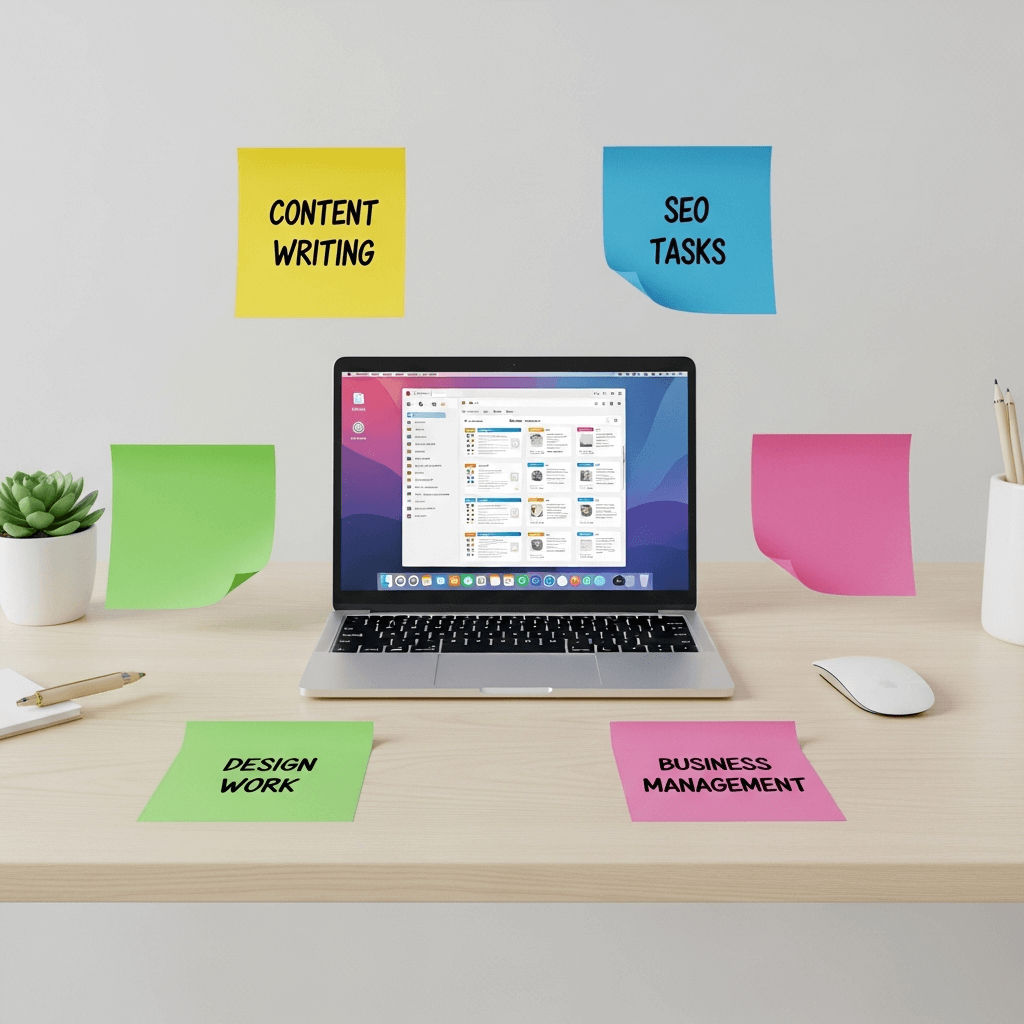
Over the last few years, I used several laptops for content writing, SEO tasks, design work, generate music and daily management.
I also tested units used by clients and colleagues across the USA. These experiences helped me identify which laptops can withstand business demands and which ones fail to meet expectations.
The 3 Laptops That Handled Workload as Your Need
I tested many laptops while running DigiGenHub, but only a few stayed stable during heavy workdays. I spend most of my time switching between SEO tools, researching products, using AI apps, working on WordPress and engaging in lengthy browsing sessions.
Most laptops slowed down or overheated during these tasks. The three devices in this list survived everything I threw at them.
HP Pavilion 15 handled full-day workloads without freezing.
The Acer Aspire 5 provided me with reliable performance during my early days, when my budget was tight.
ASUS VivoBook 15 helped me manage work easily while travelling and working from cafés.
Top 3 Laptops for Online Entrepreneurs
| Rank | Laptop | Why I Recommend It |
| 1 | HP Pavilion 15 | Smooth multitasking, fast SSD, strong RAM, ideal for long workdays |
| 2 | Acer Aspire 5 | Affordable, dependable, perfect for beginners and part-time earners |
| 3 | ASUS VivoBook 15 | Light, clean design, great for travel and remote work |
A . HP Pavilion 15 – A Reliable Laptop for Online Business Work
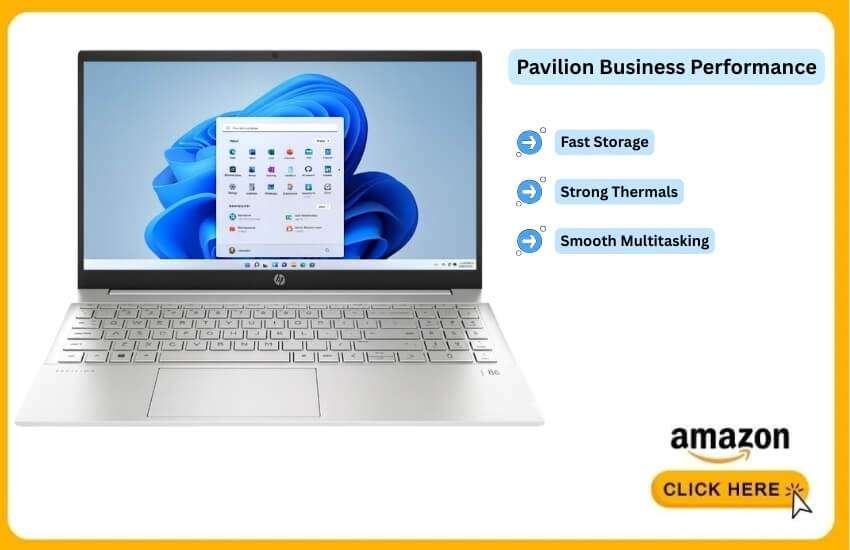
The HP Pavilion 15 suits the current online business environment. Creators, marketers and remote professionals often use multiple browser tools, editing apps and communication platforms simultaneously.
You need more memory, faster storage and stable thermals. This model checks those requirements without entering premium price territory.
How It Handles Online Business Tasks
Most online business owners spend long hours working inside browsers. The Pavilion 15 handles heavy browser sessions with steady speed thanks to its robust RAM and SSD combination. Users can run:
1 . AI writing assistants
2 . SEO research dashboards
3 . Canva or other online editors
4 . WordPress admin tasks
5 . Zoom meetings
The system keeps these tools active without noticeable slowdown.
Essential Performance Traits for Smooth Daily Tasks
1. Multitasking Strength
The Pavilion 15 comes with 16GB of RAM. This is a crucial feature for creators who frequently keep multiple tabs and apps open. This amount of RAM prevents the system from freezing when switching between tasks.
2. Fast Software Loading
The 512GB SSD loads dashboards, design tools, documents and CMS platforms quickly. This reduces waiting time while opening files or refreshing tools.
3. Stable Operation During Long Work Sessions
The thermal setup handles extended working hours. The device stays responsive even after several hours of researching, editing, or publishing content.
4. Clear Video Meetings
Zoom, Google Meet and Teams run well on this system. It maintains stable call quality even when other apps are open.
5. Suitable for Content Management Systems
WordPress dashboards, analytics reports and bulk upload tasks load quickly because the SSD processes data faster than older hard-drive models.
Why Online Business Users Trust This Option
Online creators and small business owners need mid-range laptops with strong memory, quick storage and enough processing power for:
1 . Writing
2 . Editing
3 . Website management
4 . AI tools
5 . Light design
6 . Research
The Pavilion 15 fits this demand and avoids the cost of high-end devices. It delivers stable performance. This is more important than extreme speed for most online workers.
Drawbacks That You Should Know
The device is not as light as ultra-thin models. Users who travel frequently or work on the go may notice the difference.
But the added performance often outweighs the extra weight for office-based or home-based users.
Who Should Buy It?
This laptop suits:
a) Content creators
b) Digital marketers
c) Affiliate marketers
d) Website owners
e) Online store managers
f) Remote professionals
Anyone who needs a stable machine for daily tasks will find it dependable.
B . Acer Aspire 5 – A Practical Laptop for New Online Business Owners
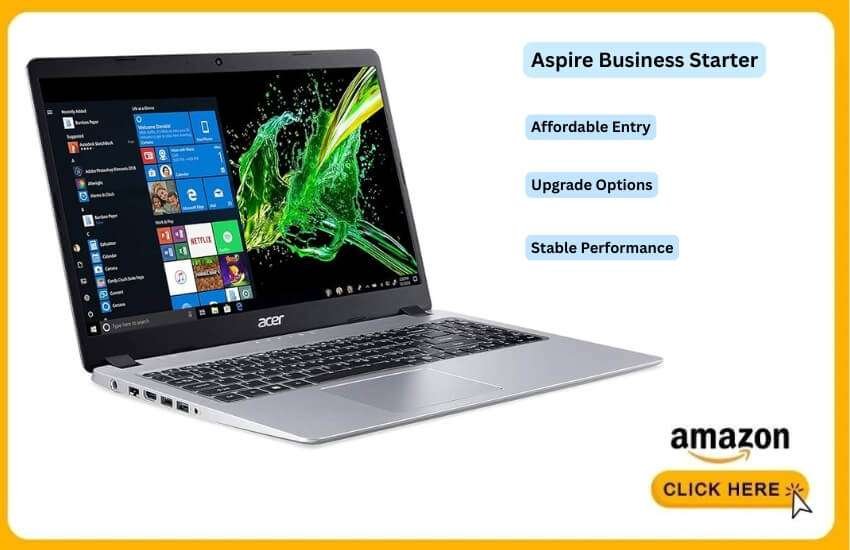
The Acer Aspire 5 remains one of the most highly recommended entry-level laptops.
It is suitable for individuals looking to start an online business without investing in a premium device.
The model strikes a balance between price, stability and upgrade options. This makes it a solid choice for beginners.
What Makes It Suitable for New Online Entrepreneurs
Most newcomers seek a laptop that can handle daily tasks without slowing down. The Aspire 5 meets this expectation because it utilises hardware that supports online work without incurring unnecessary costs.
It manages:
1 . Writing platforms
2 . Keyword tools
3 . Email dashboards
4 . WordPress
5 . Light graphic editors
6 . Affiliate research tools
Beginners can run these apps comfortably even while switching between browser tabs.
How Well It Manages Essential Business Duties
1. Solid Everyday Processing Power
The Aspire 5 typically ships with mid-range processors. It handles tasks such as writing, research, making calls and editing.
These processors are not designed for high-end workloads. But they remain stable during extended periods of normal use.
2. Fast Storage and Quick Software Access
Most Aspire 5 models now include an SSD. This storage type improves loading speed for WordPress, Google Docs and dashboards. Pages load faster and files open instantly.
3. Upgrade Freedom for Future Needs
Users can easily increase RAM or storage. This helps new business owners adapt as their work volume grows, without the need to purchase a new device.
4. Smooth Performance for Research-Heavy Work
The laptop manages SEO tools, analytics data and keyword searches without noticeable lag. These tasks require steady memory usage, which the Aspire 5 handles well with basic upgrades.
5. Efficient for Light Creative Work
It runs Canva, simple thumbnails and basic social media visuals without freezing.
Why It Fits the Beginner Market
New online business owners in the USA often search for laptops that:
1 . Cost less
2 . Handle daily tasks
3 . Run browser tools without trouble
4 . Support basic editing
5 . Last long enough to build income
The Aspire 5 meets these expectations and keeps expenses low.
Drawbacks That You Should Consider
The Aspire 5 does not match the speed of mid-range or premium models. Users who run heavy design software or advanced AI tools may notice limitations. But for standard online business work, it stays reliable.
Perfect For These Users
This model suits:
a) New affiliate marketers
b) Students starting side projects
c) First-time bloggers
d) Part-time online earners
e) New content creators
f) Remote workers with simple tasks
It’s one of the best starting points for anyone seeking a dependable yet affordable laptop.
C . ASUS VivoBook 15 – Best for Travel-Focused Online Work
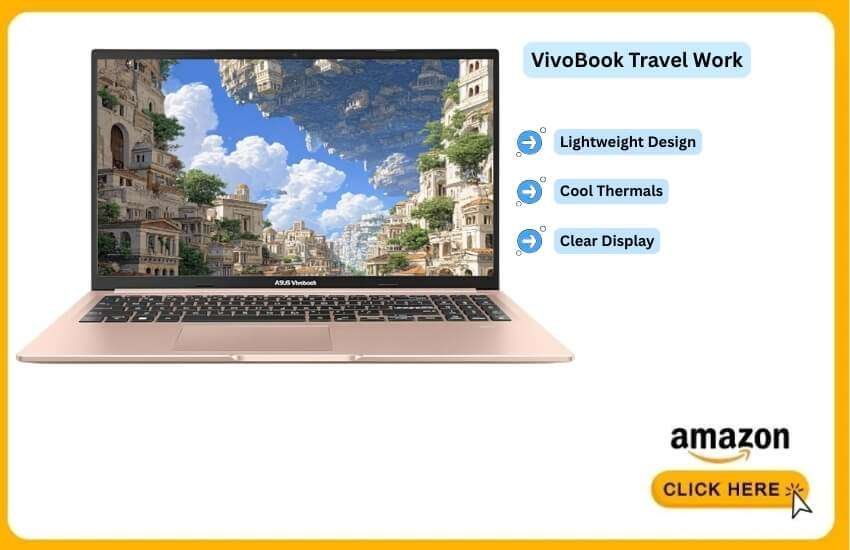
The ASUS VivoBook 15 is ideal for individuals who work on the go. Many online entrepreneurs seek a laptop that remains lightweight, stays cool and opens quickly.
This model prioritises portability without compromising the essential features required for business tasks.
Why the VivoBook 15 Remains a Strong Pick
The recent version includes stronger internal parts than the older models. ASUS adjusted the thermal system.
The laptop remains steady during long work hours. The display panel offers clear text and bright colors. This matters for people who write, design, or join video calls.
Performance Highlights
1 . 11th or 12th Gen Intel Processor
Handles daily business tasks easily. Runs writing tools, cloud dashboards, email platforms, CRM pages and design apps at the same time.
2 . 512GB SSD
Stores documents, templates, planner sheets, product files, thumbnails and campaign data. The SSD starts the system fast and cuts loading delays.
3 . Thin and Light Body
The laptop weighs less than many 15-inch models. This helps freelancers, remote workers and digital nomads who move often.
4 . Comfortable Keyboard
The key spacing supports longer writing sessions. This helps bloggers, copywriters and anyone who frequently writes business pages.
5 . Bright Display
Improves reading comfort during long research hours. Reduces eye strain during extended online work.
6 . Good Battery Duration
Runs several hours on web-based apps. This works well in airports, cafés and coworking spaces.
Who Will Benefit Most
a) Remote workers
b) Freelancers
c) Blog writers
d) Affiliate marketers
e) Consultants
f) Students running online income streams
g) Anyone who works outside the home often
Why It Fits Your Online Business
Many content creators use cloud tools instead of heavy software. The VivoBook 15 handles these tasks smoothly. It gives enough speed without the price tag of high-end ultrabooks.
Minor Limitations
Not ideal for heavy 4K video editing.
Speakers feel average compared to premium models.
The body flexes slightly because of the thin frame.
These limits do not affect typical online business tasks, such as writing, research, email marketing, creating dashboards, meetings and using design tools.
Buying Guide Before Choosing a Laptop for Online Business
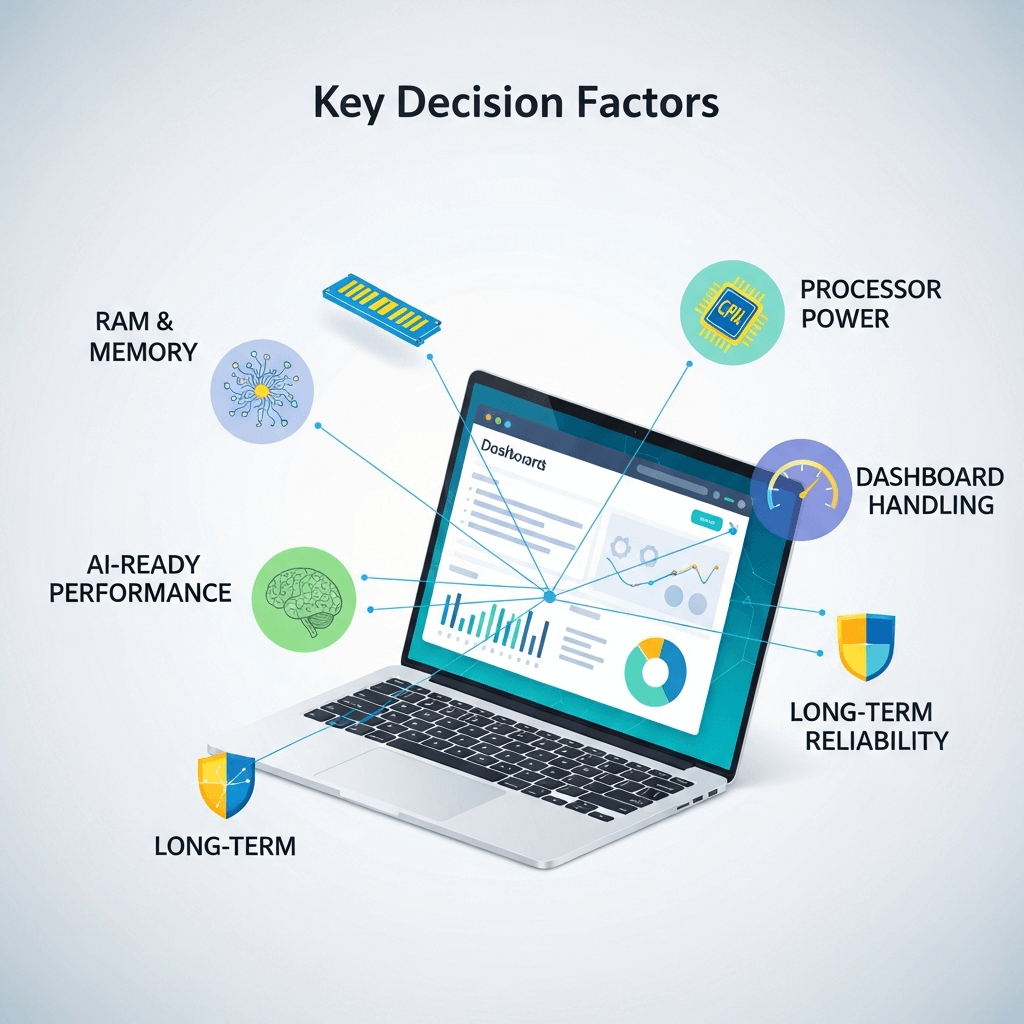
Choosing a laptop for online work needs more careful thinking than before. Online tools use more memory. AI platforms run heavier models.
Web apps open larger dashboards. These points will help you choose a laptop that stays fast and reliable for years.
1. RAM plays the bigger role in multitasking
Online business tasks often run inside browsers. Modern browsers use a lot of memory.
16GB RAM is the new baseline for:
a) AI tools
b) SEO platforms
c) Design apps
d) Multiple browser tabs
e) Cloud dashboards
8GB RAM struggles with software demands.
If you work full-time online, choose the 16 GB option.
If you edit videos or run local AI tools, choose the 32 GB option.
2. SSD storage provides a faster system
Do not buy any laptop with an HDD. HDDs slow down boot time and app loading.
Choose:
1 . NVMe SSD for the best speed
2 . 512GB SSD if you handle media files
3 . 1TB SSD for creators or long-term storage
SSD gives quicker startup, quicker file access and fewer delays.
3. Battery life shapes how long you can work
Remote work needs dependable battery life. Cloud tools consume power more quickly than older offline applications.
Minimum battery life:
7+ hours for light work
9–10 hours for travel-focused workers
12+ hours for long sessions away from outlets
If you work from cafes, airports, coworking spaces, or on the road, consider choosing a laptop with a longer battery life and fast charging capabilities.
4. Good Keyboard Design Supports Writing-Focused Tasks
Many online businesses require constant writing.
A comfortable keyboard helps reduce fatigue and increase accuracy.
Look for:
1 . Soft key travel (1.2mm to 1.4mm).
2 . Firm keys that do not wobble.
3 . Backlit keys for dark rooms.
4 . Full layout if you type long documents.
Writers, bloggers, researchers and marketers benefit from a good keyboard.
5. Weight affects daily comfort
A heavy laptop slows you down. If you move often, choose a lighter device.
Weight guidelines:
1 . Under 3.5 lbs for mobile entrepreneurs
2 . 3.5–4 lbs for hybrid work
3 . 4+ lbs for office-only use
Thin designs help remote workers stay flexible.
6. Display clarity helps long screen sessions
Online business work often includes:
a) Writing
b) Research
c) Editing
d) Calls
e) Scheduling
f) Analytics
Choose:
1 . Full HD (1080p) is the minimum.
2 . 300+ nits brightness for outdoor work.
3 . IPS panel for accurate colors.
Avoid low-brightness screens. They strain their eyes during long work days.
7. Thermal control keeps performance steady
AI tools and browser-heavy work heat up laptops. Overheating slows performance or causes crashes.
Choose laptops with:
1 . Dual-fan cooling
2 . Good bottom ventilation
3 . Metal chassis (dissipates heat better)
Stable cooling helps maintain speed under pressure.
8. Expanded Ports Improve Device Convenience
Many online business owners utilise accessories such as microphones, external SSDs, cameras and second monitors.
Essential ports:
1 . USB-C
2 . USB-A
3 . HDMI
4 . Audio jack
5 . SD card slot if you create media
Avoid laptops with only two USB-C ports unless you’re willing to carry extra adapters.
9. Wi-Fi 6 or Wi-Fi 6E keeps your connection strong
Business tools need a stable internet. A good Wi-Fi chip reduces lag during calls and uploads. Choose laptops with Wi-Fi 6 or 6E for stable video meetings and faster cloud sync.
10. Screen size depends on your work style
Your display size should match your typical work environment.
Choose:
1 . 14-inch for travel
2 . 15.6-inch for mixed work
3 . 16-inch or larger for creators or analysts
Bigger screens are beneficial for writing, editing and analytics.
Conclusion
In summary, choose a laptop that meets your daily work requirements. Pick fast RAM and SSD storage. Select a screen you enjoy for long hours. Go for reliable battery life. Match the device to your workflow and budget. A good laptop keeps your online business moving. The right one saves time, reduces stress and supports growth.
FAQ
Do I need a laptop with AI acceleration for online business?
You don’t need it for basic tasks, but an AI-accelerated chip helps if you use local AI writing apps, offline transcription tools, or on-device image editors. These laptops also save battery since they offload tasks from the CPU.
Are ARM-based Windows laptops good for business work now?
Yes. The recent ARM models run fast, stay cool and offer long battery life. They work well for cloud-based business tools and most office applications. But heavy video editing still performs better on Intel or AMD processors.
Does screen refresh rate matter for an online business?
A 60Hz screen is fine for work, but 90Hz or 120Hz makes scrolling smoother on long pages, dashboards and documents. It reduces eye fatigue during long sessions.
Are gaming laptops a good choice for online businesses?
Only if you need high graphics power. They run fast, but they drain the battery quickly and weigh more. They suit video editors or creators, rather than people who travel frequently.
Should I choose a laptop with an Ethernet port for business?
If you frequently make video calls or upload large files, an Ethernet port provides a more stable connection. If not, Wi-Fi 6 or 6E is enough for daily online tasks.
How long should a business laptop last?
A good laptop should last 4 to 5 years with proper care and maintenance. Models with upgradable RAM and SSD tend to last longer because you can improve performance later.
Do online business owners need a laptop with a dedicated GPU?
Most don’t. A dedicated GPU is particularly beneficial for tasks such as 3D design, advanced editing, or AI training. For writing, research, dashboards and web apps, integrated graphics are enough.
Is a touchscreen useful for online entrepreneurs?
A touchscreen is helpful when annotating documents, viewing designs, or planning tasks visually. It’s not essential, but many entrepreneurs prefer the flexibility.
What security features matter most for remote work?
Look for a laptop with a fingerprint reader, TPM chip, webcam shutter and strong Wi-Fi encryption. This protects your business accounts and client data.
Should I buy a 2025 laptop now or wait for 2026 releases?
If you need a laptop today, buy it. 2026 models may include better AI processing. But current devices already handle business tools well. Waiting only makes sense if your current laptop continues to work smoothly.