


Every platform, YouTube, Instagram, Spotify and even short-form ad networks, now rewards content that sounds fresh and emotionally engaging.
The biggest struggle many brands face is finding music that feels original, aligns with their message and stays within budget. That’s exactly what AI music generators solve.
A few months ago, my friend Rylee, who had just completed her degree in digital media, wanted to start a motivational YouTube channel.
Her videos looked great, but sounded dull because she couldn’t afford unique soundtracks.
I helped her try an AI music generator. I also guided her on how to write short prompts that matched her tone, warm, calm and inspiring.
In under an hour, she created her own set of tracks that perfectly fit her brand. Viewers commented that her videos “finally felt alive.”
AI Music Generators & Their Activities

AI music generators are tools that turn simple text instructions into full songs. They let creators skip many hours of studio work. They let you produce instrumentals or songs with vocals from scratch.
Now, businesses are utilizing these tools to transform their marketing strategies.
Brands create ad jingles that fit campaigns in minutes. Podcasters design signature intros without hiring composers. Game studios build adaptive soundtracks that react to player movement.
With the new U.S. copyright clarity, creators can safely combine AI-generated tracks with human edits for commercial use.
How do AI music generators turn text into sound?
With a short line of text, you can create custom, copyright-safe music in any genre or mood. No studio, no long waits, no licensing headaches. Let’s explain:
Prompt to code
You type a prompt like “smooth jazz, 85 BPM, female vocal, piano & sax”. The system converts that text into a coded representation. That code captures mood, tempo, instruments and style.
Structure generation
Using that code, a model creates melody, harmony, rhythm and arrangement. It may use diffusion or transformer methods to craft the song’s skeleton.
Sound synthesis
The model turns the skeleton into actual audio. Instruments and vocals are generated as waveforms. Recent models include “breath” cues and natural phrasing in vocals.
Stems and export
The platform separates stems, such as drums, bass, lead vocal and pads. You export WAV, MP3 or multitrack stems. Then you edit and mix as needed.
Why it is beneficial for makers
You don’t need a deep understanding of music theory. The system provides a solid foundation that you can refine and build upon.
Stems let you add your own vocals or horns. You get usable files fast. Choose a tool that lets you export stems and edit. Many tools still lock you into final mixes.
Updates worth knowing
Vocals now sound much more human thanks to advances in modeling.
Generation speed has improved; many tools now work seamlessly in-browser or on mobile devices.
Editors like Canva and Adobe added built-in AI music features.
U.S. copyright offices and platforms started applying new rules to AI-generated songs.
Human + AI: How professionals use this combo
A producer starts with a prompt.
They generate several versions.
They pick one and export stems.
They replace the lead vocal with a human voice.
They polish, mix and master. This keeps the human feeling while saving time. As Kakul Srivastava, CEO of Splice, said: “Use AI to help create. Keep humans in the loop.”
Make Your Prompts Clear
A vague prompt gives vague output. A detailed prompt gives a focused result. You can see three sample prompts you can try:
1 . “Cinematic tension, 95 BPM, orchestral strings, brass hits, hybrid percussion, build to drop at 0:40, duration 2:30.”
2 . “Bright pop ad, 110 BPM, plucky guitar, synth bass, handclaps, clean mix, 0:30 loop.”
3 . “Warm R&B ballad, 75 BPM, sultry female lead vocal, smooth electric piano, sparse drums, subtle choir in chorus.”
Use these as starting lines. Tweak one word at a time.
Quick checklist before you publish
1 . Export stems and import to your DAW.
2 . Check vocal phrasing for natural breathing and timing.
3 . Ensure that the audio formats match your platform.
4 . Confirm you hold commercial rights for the track.
5 . Add your own human touch (vocals, solo, mix) before release.
Case Study: Suno
Suno is a U.S.-based AI music generator that lets creators generate full songs with vocals from text prompts.
Many users report they now use it for demo tracks, YouTube intros, or ads.
Suno officially improved vocals and export flexibility in their 2025 updates.
They demonstrate that this technology now delivers results good enough for commercial use. This provides you with review rights and edit carefully.
What are The Best AI Music Generators
AI music tools now deliver complete songs, including melody, arrangement and often vocals. Tools shifted from toy projects to professional creative tools that publishers, agencies and creators use daily. For writers and site owners, that means demand for clear guidance and licensing-first advice.
| Tool | Starting Price | Features | Licensing |
| Suno AI | Free tier: ~$0/month (≈50 credits/day) Pro: ~$10/month (~2,500 credits) Premier: ~$30/month (~10,000 credits) | Full-song generation (vocals + instruments). ~500 songs/month on Pro, ~2,000 on Premier. | Commercial use allowed in paid tiers—but training data/licensing still under scrutiny. |
| Udio | Free tier: ~$0/month (10/day + 100/month credits) Standard: ~$10/month (~2,400 credits) Pro: ~$30/month (~6,000 credits) | Strong vocals + full songs. Cost per ~2-min song estimated ≈ $0.008–$0.010 (in Standard/Pro) as of Nov 2025. | Recently settled major label lawsuit; licensing model changing. Downloads/exports temporarily limited. |
| Beatoven .ai | Starter plans: ~$2.50/month (basic) Other tiers: approximately $6–$20/month for additional minutes/downloads. | Focuses on royalty-free instrumentation/background music (no lead vocals). Download minutes vary. | Strong for monetized content (YouTube, ads) with clear licensing. Beatoven. |
1 . Suno AI
Generates full songs from short text prompts. It can include lyrics, instruments and synthesized lead vocals.
Strengths: Produces complete, demo-ready tracks fast. Easy UI and mobile support.
Limitation: Legal questions remain about some training data. Use caution for commercial releases.
Best for: Song ideas, demos, short tracks with vocals.
2 . Udio
AI platform focused on vocal-forward full songs and production.
Strengths: Strong vocal realism and layered production. Recent label deals improve legal standing.
Limitation: Platform changes may occur as licensing deals are rolled out and exports or terms may be adjusted.
Best for: Vocal demos and artist-style tracks where the voice is a key element.
3 . Beatoven.ai
Generates royalty-aware background and instrumental tracks with emotion controls.
Strengths: Clear licensing for monetized content. Good for long-form background music.
Limitation: No lead singing. Not for vocal-driven songs.
Best for: YouTube backgrounds, podcast beds, ads, games.
4 . Loudly
A fast background music generator designed for creators and social media videos.
Strengths: Quick presets and licensed libraries suitable for short clips.
Limitation: Less control over complex arrangements.
Best for: Social reels, short ads, quick content needs.
Cost note: Free basic access; paid tiers unlock more downloads.
Licensing tip: Check which tracks include commercial rights.
5 . Stable Audio (Stability AI)
High-quality audio synthesis platform with enterprise features.
Strengths: Strong for sound design and brand audio. On-device variants exist.
Limitation: More technical; best for teams or producers.
Best suited for: game audio, branded soundscapes and studio sound design.
Cost note: Free trial + paid plans for higher usage or enterprise APIs.
Licensing tip: Read the enterprise terms for redistribution rights.
6 . Sonauto.ai (or Sonauto-type vocal tools)
Tools focused on realistic vocal generation and singer-like output.
Strengths: Natural-sounding lead vocals in demos.
Limitation: Quality varies by model and prompt skill.
Best for: Storytelling tracks and vocal-first demos.
Cost note: Often free/basic tiers are available; paid credits are required for full features.
Licensing tip: Verify whether voices derive from recorded artists.
7 . AIVA
An AI composer that produces orchestral and cinematic scores.
Strengths: Strong MIDI export and classical/cinematic style options.
Limitation: Not focused on pop vocals or short social loops.
Best for: Film scores, trailers and game cutscenes.
Cost note: Tiered pricing by feature and export options.
Licensing tip: Review commercial terms for sync and broadcast rights.
8 . Soundraw
Generates royalty-free loops and tracks for creators.
Strengths: Quick loop creation and simple customization for social content.
Limitation: Less suitable for full songs with vocal leads.
Best for: Short video soundtracks and loop-based content.
Cost note: Subscription model; licensing included in paid plans.
Licensing tip: Confirm whether you can claim full authorship for commercial use.
9 . Tad AI (and similar newcomers)
Emerging tools that can generate vocals and full songs in basic form.
Strengths: Free or low-cost entry points for experimentation.
Limitation: Data usage and rights are often unclear. Output quality varies.
Best for: Early testing, idea generation and prototypes.
Cost note: Free/basic plans are common; paid tiers unlock stability and quality.
Licensing tip: Avoid publishing commercial work until terms are clear.
10 . Other niche tools (plugins & APIs)
Small tools, DAW plugins and APIs for stems, mastering, or instrument generation.
Strengths: Integrate into pro workflows and let you keep hands-on control.
Limitation: You often need mixing skills to reach the final quality.
Best for: Producers who want AI inside their DAW.
Cost note: Usually pay-per-plugin or subscription.
Licensing tip: Confirm export rights and any required attribution.
How Creators and Brands Are Using AI Music Generators Today
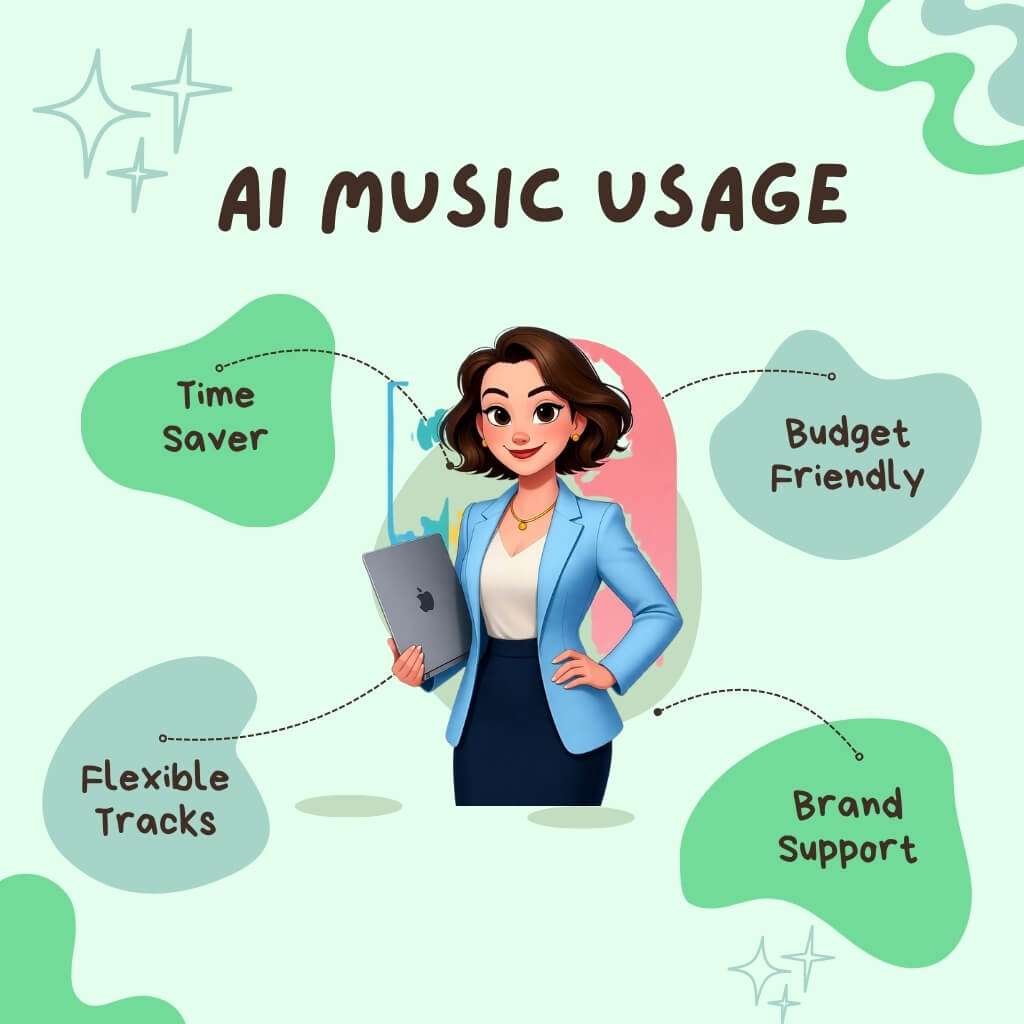
AI music now serves creators and brands. It saves time and budget. It supplies flexible background tracks and full songs.
Use cases
1 . YouTubers, royalty-free background scores
Creators pick the mood and length. They export loops or full tracks. They use them under platform licenses.
2 . Podcasters, intros, outros, transitions
Makers create short stingers and beds. They match mood to episode themes.
3 . Marketers, jingles and ad audio
Brands make short, on-brand loops for ads. They produce multiple versions fast.
4 . Game developers, adaptive and modular soundtracks
Studios generate variations for levels and events. They export loops and stems for engines like Unity.
Can beginners make pro-quality music using AI?
Yes, with limits. AI gives strong drafts and usable stems. Beginners can make tracks that sound polished. They must check vocals, phrasing and licensing. Pro quality needs human polish. Add at least one human performance or a careful mixing process.
Monetization strategies
1 . Sell royalty-free tracks on marketplaces or via your site.
2 . Use tracks under the platform license in monetized videos.
3 . Offer custom audio packs for other creators and agencies.
4 . Remix tracks for short-form content on TikTok and Reels.
5 . License to indie games or apps via simple contracts.
Sources that explain these methods include Soundraw, Mubert and industry guides.
Risk signals creators must watch
Platform policy changes. YouTube updates rules on mass-produced content. This can affect monetization.
Copyright disputes. Lawsuits and label actions can block use. Check rights and platform terms.
Quality limits. AI vocals still need human nuance for major releases.
Market saturation. Many similar tracks can reduce streaming value.
Expert view
Alexey Kochetkov, co-founder of Mubert, stated that the company aims to supply high-quality, licensable music on a large scale. He calls AI a tool to provide creators with fast, legal music for their content.
Case study — Mubert
What they offer: royalty-free, text-to-music generation and API.
How brands use it: They embed Mubert in video editors and apps to produce licensed tracks for campaigns.
Proof points:
1 . Mubert reports a catalog of tens of millions of generated tracks.
2 . Mubert lists creator guides and case posts showing use for videos, streams and marketing.
Mubert provides a clear path for creators and brands to utilize AI tracks legally and efficiently. But businesses must verify license terms and add human edits for commercial releases.
Action plan for creators and brands
1 . Pick a tool with clear commercial terms.
2 . Generate 3 versions per brief.
3 . Export stems and check in your DAW.
4 . Add human performance or mix edits before publishing.
Benefits, Limitations and Legal Risks You Can’t Ignore
AI music generators help creators produce fast, affordable and legal content when used with care. Use them for ideas, demos and drafts. Then add human vocals or edits for originality.
Always check the license and save your work steps. This method gives safe ownership and professional results.
Major Benefits
AI music tools are not just about saving time. They give real creative and business value when used wisely.
1 . Faster music creation
You can produce a full track in minutes.
2 . Low production cost
No need to hire studio musicians or rent space.
3 . Royalty-free options
Most tools include commercial licenses on paid plans.
4 . Cross-genre freedom
You can generate any style, from pop to orchestral.
5 . Editable stems and MIDI
Tools like AIVA and Soundraw let you export and adjust.
6 . High output volume
Make many tracks for YouTube, ads, or podcasts quickly.
7 . Matching sound identity
Brands can maintain a consistent tone across all campaigns.
8 . Better accessibility
Non-musicians can produce usable background music.
9 . Easy integration
Platforms such as Canva and Adobe Premiere Pro now include AI-music creation.
10 . New income channels
Some services pay royalties or let users sell exclusive tracks.
11 . Fast client delivery
Agencies can deliver music within hours of a brief.
12 . Endless testing
You can create multiple short versions and select the one that fits best.
Who owns AI-generated music in the USA?
Ownership depends on human input. The U.S. Copyright Office states: “Copyright exists only where human creativity is present.”
So:
1 . If you create a song using only prompts → you do not own copyright.
2 . If you edit, arrange, or add your own lyrics or melody → you can claim authorship for those parts.
3 . If you use an AI platform, always check its terms. Some retain rights on free accounts.
Recent cases: The U.S. Copyright Office denied a claim for a song made entirely by AI, citing a lack of human input (Reuters Legal).
Legal outlook
Human input is required
The U.S. Copyright Office (Part 2 Report, Jan 2025) confirms this.
Co-authorship trend
Lawyers now explore “shared ownership” where human edits qualify for partial protection. (Bloomberg Law, May 2025)
Platform labeling
Spotify and Apple Music plan to tag AI-generated tracks to maintain transparency. (Variety)
Industry licensing growth
New firms, such as AudioShake AI and LALAL.AI, offer verified AI music licensing for commercial use.
Streaming fraud controls
Deezer and Spotify are blocking fake AI uploads to protect royalties (Billboard).
Training-data lawsuits pending
Labels and AI companies face ongoing court cases over training songs without consent.
If you mix AI output with human input and keep records, you stay safe and retain creative rights.
Limitations
AI music is useful, but it still has limits.
1 . Flat emotion: Generated vocals often miss feeling and depth.
2 . Similar sound patterns: Many tracks share the same rhythmic style.
3 . Bias in training data: Models favor Western music over global genres.
4 . Style repetition: Prompts like “lo-fi beat” produce nearly identical tracks across users.
5 . Limited dynamics: AI can mimic notes but not human performance energy.
6 . Legal gray zones: If training data used copyrighted songs, risks remain.
7 . Dependence risk: Relying only on AI can limit originality.
8 . Vocal impersonation issues: Voice cloning tech can trigger identity claims.
9 . Platform restrictions : Free plans may block commercial use.
10 . Lack of audience trust: Listeners now prefer to know if music is AI-assisted.
Case study — Boomy
Platform: Boomy.com
Focus: AI music creation and royalty distribution.
Facts:
Users can create songs and release them on Spotify and Apple Music.
Paid accounts retain commercial rights.
Boomy introduced a “verified creator” program in 2025 to filter bot uploads. (TechCrunch, Aug 2025)
The company states that human prompt selection and editing define ownership.
Lesson: Boomy proves AI music can be monetized if creators add their own input and follow rights rules.
Practical steps to stay safe
1 . Add a human touch in every track.
2 . Keep prompt logs and edit notes.
3 . Check the platform license before uploading.
4 . Use paid tiers for clear commercial rights.
5 . Credit AI tools when requested.
6 . Avoid vocal cloning without permission.
7 . Use AI output as source, not a final product.
How AI Will Redefine the Music Industry
Start using AI now. Treat it as a fast composer’s draft. Add human vocals and final mixing.
Log your prompts and edits. Follow licensing rules before you sell. This method provides you with usable, safe music for your next project.
How will AI change music careers in the next few years?
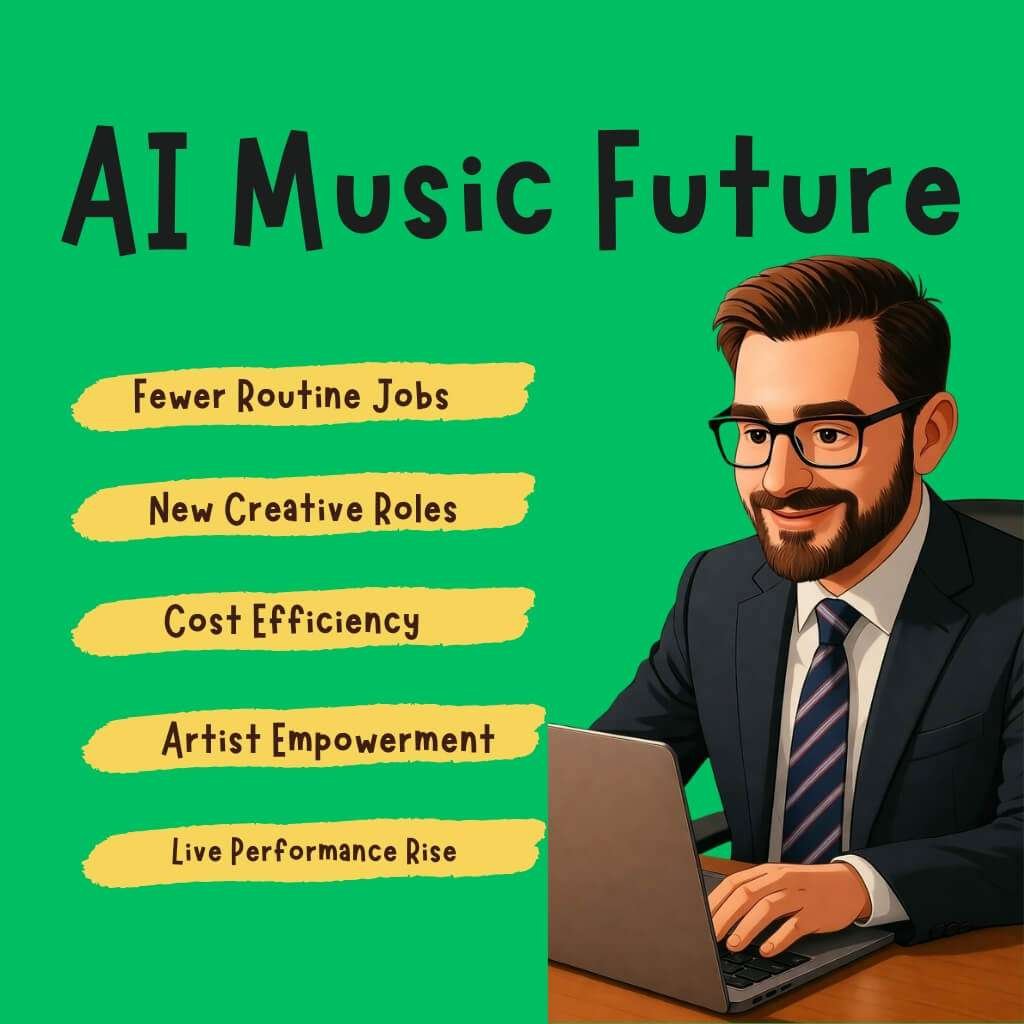
1 . Some routine scoring jobs will vanish.
2 . New roles will appear that direct AI and polish output.
3 . Small teams will produce more commercial tracks at a lower cost.
4 . Top artists will use AI to expand creative options.
5 . More work will shift to live shows and unique human performances.
Industry Outlook
Emotion-aware vocal cloning
Models add pitch nuance and breath cues. Companies like ElevenLabs lead the way in voice cloning and expressiveness.
Personalized adaptive soundtracks
Apps create playlists that adapt to the user’s state. Endel shows how soundscapes adapt to mood and context.
Ethical watermarking & provenance
Tools embed invisible markers to prove origin. Research and projects such as SynthID explore audio tagging and detection.
Cloud-based collaboration
Teams edit tracks together in browsers. New tools copy Google Docs flow for music.
Audio APIs and integration
Editors, ad platforms and game engines offer AI music APIs. This pushes music into ad tech and game toolchains.
Rights-first licensing services
New marketplaces will sell clear commercial licenses for AI tracks. Expect verified provenance and pay-per-use models.
Strategic advice for creators (short, practical)
1 . Learn short prompt craft.
2 . Keep a library of your best stems.
3 . Pair AI tracks with real singers or instrumentalists.
4 . Choose tools with clear commercial licenses.
5 . Label tracks clearly if platforms request it.
6 . Offer custom packs for ad agencies.
7 . Test multiple generators to find your sound.
Expert View
Endel CEO Oleg Stavitsky on adaptive audio:
“Soundscapes can affect your state without extra effort. That makes audio useful in daily life.”
Short action checklist for 2026 readiness
Begin by starting a small project using an AI music tool.
Export stems and add a human vocal or solo.
Record prompt history and edits.
Choose a paid plan for commercial licenses.
Create an “AI + human” demo reel to pitch clients.
Conclusion
AI music is entering a new chapter in 2026. It doesn’t replace artists. It gives them new ways to create.
Those who learn to work with AI will stay ahead of the curve. Start with one tool and write a short prompt. Listen to what it makes.
Edit the track and add your own voice. Each song you shape builds your sound style. AI becomes your helper, not your rival. This is how real musicians will grow in the age of digital creation.
FAQ
Can AI Music Generators create songs in different languages?
Yes. Many tools can now make lyrics and vocals in multiple languages, including English, Spanish, French and Japanese.
They use multilingual text-to-music models trained on global data. However, fluency and emotion still vary between languages, so it is always advisable to review the final lyrics before release.
Do AI Music Generators work with video-editing software?
Yes. Most new tools plug directly into editors like Adobe Premiere Pro, DaVinci Resolve and Canva Video.
You can add music inside the timeline, adjust length and match beats automatically with scene cuts.
How much does it cost to use AI Music Generators professionally?
Free versions are available, but serious creators typically use paid plans.
Subscriptions usually range from $10 to $50 per month, depending on track count and licensing rights.
Business plans include commercial use and high-quality exports for ads or streaming.
Can I make looping background music for apps or games?
Yes. Several AI generators now create seamless loops designed for apps, meditation tools, or game menus. You can set duration and mood so the loop repeats naturally without fade cuts.
Do AI Music Generators copy existing songs?
No legitimate tools do. They learn musical patterns from datasets but don’t reuse copyrighted recordings.
Still, review the license policy and avoid generators that don’t disclose training sources.
Can AI Music Generators help with TikTok or Reels trends?
Absolutely. Creators use AI to make short beats that match trending video tempos. These quick, unique sounds help videos stand out and avoid using overused stock clips.
How can I make AI music sound more “human”?
Add small imperfections. Adjust the timing slightly, adjust the volume manually, or add a real vocal or instrument. These small tweaks add warmth and keep the track authentic.
What file formats do AI Music Generators usually export?
Most exports are in WAV, MP3 and sometimes STEM or MIDI formats. WAV offers studio quality; MP3 is best for quick uploads; MIDI allows you to change instruments later.
Will AI Music Generators affect the music job market?
Yes, but not by removing artists — by changing roles.
New jobs, such as “AI Music Director,” “Prompt Composer,” and “Sound Curator,” are emerging.
People who guide and refine AI outputs will become essential in the next few years.