Google AI Studio gives you a faster way to build tools that sell, engage and adapt. It turns short prompts into real apps, chatbots and creative content within minutes.
Anyone, developer or not, can test ideas, connect data and publish results without long waits or high costs.
A few weeks ago, my friend Faria, who has an online baby product store, told me her sales had dropped.
She couldn’t reply to shoppers fast enough during peak hours. I guided her through Google AI Studio.
So, she built a simple chat assistant herself. It handled product questions, gave baby-care tips and linked buyers to her store. Within two days, her sales grew by 28%.
That’s how this platform works. It uses Gemini models for deep reasoning and supports text, images and audio prompts.
What is Google AI Studio
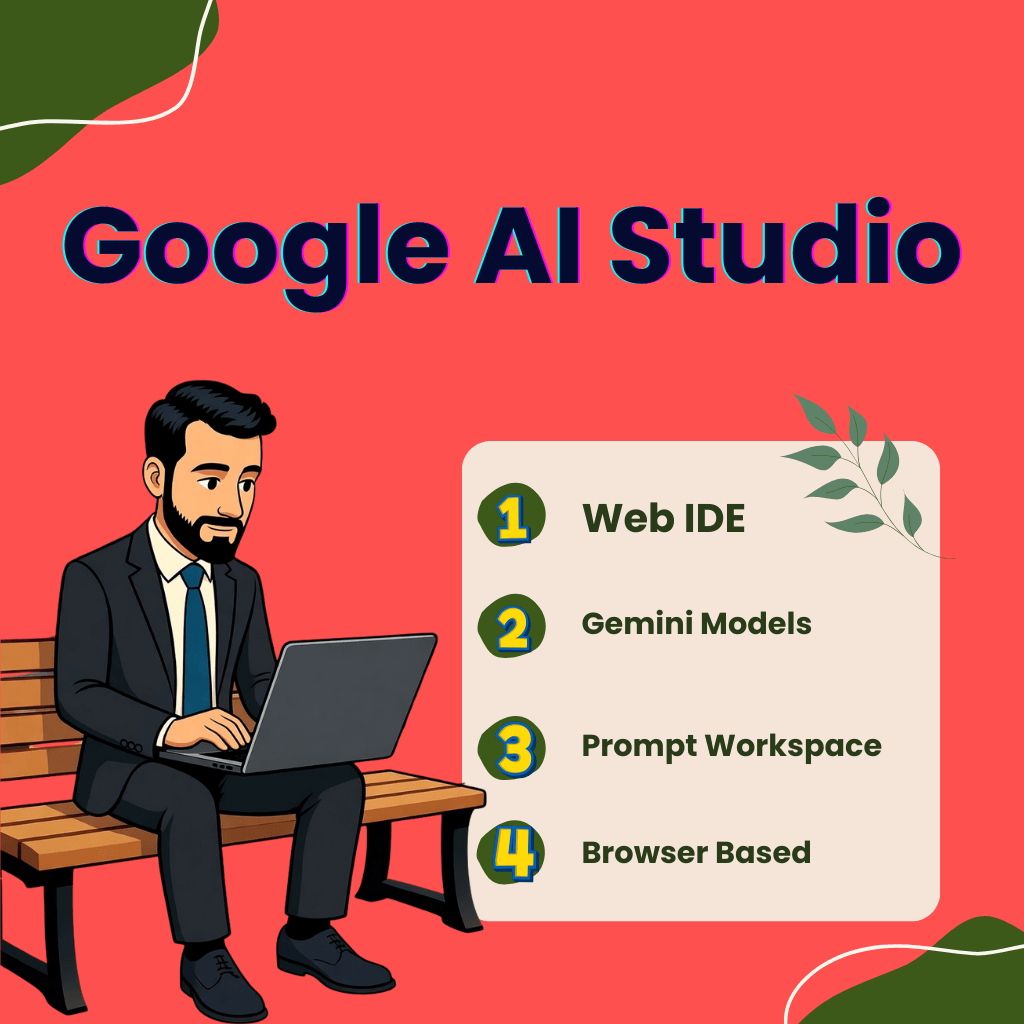
Google AI Studio is a web IDE. You sign in. You get a workspace. You write prompts. The studio runs Gemini models and related media models inside the browser.
1) Core functions you will use day one
Prompt playground — iterate prompts and see results.
Build Mode / Templates — Create app prototypes from templates.
Vibe-coding — describe your app idea and the studio generates code scaffolding.
Code export — grab production-ready code or push to GitHub.
Model selection — pick Gemini variants (text, image, media, live).
2) Practical limits and guardrails today
Google offers free access for prototyping. Expect model tiers and API quotas for production.
The platform logs usage and lets you export call logs for analysis. Use that to measure prompt quality.
Why build here first
You test multimodal prompts (text, image, audio, short video) fast.
You spin a working demo and export real code.
You skip SDK setup for early proof-of-concepts.
Yet, Google AI Studio brings the latest Gemini models and multimodal tools into a single, free and open prototyping hub. It cuts the time from idea to demo.
Platform updates
In October and November 2025, Google introduced a unified Playground and live model access (TTS, GenMedia).
The new rate-limit views. This allows teams to track usage in real-time. These make Studio a practical dev tool, not just a demo toy.
Large-scale adoption context
Enterprises and development teams transitioned from pilots to real projects.
Industry surveys indicate that companies are accelerating AI deployments, but they still require faster prototyping and clear governance. That drives demand for tools like AI Studio.
Case Study: NightCafe Builds with Google AI Studio and Vertex AI
NightCafe Studio used Google AI tools to scale its image-generation platform.
The team tested prompts and model behavior in Google AI Studio first. After refining results, they moved the workflow to Vertex AI for full production.
This step helped them handle global demand and keep costs stable. The case illustrates how companies begin in AI Studio for quick tests and transition to Cloud for live applications. NightCafe Studio
What’s New & Why It is Beneficial
Google AI Studio introduced faster build tools, deeper Gemini support and enhanced developer controls in 2025. These features enable faster prototyping and support richer, multimodal apps.
Build tab/vibe coding
Type a short idea. Studio generates a runnable app scaffold. You can edit and deploy from the browser.
Native code editor
Edit the generated code inside Studio. Export to GitHub or copy to your stack.
Multimodal support
Studio handles text, images, audio and short video workflows. You can combine multiple inputs in a single prompt.
Gemini 2.5 family access
Studio supports Gemini 2.5 Pro and Flash variants for higher reasoning and faster responses. Some 2.5 models offer long context and improved coding skills.
Grounding & File Search API (public preview)
Developers can ground model answers in uploaded documents via the File Search API. This reduces hallucination for domain data.
Developer dashboard upgrades
New usage views, logs export and rate-limit panels help teams measure cost and quality.
What’s changed in Google AI Studio that you should know?
Faster validation. You get a working demo in minutes. That speeds user testing.
Better outputs. Gemini 2.5 improves reasoning and code quality. That cuts rework.
Lower hallucination. File Search API lets you ground answers in your data. That raises trust for business use.
Multimodal options. You can test image, text and audio flows in one place. That opens creative and product use cases.
Operational visibility. Logs and dashboards show cost, latency and error patterns. Teams can set budget triggers.
What are the Implications for users
Prototype here first. Use Studio to test prompts and UIs.
Measure everything. Export logs weekly and track which prompts work.
Ground mission-critical flows. Use the File Search API for domain facts.
Plan migration. Move stable flows to Vertex AI or a managed backend when you need scale or stricter controls.
Expert perspective
Logan Kilpatrick, product lead for Google AI Studio: “Vibe coding turns idea → running app in minutes. Teams test more and ship faster.”
Commercial case
Rogo, an AI platform for finance, switched to Gemini 2.5 Flash and Vertex AI in 2025.
They reduced hallucination rates from 34.1% to 3.9% and scaled token throughput by a factor of 10.
Rogo first refined prompts and checks in Studio, then moved to Vertex for production. This shows the Studio → Vertex path for business apps. Read more on Google Cloud’s case roundup.
How to Choose & Use Google AI Studio Wisely
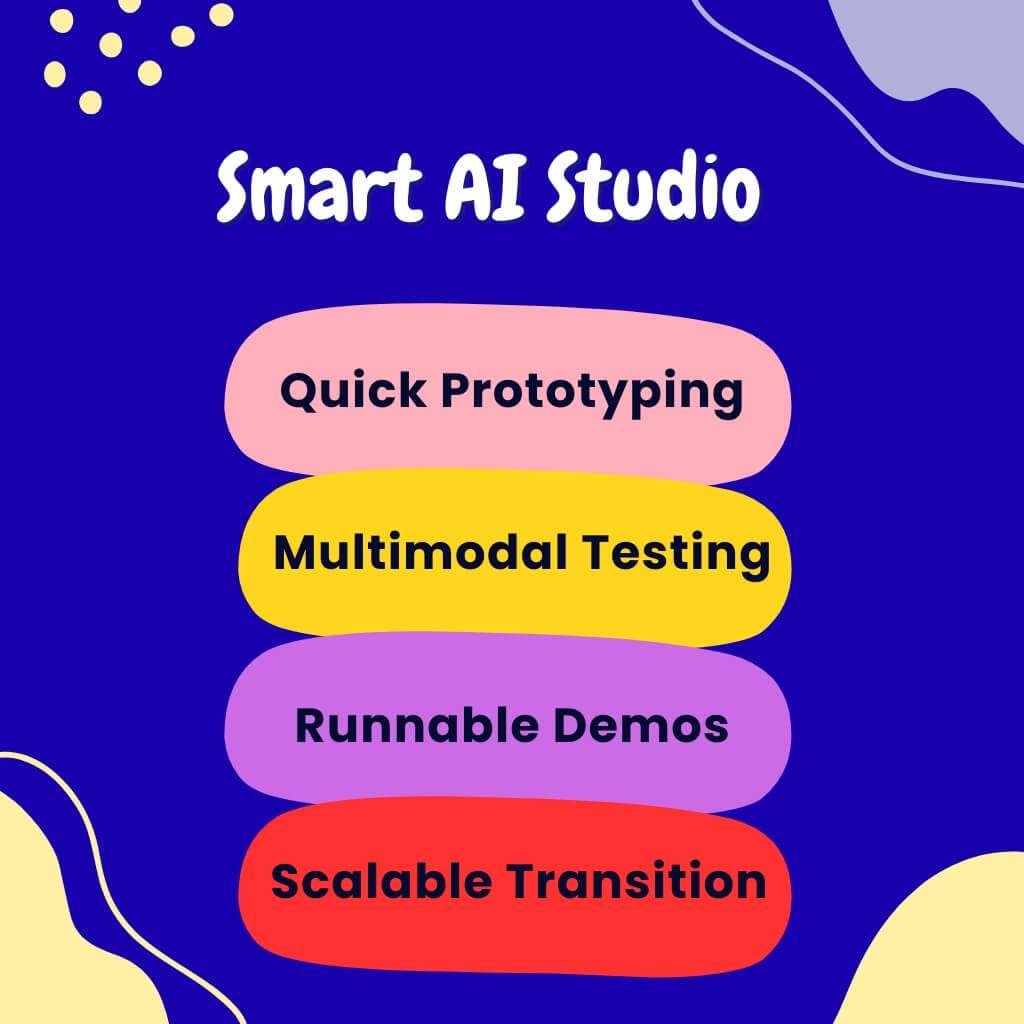
Use Google AI Studio to quickly prototype ideas. Use it when you need quick prompts, multimodal proof-of-concepts, or runnable demos. Move to Vertex AI or a backend when you need full production controls.
Who is Google AI Studio for?
Developers. Build, test and export code scaffolds.
Product teams. Validate UX and flows with real prompts.
Researchers. Run experiments on multimodal inputs.
Non-tech creators. Designers and marketers can prototype without a local setup.
Main functionalities to obtain (and why)
Prompting & refining prompts
Test variations. Measure responses. Keep a prompt library. Use structured prompts for consistent outputs.
Code generation & export
Use the Build tab to create app scaffolds. Export to GitHub or copy React code and continue in VS Code.
Model selection & customization
Pick Gemini 2.5 Pro or Flash for advanced coding and reasoning. Set temperature, max tokens and context windows per use case.
Data-grounding tools (File Search / RAG)
Use File Search to ground your answers in the relevant documents. Export grounding metadata for audits and citations.
Logging & analytics
Export logs weekly. Track latency, cost and failure rates. Use logs to decide which prompts move to production.
Is Google AI Studio the right choice for your project?
Pick the Studio if you answer yes to most of these:
1 . Do you need a working demo fast? → Yes.
2 . Do you need to test multimodal prompts? → Yes.
3 . Do you plan heavy production traffic or strict compliance needs? → No — prefer Vertex or managed backend.
How to Compare Typical Use Cases
1 . Solo prototyping
Use Studio. It gives instant feedback. It exports code. You stay fast.
2 . Small team/startup
Start in Studio. Build an MVP. Move stable flows to Vertex for scaling and governance.
3 . Enterprise deployment
Use Studio for design and prompt tuning only. Utilize Vertex AI or cloud infrastructure for production MLOps, monitoring and compliance.
Limitations — what it’s not ideal for
1 . Full production at scale
The studio lacks enterprise MLOps and fine-grained model training capabilities. Use Vertex.
2 . On-device / edge AI
Studio targets cloud prototypes. It does not create compact on-device models.
3 . Strict compliance & data residency needs
For regulated data, you need cloud accounts with enterprise controls, not the Studio sandbox.
Best practices & tips for next
1 . Start with a template. Use starter apps in Studio to save 2–3 days.
2 . Use multimodal prompts early. Test image, text and audio combinations in the prototype stage.
3 . Track prompt performance. Log outputs and measure success by utility, not novelty.
4 . Set cost alerts. Monitor token use and set thresholds before scaling.
5 . Plan a migration path. Define when to move a flow from Studio to Vertex. Use the following criteria: usage, latency requirements and security.
Case Study
Clarity (an industrial monitoring firm) built a predictive anomaly detector using Google Cloud in November 2025.
They cleaned 10M sensor records.
They prototyped prompt logic and RAG checks in Studio.
They deployed models in Vertex AI for production alerts.
Read the short case on Clarity’s site. Clarity
Should You Build Your Next AI Project with Google AI Studio
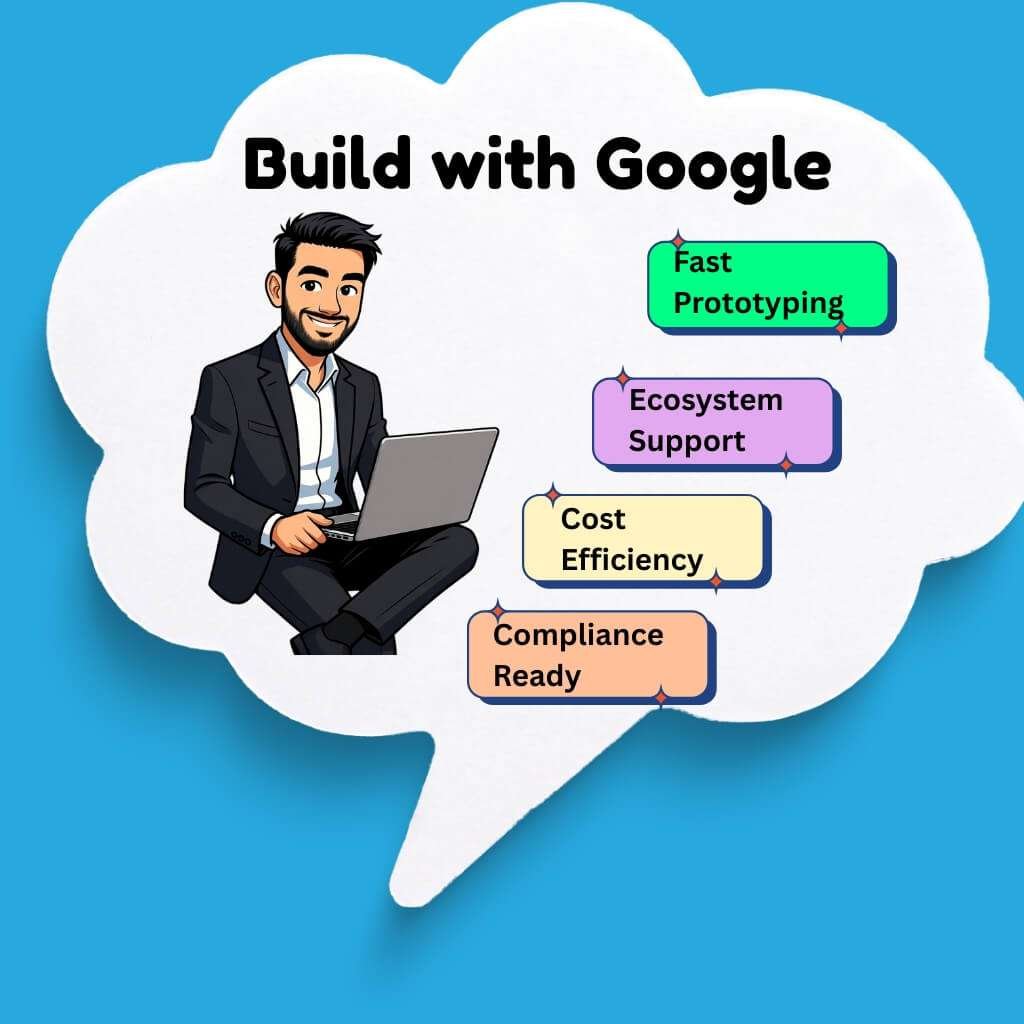
Google AI Studio excels at quick multimodal prototyping inside the Google ecosystem. Competitors offer different tradeoffs: raw model performance, price, production tooling, or media/video specialization.
Select the tool that best matches your scale, cost profile and compliance requirements.
Comparison of Google AI Studio and Competitors
| Platform | Pricing | Pros | Cons |
| Google AI Studio (Gemini) | Free trial; pay-per-token or grounded-prompt via Gemini API / Vertex AI | Built-in multimodal apps, Gemini 2.5 access, direct export to Vertex | Sandbox only; higher cost at scale |
| OpenAI Playground / API | Token-based GPT-4.1 / GPT-4o pricing | Strong reasoning; large ecosystem | Higher token cost; limited media tools |
| Microsoft Azure AI Studio | Pay-as-you-go + infra fees | Enterprise governance; hybrid support | Complex setup; pricey for small teams |
| Anthropic Claude Studio | Free–Enterprise tiers (Haiku/Sonnet/Opus) | Safe reasoning; clean UI | Few media options; smaller ecosystem |
| Hugging Face Spaces / Endpoints | Pay-per-use; model-based | Open-source models; community support | You manage infra + tuning |
| Runway Gen-4 / Veo | Subscription + credit plans | Fast video/image generation | Not for code/text apps |
Model and Performance Notes
1 . Google AI Studio: Gemini 2.5 Pro / Flash — long context, reasoning, multimodal input.
2 . OpenAI: GPT-4.1 / GPT-4o — leading text and code quality.
3 . Azure AI Studio: Runs OpenAI models under enterprise governance.
4 . Claude Opus / Sonnet 3: Safe conversational reasoning.
5 . Hugging Face: Supports Llama 3, Mistral Large, Mixtral 8x22B.
6 . Runway Gen-4 / Veo: Video-first generation models.
Future trends to watch
Much larger context windows
Models will handle over 1 million tokens for long documents and workflows. Expect vendor roadmaps to push context lengths higher.
Better multimodal video & audio inside dev tools
Vendors add native video/audio gen and editing features in their studios. Google already surface-tests Veo video models.
Agentic workflows as default
Native agent builders and agent orchestration will appear on more platforms. OpenAI and Microsoft already push agents.
Higher demand for grounding and audit trails
Expect additional tools for RAG, provenance and human review flows. Grounded prompt pricing and tooling will become standard.
Hybrid and on-device options
Teams will share the work. Big models run in the cloud. Small, fast models run on the edge. This makes responses quicker and safer.
Quick checklist to choose a platform
1 . Need a rapid multimodal demo? → Google AI Studio.
2 . Need top language performance & wide integrations? → OpenAI.
3 . Need enterprise governance & hybrid cloud? → Azure AI / Vertex.
4 . Need open models or custom weights? → Hugging Face.
5 . Need video/image creator tooling? → Runway.
Conclusion
Google AI Studio opens a new door to creativity. It turns imagination into action with just a few clicks. Whether you’re dreaming big or building small, it gives your ideas the power to shine.
FAQ
Can beginners effectively use Google AI Studio?
Yes. The interface is simple. You can create and test AI ideas with short text prompts. No setup or coding is required.
Does Google AI Studio save my data or prompts?
No. Google says your data and prompts stay private. They are not used to train Gemini models.
What can I build inside Google AI Studio?
You can build chatbots, content tools, data helpers, or creative apps using text, image and audio prompts.
Is Google AI Studio free to use?
Yes. It has a free tier for testing. You pay only when using the Gemini API for production.
Can I use my own data in Google AI Studio projects?
Yes. You can connect BigQuery, Drive, or private files through the File Search API to ground your AI with your data.
Can Google AI Studio create images or videos?
It can generate images now. Video generation using Veo is currently being tested and is scheduled to launch in 2026.
Does Google AI Studio work with other Google tools?
Yes. It integrates seamlessly with Google Cloud, Sheets, Maps and Gemini APIs for faster app development.
Can I export projects from Google AI Studio?
Yes. You can export the generated code to GitHub or your own system to continue development.
Is Google AI Studio safe for business use?
Yes. It includes privacy controls and complies with Google Cloud’s security standards. Sensitive data stays protected.
What new features are expected in 2026?
Google plans to add team collaboration, live voice prompts and faster multimodal tools with Gemini 2.6.

Aliza Khatun is a Digital Marketing Professional and the founder of DigiGenHub. She has helped various businesses grow their online presence through real-world experience in marketing, branding, traffic growth, and business strategy.
Through DigiGenHub, she shows how to build and grow a business from the ground up using Website Setup, SEO, Branding, Paid Promotion, and smart digital tools.
She also highlights how AI can be used to its full potential to make content creation, automation, marketing, and business growth faster and smarter.
She believes that the right knowledge, modern technology, and the right tools can help any individual or business build a stronger online presence.