TL;DR
Your online store website wins or loses in seconds, not months. Here’s the short version.
- Cut the clicks. Fewer steps at payment means more finished orders.
- Load in a blink. One extra second can push half your visitors away.
- Show proof fast. Reviews, badges, and a real contact page earn trust before anyone reads a word.
- Let people pay their way. Wallets and pay-later options stop last-minute drop-offs.
- Meet shoppers on social apps. Sales now happen inside the scroll, not just on your homepage.
- Lock down the legal stuff. Privacy notices and accessible design protect you and welcome more visitors.
- Let AI greet your shoppers. Smart search and chat answer questions before doubt creeps in.
- Bring buyers back. One thank-you email today can turn into three more orders tomorrow.
- Write for humans and machines. Plain answers get picked up by AI tools, not just Google.
One line to remember: small fixes, done well, beat big redesigns every time.
The Reality of Launching an Online Store in 2026
Building a store used to mean picking a template and adding products. That part still matters. But three new forces changed the game this year.
AI search tools now answer product questions directly. Buyers ask ChatGPT, Claude, or Gemini before they open Google.
Mobile traffic passed 62% of all ecommerce visits. Mobile shoppers leave fast when something feels slow.
Trust dropped among younger buyers too. Many Gen Z shoppers question whether a random store deserves their card details at all.
None of these problems is new. They are just louder in 2026. Fix them properly to start your online store perfectly.
The Platform Choice: A Fair Comparison
Picking the right builder shapes everything that follows. Below is a plain comparison of the tools people rely on most in 2026.
This table does not favor one option. It shows real trade-offs, so you can match a tool to your needs.
| Platform | Best For | Starting Price | Checkout Speed | Built-in AI Tools | Learning Curve |
| Shopify | Large catalogs, scaling fast | ~$29/mo | Fast, optimized | Product copy, inventory forecasting | Moderate |
| Wix | Beginners, small catalogs | ~$17/mo | Good | AI store generator | Easy |
| Squarespace | Design-first brands | ~$16/mo | Good | AIO for AI search visibility | Easy |
| WooCommerce | WordPress users, full control | Free plugin, hosting extra | Depends on setup | Limited native, plugin-based | Steep |
| BigCommerce | Mid-size to enterprise stores | ~$29/mo | Fast | Merchandising AI | Moderate |
| Hostinger | Tight budgets, simple stores | ~$4/mo | Basic | AI website builder | Easy |
Every platform above handles the basics. The real question is your catalog size, your budget, and your design needs.
A 50-product store and a 5,000-product store need different setups. Pick based on where your business sits in six months. Not just today.
I tested three of these platforms across client projects. The checkout step made the biggest difference.
Not the design tools. A plain store with a three-click checkout beat a beautiful store with a five-step checkout every time. Buyers reward speed over style.
Fix 1: Stop Losing Sales at Checkout
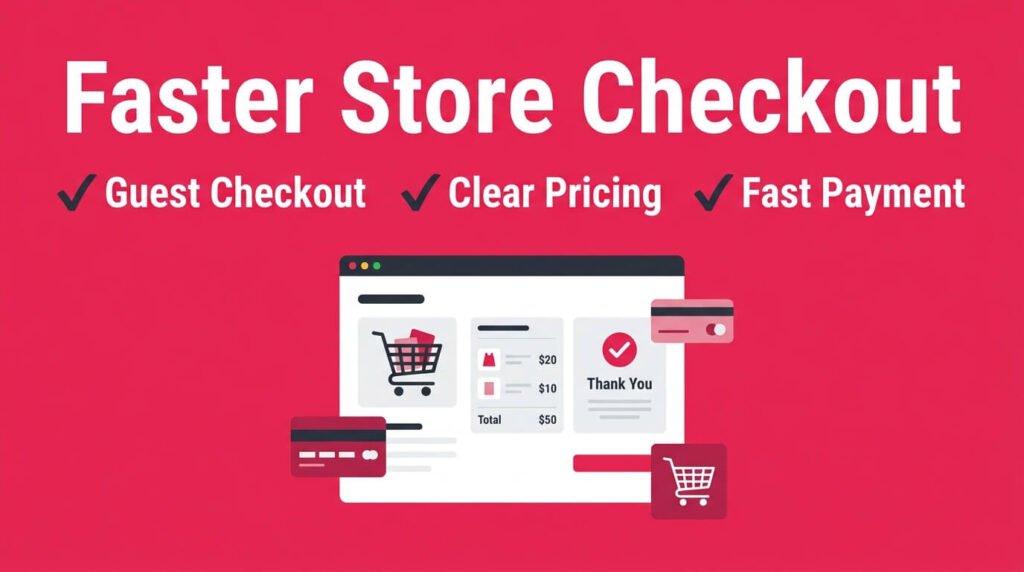
This is the biggest problem an online store faces. Baymard Institute puts the average cart abandonment rate at 70.22%, based on 50 studies. Seven out of ten shoppers add a product. Then they leave without buying.
The good news. Most of that loss is fixable.
Top reasons shoppers abandon cart:
- Extra costs appear at the last step, like shipping or tax
- The site forces account creation before purchase
- Too many form fields slow down payment
- Payment options feel limited or unfamiliar
- The process takes too many clicks
Quick fixes that work:
- Show total cost, including tax and shipping, before the final page
- Add guest checkout as the default option
- Cut form fields down to name, address, and payment only
- Offer at least three payment methods, including a digital wallet
- Keep checkout to three steps or fewer
Shopify Plus stores that follow these rules average 64% to 68% abandonment. That is a few points better than the general average. This gap adds up fast once traffic scales.
One client’s store had a mandatory account signup before checkout. We switched it to guest checkout with an optional signup after purchase. Orders rose by 18% within a month. No design change. No new plugin. Just one blocking step removed.
Fix 2: Speed Kills or Saves Your Sales
Speed is not a technical detail anymore. It is a sales lever.
Pages that load in one second convert at close to 40%. Pages that take six seconds drop to around 1%. This data comes from Queue-it. A one-second mobile delay alone can cut conversions by up to 20%.
Google’s Core Web Vitals framework sets clear targets:
- Largest Contentful Paint (LCP): under 2.5 seconds
- Interaction to Next Paint (INP): fast response to taps and clicks
- Cumulative Layout Shift (CLS): stable layout, no jumping elements
Only 42% of mobile sites pass all three metrics right now. That gap is an opportunity. Fixing it does not need a full developer team.
Steps that cut load time fast:
- Compress every product image before upload
- Turn on a content delivery network (CDN)
- Remove unused apps and plugins from your platform
- Delay non-critical scripts until after the page loads
- Test your store monthly through PageSpeed Insights
Retail brands that closed this speed gap saw revenue jump by over 50% per visitor in documented case studies.
That number sounds large. But it lines up across multiple retailers who made the same fix.
I checked a WooCommerce store last year. It had twelve plugins running. Half of them unused. We removed eight.
Load time dropped from 5.8 seconds to 2.9 seconds. Bounce rate fell almost overnight. Nobody touched the design.
Fix 3: Build Trust Before the First Click
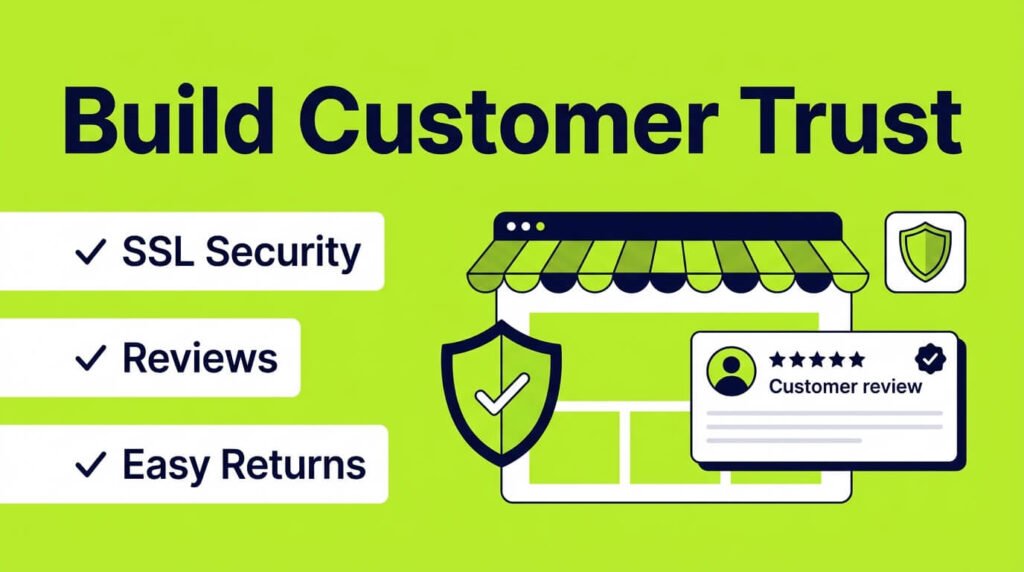
Trust decides whether a stranger buys from your store. It is not optional anymore. Especially with younger buyers.
Research from Tidio found that 34% of Gen Z shoppers believe most online stores are not trustworthy.
Typos and outdated design push that number higher. Buyers over 40 show more confidence. Only 17% of them expressed distrust.
Trust signals that matter most, ranked by impact:
| Trust Signal | Why It Works |
| SSL certificate and HTTPS | Confirms the connection is secure |
| Visible payment badges | Signals recognized, safe payment brands |
| Customer reviews on product pages | Shows proof from real buyers |
| Clear return policy | Removes fear of a bad purchase |
| Working contact page | Proves a business stands behind the store |
| Consistent, typo-free copy | Signals professionalism at a glance |
None of these steps cost much money. Most take an afternoon to add. Yet they decide whether a visitor trusts your store enough to enter card details.
Salesforce’s checkout research confirms this pattern. Buyers scan for trust signals the moment they reach payment. Not before. That means your trust elements need to sit near the buy button. Not buried in a footer link.
Fix 4: Offer the Payment Options Buyers Want in 2026
Payment habits shifted fast this year. A store that only accepts cards loses buyers before they finish typing their number.
Buy Now, Pay Later services grew across almost every age group. Klarna and Afterpay now sit next to standard card fields on most top-performing stores.
Digital wallets moved from a nice extra to an expectation. Apple Pay and Google Pay cut checkout time to a single tap.
Payment steps to add this year:
- Add one BNPL option at minimum, shown clearly at checkout
- Support Apple Pay and Google Pay on mobile
- Keep a standard card option for buyers who prefer it
- Show payment logos near the cart, not just at final checkout
- Test each new payment method on a small traffic slice first
Younger buyers check for BNPL before they check the return policy. Skip it, and you lose a visible slice of the market before checkout even loads.
Fix 5: Sell Where Buyers Already Scroll
Search is not the only path to a sale anymore. Social platforms turned into full storefronts.
TikTok Shop lets buyers purchase without leaving the app. Instagram Checkout works the same way inside Instagram.
Pinterest added shoppable pins that link straight to product pages. Buyers scroll, see a product, and buy it in seconds. No detour through your homepage.
Steps to plug into social commerce:
- Sync your product catalog to TikTok Shop and Instagram Shopping
- Keep pricing and stock consistent across every channel
- Use short video clips for top products, not just static photos
- Track which platform sends the highest average order value
- Reply fast to comments and DMs asking about a product
Stores that ignore social commerce miss a channel where buyers already trust the platform. That trust transfers to the purchase decision.
Fix 6: Cover the Legal and Accessibility Basics
Buyers and regulators both check this now. Skipping it creates real risk, not just a small gap.
A visible privacy policy and a cookie consent banner are required under GDPR for European visitors and under CCPA for California visitors.
Skipping either one risks fines and lost trust. Accessibility matters just as much.
A store that fails WCAG accessibility guidelines locks out buyers using screen readers or keyboard navigation. It also opens the door to legal complaints, which grew sharply in recent years.
Quick compliance checklist:
- Add a clear, plain-language privacy policy
- Show a cookie consent banner for visitors in regulated regions
- Add alt text to every product image
- Make sure the site works with keyboard-only navigation
- Check color contrast on buttons and text against WebAIM’s contrast checker
None of this slows down your store. It protects it.
Fix 7: Put AI to Work on the Storefront Itself
Most guides stop at using AI for content. In 2026, AI belongs on the storefront too.
Product recommendation engines now learn from real browsing behavior, not just past purchases.
AI chat widgets answer sizing, shipping, and stock questions instantly, day or night. Some stores use AI search bars that understand a full sentence instead of a single keyword match.
Where AI earns its place on your store:
- A recommendation widget on product and cart pages
- A chat widget trained on your FAQ and return policy
- Search that understands phrases, not just exact keywords
- Personalized homepage sections based on browsing history
Buyers notice when a store answers instantly. It shortens the gap between a question and a purchase.
Fix 8: Keep Customers Coming Back
Getting a first sale costs far more than keeping an existing customer. Yet many stores stop working the moment the order confirmation email sends.
Repeat customers spend more per visit and cost less to reach. A simple post-purchase email flow changes that math fast.
Add a thank-you email, a shipping update, and a review request. Then follow with a small discount on the next order.
Retention steps worth setting up:
- Build a three-email flow after every purchase
- Add a loyalty or points program for repeat buyers
- Offer a subscription option for products people reorder
- Send an abandoned cart email within one hour of drop-off
- Track repeat purchase rate as a core metric, not a side stat
A jewelry client added a single abandoned cart email. Nothing fancy. Just a reminder with the cart photo. It recovered 9% of lost carts within the first month.
The New SEO Reality: GEO and AEO for Online Stores
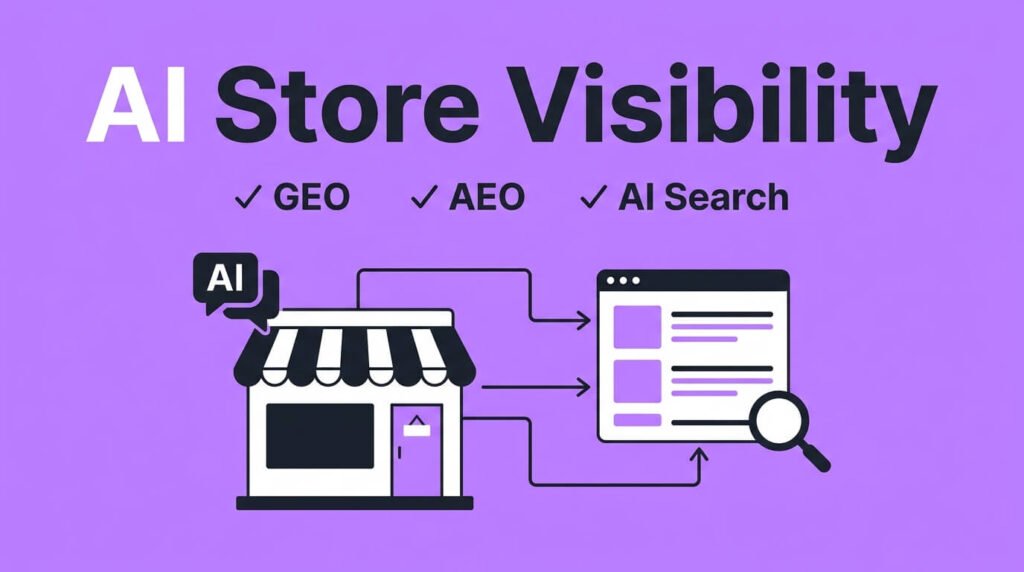
Search behavior shifted hard in 2026. Buyers ask AI tools direct questions instead of typing keywords into Google. This changes how a store needs to show up online.
Two terms matter here:
- GEO (Generative Engine Optimization): getting your store mentioned inside AI answers from ChatGPT, Gemini, and Perplexity
- AEO (Answer Engine Optimization): structuring content so it directly answers a question, ready for voice and AI search
Similarweb’s GEO guide found that a ChatGPT prompt averages 60 words. A typical Google search averages just 3.4 words.
Buyers now describe their exact need in full sentences. AI tools pick the store that answers clearest.
Data from the Digital Agency Network shows something else. AI engines weigh recency heavily.
Content published years ago without updates loses ground fast against a fresh 2026 page on the same topic.
Steps to make your store AI-visible:
- Answer common product questions directly on category pages, in plain language
- Add clear FAQ sections with short, direct answers
- Add Product, Review, and FAQPage schema markup to every product page
- Update product pages often, not just once at launch
- Build a few original stats or reviews AI tools can cite back to you
A store that answers questions clearly earns citations inside AI tools. That citation often replaces the old blue link click. It still sends buyers straight to checkout.
We rewrote twenty product FAQ blocks in plain question-and-answer format for one client.
Within eight weeks, three of those pages started appearing inside AI Overview answers on Google. Traffic from that source grew steadily. Rankings for those pages barely moved.
Mobile Checklist: Where Most Buyers Actually Are
Mobile shoppers behave differently than desktop shoppers. They abandon carts faster, near 80% compared to 66% on desktop. Speed and simplicity matter even more here.
Quick mobile checklist for any online store website:
- Buttons large enough to tap without zooming
- Checkout forms that trigger the right keyboard, like a number pad for phone numbers
- Product images that load fast on 4G, not just Wi-Fi
- One-handed navigation, since most phone browsing happens with one thumb
- Sticky “Add to Cart” button that stays visible while scrolling
Stores that pass these checks convert better on mobile. A 0.1-second speed gain alone lifted mobile conversions by 8.4% in retail testing.
Common Problems and Direct Fixes
Here is a fast reference for the most searched problems tied to running an online store website.
| Problem | Root Cause | Direct Fix |
| High traffic, low sales | Weak trust signals or slow checkout | Add reviews, cut checkout steps |
| High bounce rate | Slow load time | Compress images, use a CDN |
| Cart abandonment | Hidden costs at checkout | Show full price early |
| Low mobile conversions | Poor mobile layout | Simplify forms, enlarge buttons |
| Missing from AI search | No structured FAQ content | Add direct Q&A blocks with schema |
| Repeat customers low | No post-purchase follow-up | Add an email flow after first order |
| Buyers drop at payment | Limited payment options | Add BNPL and digital wallets |
| Lost social traffic | No shoppable social presence | Sync catalog to TikTok Shop and Instagram |
| Accessibility complaints | No WCAG compliance | Add alt text, fix contrast, test keyboard nav |
Expert Insight Worth Remembering
The team behind the GEO field frames the shift plainly. As the Digital Agency Network report notes, GEO demands the same ongoing discipline as SEO. It runs on fresh content and earned citations. Not a one-time fix.
Baymard Institute’s checkout research states the recovery opportunity in blunt terms too.
Roughly $260 billion in lost orders across the US and EU remains recoverable through better checkout design alone.
On speed, the pattern documented across dozens of case studies stays consistent. Every second shaved off load time returns measurable revenue. Not just a better user experience.
These points sum up 2026 clearly. Speed, trust, payment choice, and AI visibility now decide whether a store turns traffic into revenue.
About This Guide
This guide comes from hands-on testing across client stores on Shopify, WooCommerce, and Squarespace. Every fix listed here was tried on a real store first. Then measured. Then kept only if it moved the numbers.
Final Word
An online store website succeeds on fundamentals. Not gimmicks. Fast pages. Clear trust signals. Simple checkout.
Payment options buyers already use. A presence where buyers already scroll. Content that answers real questions, written for people and AI tools alike.
Fix one weak point at a time. Test it. Measure the change. That steady process beats any single hack. It holds up no matter how search behavior shifts again next year.
FAQ
How much does it cost to build an online store website in 2026?
Basic stores start near $20 to $50 a month with a builder plan. Custom builds with a developer often run $3,000 to $15,000 upfront, plus hosting and apps.
Do I need a business license before I sell online?
Most places require some form of registration once you take payments regularly. Check your local rules first, since requirements vary by state and country.
Should I handle my own inventory or use dropshipping?
Dropshipping needs less upfront cash but gives you less control over shipping times. Holding your own stock costs more but keeps quality and delivery in your hands.
What payment gateways should a new store accept?
Start with a card processor like Stripe or PayPal. Add a digital wallet option once volume grows, since buyers often expect one at checkout.
How many product photos does each listing need?
Aim for four to six photos per product, including one lifestyle shot. Clear, well-lit images reduce return rates and answer questions before checkout.
Do I need a separate email list for my store?
Yes. Email still drives repeat orders better than most social channels. Start collecting addresses from day one, even before your first sale.
How do I handle shipping for international customers?
Set clear zones with flat rates or live carrier pricing. Show delivery estimates and customs notes upfront to avoid confused buyers.
What legal pages does an online store need?
A privacy policy, terms of service, and a return policy cover the basics. Most platforms include free templates you can adjust to your business.
How often should I update product descriptions?
Review them every few months for accuracy and tone. Outdated specs or pricing errors quietly drive buyers away without warning.
Is a subscription model worth adding to a store?
It works well for consumable or repeat-use products. Test it on one product line first before rolling it across your full catalog.

Aliza Khatun is a Digital Marketing Professional and the founder of DigiGenHub. She has helped various businesses grow their online presence through real-world experience in marketing, branding, traffic growth, and business strategy.
Through DigiGenHub, she shows how to build and grow a business from the ground up using Website Setup, SEO, Branding, Paid Promotion, and smart digital tools.
She also highlights how AI can be used to its full potential to make content creation, automation, marketing, and business growth faster and smarter.
She believes that the right knowledge, modern technology, and the right tools can help any individual or business build a stronger online presence.